

Building good habits is tough. Initial motivation fades, and life inevitably gets in the way. While willpower is crucial, the right digital tools can make all the difference, creating a system that makes consistency feel almost effortless. This guide is your definitive resource for finding the best free habit tracking apps to turn your goals into automatic behaviors.
We’ll move beyond simple feature lists to provide an in-depth analysis of each tool. You will find a detailed breakdown covering:
- Key Features & Limitations: An honest look at what each app does well and where it falls short.
- Best-For Scenarios: Clear guidance on who will benefit most from each platform, from students to busy professionals.
- Pricing Caveats: Understanding the "free" in freemium models so you can avoid surprise paywalls.
- Quick Setup Tips: Actionable advice to get you started and tracking in minutes.
Each review includes screenshots and direct links, so you can see the app in action and download it immediately. For a broader approach to personal organization, exploring the best planning apps can also significantly contribute to maintaining your daily routines and supporting your habit-building efforts.
Later in the article, we’ll also explore the next logical step beyond manual tracking: automating some of your professional habits. This is where an "invisible tool" like Recurrr comes in. It's not a habit tracker, but a small productivity hack that can serve as a powerful forcing function for recurring tasks involving outreach, ensuring you stick to important business routines. Our goal is to equip you with a complete toolkit to find the perfect system for your specific needs, helping you build unbreakable habits that last.
- Habitica
Habitica stands out by transforming the often tedious process of building routines into an engaging role-playing game (RPG). This platform is one of the best free habit tracking apps for users motivated by gamification, social accountability, and a sense of progression. You create a custom avatar that gains experience and levels up when you complete your real-life tasks, which are split into Habits, Dailies, and To-Dos.
The core experience is incredibly rich for a free tool. You aren't just checking off boxes; you're earning gold to buy in-game gear, collecting pets, and even joining parties with friends. This social element adds a powerful layer of accountability, as your party members can take damage if you fail to complete your daily tasks. It's a clever mechanism that makes you accountable not just to yourself, but to your team.
While the game-like interface can feel overwhelming for minimalists, those who embrace it find it a highly effective and fun way to stay on track. The open-source nature also fosters a transparent and dedicated community.
Key Features & User Experience
- Gamified Task Management: Divides tasks into positive/negative Habits, repeatable Dailies, and one-off To-Dos.
- Social Accountability: Join Guilds and Parties to embark on quests and fight monsters with friends, making habit-building a collaborative effort.
- Avatar Customization: Earn rewards to unlock armor, pets, and skills, providing tangible motivation for completing tasks.
The user interface is vibrant and pixel-art styled, which is a major part of its appeal. While the sheer number of features might require a short learning curve, the initial setup is straightforward.
Best For: Individuals who thrive on gaming mechanics, community support, and visual rewards to maintain motivation for both personal and professional habits.
Pros & Cons
ProsConsCore features are completely free and robustGame mechanics can be distracting for someStrong motivational pull from social playThe interface can feel busy or clutteredOpen-source with a passionate communityWebsite: https://habitica.com
- Apple App Store (US)
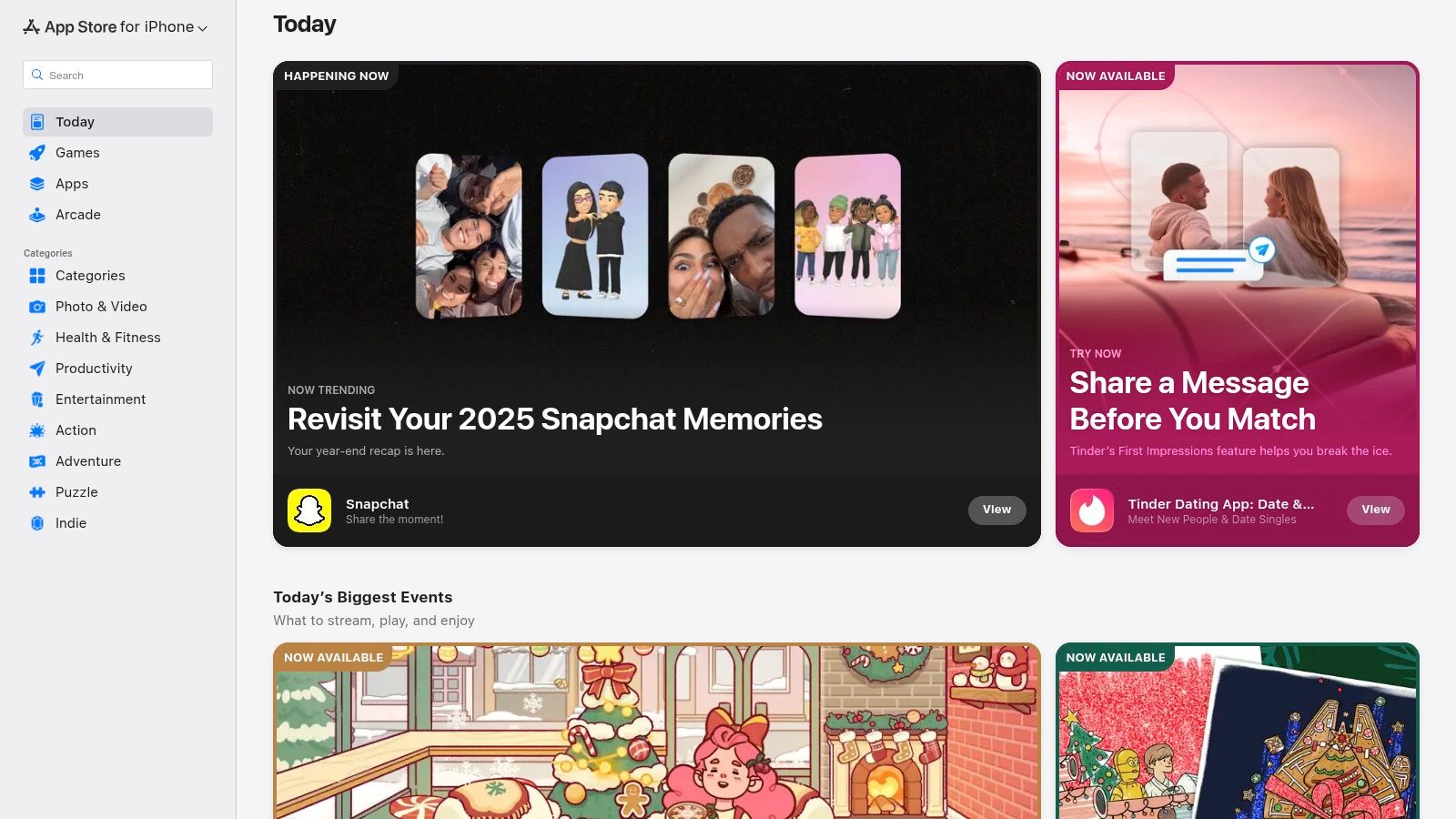
While not a habit tracker itself, the Apple App Store is a crucial starting point for iOS users seeking the best free habit tracking apps. It serves as a curated, secure marketplace where you can discover, compare, and download tools that fit your specific needs. Its value lies in the rigorous App Review process, editorial collections, and transparent privacy labels, which help users find high-quality, safe applications.
The platform excels at discovery. Features like editorial roundups (e.g., “13 Best Habit-Tracking Apps”) and user ratings provide valuable social proof, saving you the time of sifting through countless options. Furthermore, clear information on in-app purchases allows you to distinguish between genuinely free apps and those that lock essential features behind a paywall. This level of curation makes it an essential resource for finding a reliable tool.
For those committed to the Apple ecosystem, the App Store offers a seamless experience with unified billing, family sharing, and straightforward refund support. It's the most trusted gateway for iPhone and iPad users to find an app that will stick.
 ### Key Features & User Experience
- Vetted App Catalog: All apps undergo Apple's App Review, ensuring a baseline of quality, security, and functionality.
- Editorial Curation: Editors frequently feature and recommend top-performing habit trackers, making it easy to find proven options.
- Privacy Labels: Easily view what data an app collects before you download it, promoting informed decisions.
- User Ratings and Reviews: Leverage community feedback to gauge an app's effectiveness and user experience.
The interface is clean and intuitive, making app discovery and management effortless. Integrated billing and updates simplify the entire lifecycle of using an app.
Best For: iOS and macOS users who want a secure and curated environment to discover and compare a wide variety of high-quality free and paid habit-tracking apps.
Pros & Cons
ProsConsTrusted, safe distribution for iOS devicesExclusive to the Apple ecosystemEditorial recommendations help surface qualityMany apps are "freemium" with key features paywalledClear privacy and in-app purchase disclosuresWebsite: https://apps.apple.com/us
- Google Play Store
For Android users, the Google Play Store is the primary gateway to discovering and installing many of the best free habit tracking apps available. While not an app itself, it's an essential platform for navigating the vast ecosystem of habit-building tools. It provides crucial context like user ratings, update histories, and device compatibility checks, helping you make an informed decision before committing to a download.
The platform centralizes the app discovery process, allowing you to compare features and read candid reviews from a massive user base. This is especially useful for identifying apps that genuinely offer robust free tiers versus those that are heavily restricted by paywalls. Its regional availability notes also prevent the frustration of finding a great app that isn’t available in your country. For those looking to build routines directly on their mobile device, exploring the top-rated options here is a critical first step.
While the Play Store is excellent for finding traditional habit trackers, it also houses a wide range of reminder apps that can help automate certain professional or personal routines. You can explore a curated list of the best reminder apps for Android to find tools that complement your habit-building journey.
Key Features & User Experience
- Massive Android App Catalog: An extensive library with clear categories, regional availability, and user-generated tags.
- Automatic Device Compatibility: The store automatically checks if an app is compatible with your specific Android device and OS version.
- Ratings and Reviews: Aggregated user scores and detailed reviews provide real-world insights into an app's performance and usability.
The user interface is intuitive and optimized for discovery, making it easy to search, filter, and compare apps. The one-tap installation process across all your signed-in Android devices simplifies setup significantly.
Best For: Android users who want to research, compare, and install a wide variety of free and freemium habit-tracking apps directly on their mobile devices.
Pros & Cons
ProsConsOne-tap install across all Android devicesClones and look-alikes can appear; publisher vetting recommendedTransparent version history and permissionsAvailability and pricing may vary by countryUser reviews provide valuable real-world feedbackWebsite: https://play.google.com/store
- Habitica
Habitica stands out by transforming the often tedious process of building routines into an engaging role-playing game (RPG). This platform is one of the best free habit tracking apps for users motivated by gamification, social accountability, and a sense of progression. You create a custom avatar that gains experience and levels up when you complete your real-life tasks, which are split into Habits, Dailies, and To-Dos.
The core experience is incredibly rich for a free tool. You are not just checking off boxes; you are earning gold to buy in-game gear, collecting pets, and even joining parties with friends. This social element adds a powerful layer of accountability, as your party members can take damage if you fail to complete your daily tasks. It is a clever mechanism that makes you accountable not just to yourself, but to your team.
While the game-like interface can feel overwhelming for minimalists, those who embrace it find it a highly effective and fun way to stay on track. The open-source nature also fosters a transparent and dedicated community.
Key Features & User Experience
- Gamified Task Management: Divides tasks into positive/negative Habits, repeatable Dailies, and one-off To-Dos.
- Social Accountability: Join Guilds and Parties to embark on quests and fight monsters with friends, making habit-building a collaborative effort.
- Avatar Customization: Earn rewards to unlock armor, pets, and skills, providing tangible motivation for completing tasks.
The user interface is vibrant and pixel-art styled, which is a major part of its appeal. While the sheer number of features might require a short learning curve, the initial setup is straightforward.
Best For: Individuals who thrive on gaming mechanics, community support, and visual rewards to maintain motivation for both personal and professional habits.
Pros & Cons
ProsConsCore features are completely free and robustGame mechanics can be distracting for someStrong motivational pull from social playThe interface can feel busy or clutteredOpen-source with a passionate communityWebsite: https://habitica.com
- Loop Habit Tracker
Loop Habit Tracker is a minimalist, open-source, and completely free tool dedicated to doing one thing exceptionally well: tracking habits. As one of the best free habit tracking apps for Android users, it prioritizes privacy, simplicity, and functionality over flashy features. It operates entirely offline without requiring an account, making it a reliable and secure choice for anyone wary of sharing personal data.
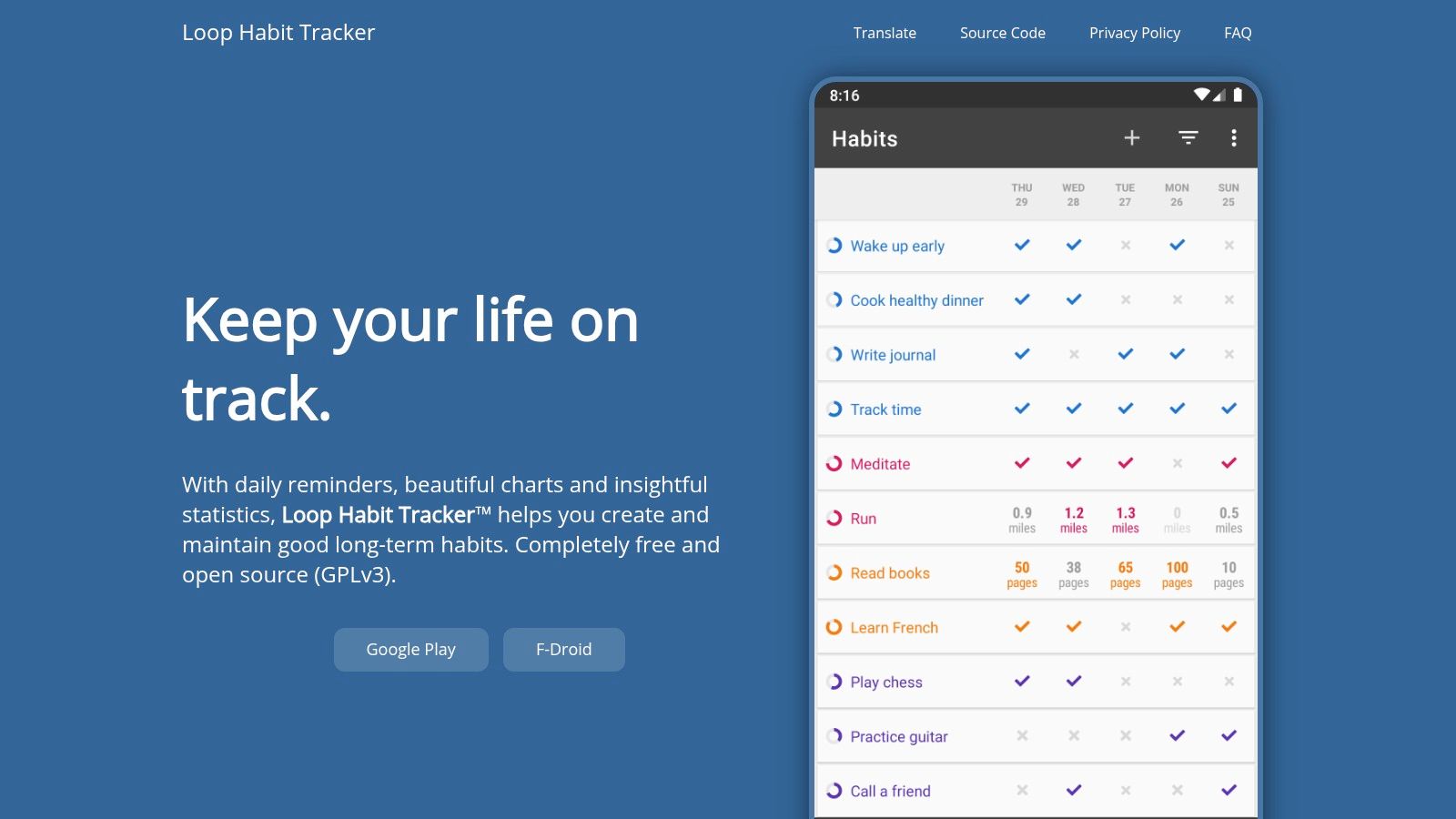 The app's strength lies in its clean interface and powerful analytics. Instead of gamification, it provides clear graphs, streak counts, and a "Habit Score" that calculates the strength of your routine over time. This data-driven approach appeals to users who want straightforward insights into their progress without the distraction of social features or complex reward systems. Its focus on core functionality makes it a standout choice for those seeking a pure habit-tracking experience.
For individuals building routines that involve other people, such as professional networking or team check-ins, automating the initial outreach can be a powerful forcing function. While Loop tracks your consistency, a tool like Recurrr can automate the recurring emails needed to initiate these habits, ensuring they never slip through the cracks. It's an excellent way to bridge the gap between tracking a habit and automating its execution.
Key Features & User Experience
- Clean Charts & Streaks: Visualize your progress with simple graphs and track your consistency with detailed streak counters.
- Offline Functionality & Privacy: The app works without an internet connection and requires no user account, ensuring your data remains private on your device.
- Open-Source and Ad-Free: Distributed under the GPLv3 license, the app is transparent, community-vetted, and free from ads or paid upgrades.
The user interface is incredibly lightweight and intuitive. Its minimalist design ensures a fast, distraction-free experience, allowing you to check in your habits in mere seconds.
Best For: Android users who value privacy, simplicity, and data-driven insights. It is ideal for individuals who want a no-nonsense, offline-first tool without ads or subscriptions.
Pros & Cons
ProsConsCompletely free forever with no ads or upsellsAndroid only, not available for iOS or webLightweight, fast, and provides strong statisticsNo built-in cloud sync (requires manual export/import)Privacy-focused with no account requiredWebsite: https://loophabits.org
- Habitify
Habitify offers a clean, modern, and data-driven approach to habit formation, making it one of the best free habit tracking apps for those who value a sleek interface and cross-platform synchronization. Its design philosophy centers on clarity and focus, allowing you to build routines without the distraction of complex game mechanics. The app provides a straightforward way to create, track, and analyze your habits across all your devices.
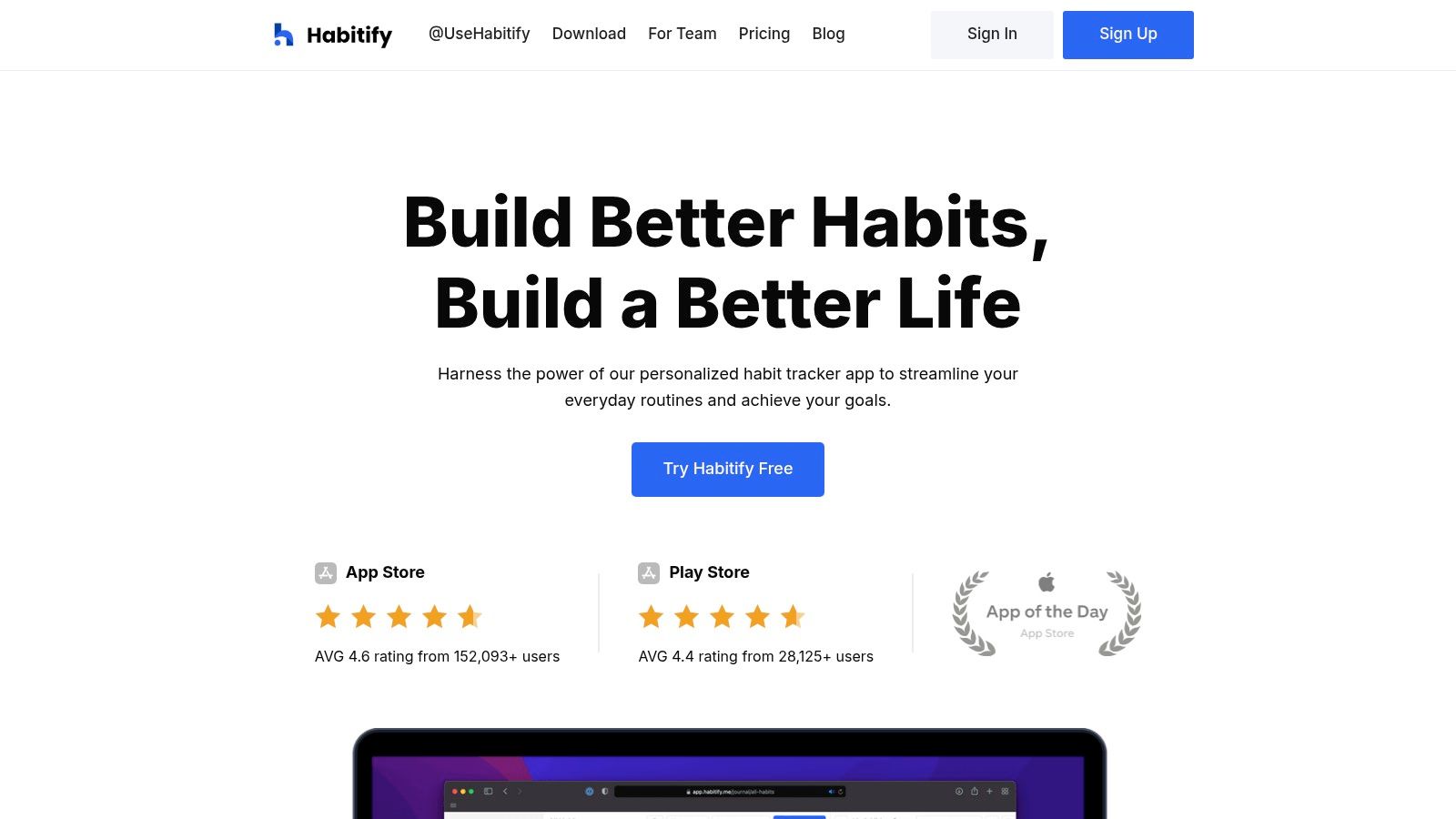 The platform excels at providing insightful data visualizations, such as completion rates and streak charts, which help you understand your progress at a glance. For users invested in the Apple ecosystem, its integration with Apple Health for tracking fitness habits is a significant advantage. The free tier is functional for getting started, but its limitations are designed to encourage an upgrade to the premium version, which unlocks unlimited habits and more advanced features.
While its core function is tracking, Habitify fits well within a broader ecosystem of tools. As a strong contender among personal productivity apps, it can be paired with automation tools for habits that involve outreach. For instance, you could use a separate service like Recurrr to automate a quarterly "check-in with mentor" reminder email, while using Habitify to track the completion of the habit itself.
Key Features & User Experience
- Cross-Platform Sync: Seamlessly syncs your habit data across iOS, Android, macOS, and a web app.
- Data & Analytics: Provides detailed charts and statistics to visualize your streaks, completion rates, and daily performance.
- Integrations & Automation: Connects with Apple Health, Google Calendar, and supports automation through Zapier, IFTTT, and its own API.
The user interface is minimalist and highly intuitive, making it easy to set up and start tracking in minutes. Its powerful and flexible reminder system ensures you never miss a beat.
Best For: Data-oriented individuals who want a polished, multi-device experience and value detailed progress reports to stay motivated and refine their routines.
Pros & Cons
ProsConsBeautiful, clean interface across all devicesFree plan is quite limited (only 3 habits)Robust data visualization and reportingAdvanced features require a premium subscriptionStrong integration and automation optionsWebsite: https://www.habitify.me
- Strides
Strides is a highly flexible goal and habit tracker designed for the data-driven user. Exclusive to the Apple ecosystem, it offers a sophisticated way to monitor progress beyond simple yes/no check-ins. It is one of the best free habit tracking apps for those who want to see trends, averages, and milestones, providing a clear, analytical view of their journey. You can track habits, target specific goal values by a date, monitor project completion, or even track average metrics over time.
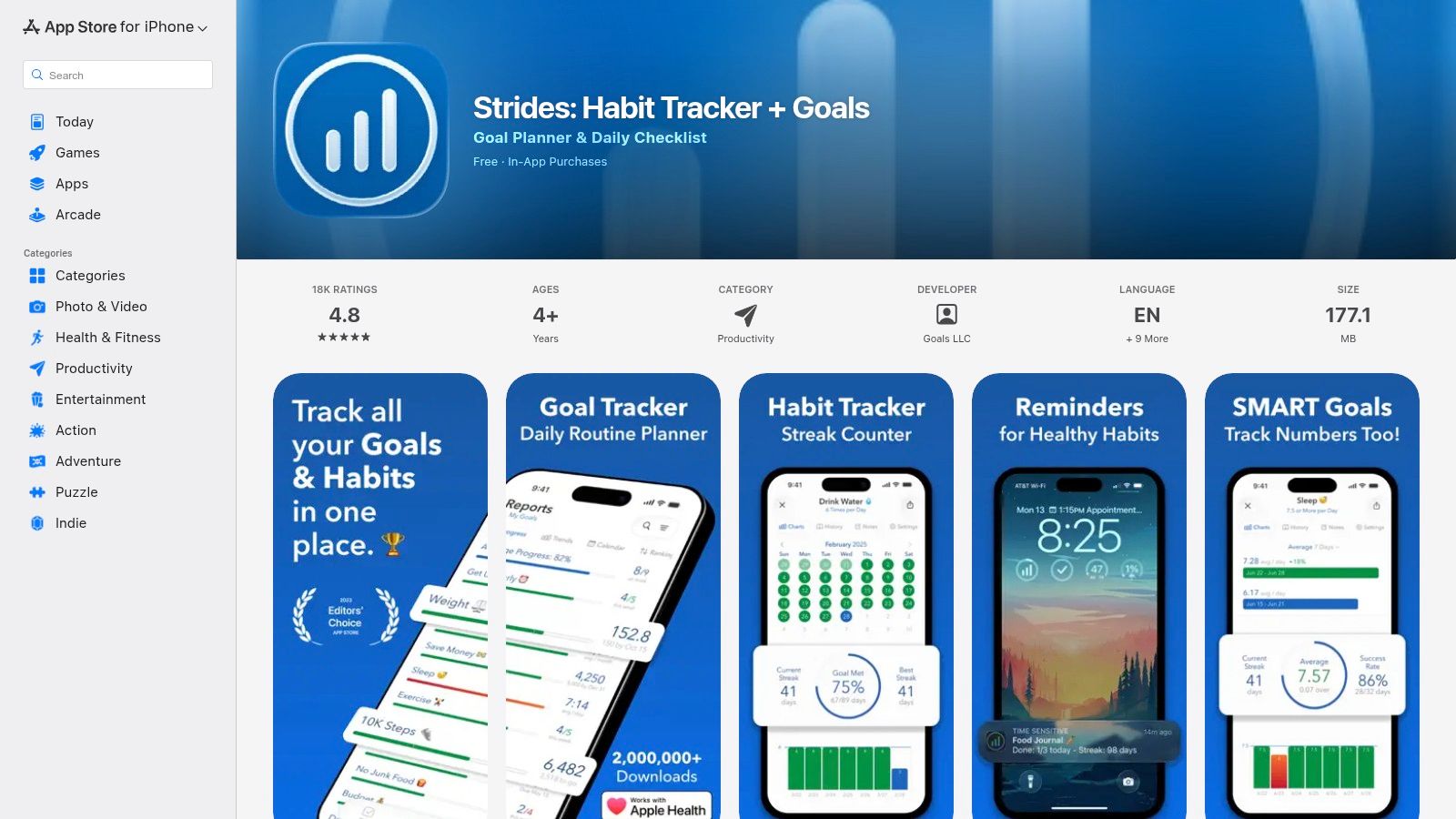 The core strength of Strides lies in its versatility. Whether you want to drink more water (Habit), save a certain amount of money by December (SMART Goal), or reduce your average screen time (Average), the app provides the specific tools and visualizations for each. The free version allows you to create a limited number of trackers, which is often enough to get started and monitor a few key areas of your life.
For users deeply embedded in the Apple ecosystem, the seamless sync across iPhone, iPad, Mac, and Apple Watch creates a cohesive and convenient experience. While the most powerful features are behind the Strides Plus subscription, the free offering is robust enough to provide significant value for focused goal-setters.
Key Features & User Experience
- Multiple Tracker Types: Set up trackers for Habits, SMART Goals, Averages, and Project Milestones.
- Progress Reports: Utilizes charts and graphs to give you a clear, data-centric view of your progress and streaks over time.
- Deep Apple Integration: Full compatibility and syncing across iPhone, iPad, Mac, and Apple Watch for tracking anywhere.
The user interface is clean, modern, and focused on data visualization. Setting up a new tracker is guided and intuitive, with over 150 templates to help you start quickly.
Best For: Apple users who are motivated by data, charts, and detailed progress reports to achieve specific, measurable goals alongside their daily habits.
Pros & Cons
ProsConsFour powerful tracker types for varied goalsExclusive to the Apple ecosystem (iOS, macOS)Core tracking features are free to useUnlimited trackers require a paid subscriptionExcellent data visualization and reportingWebsite: https://apps.apple.com/us/app/strides-habit-tracker-goals/id672401817
- TickTick
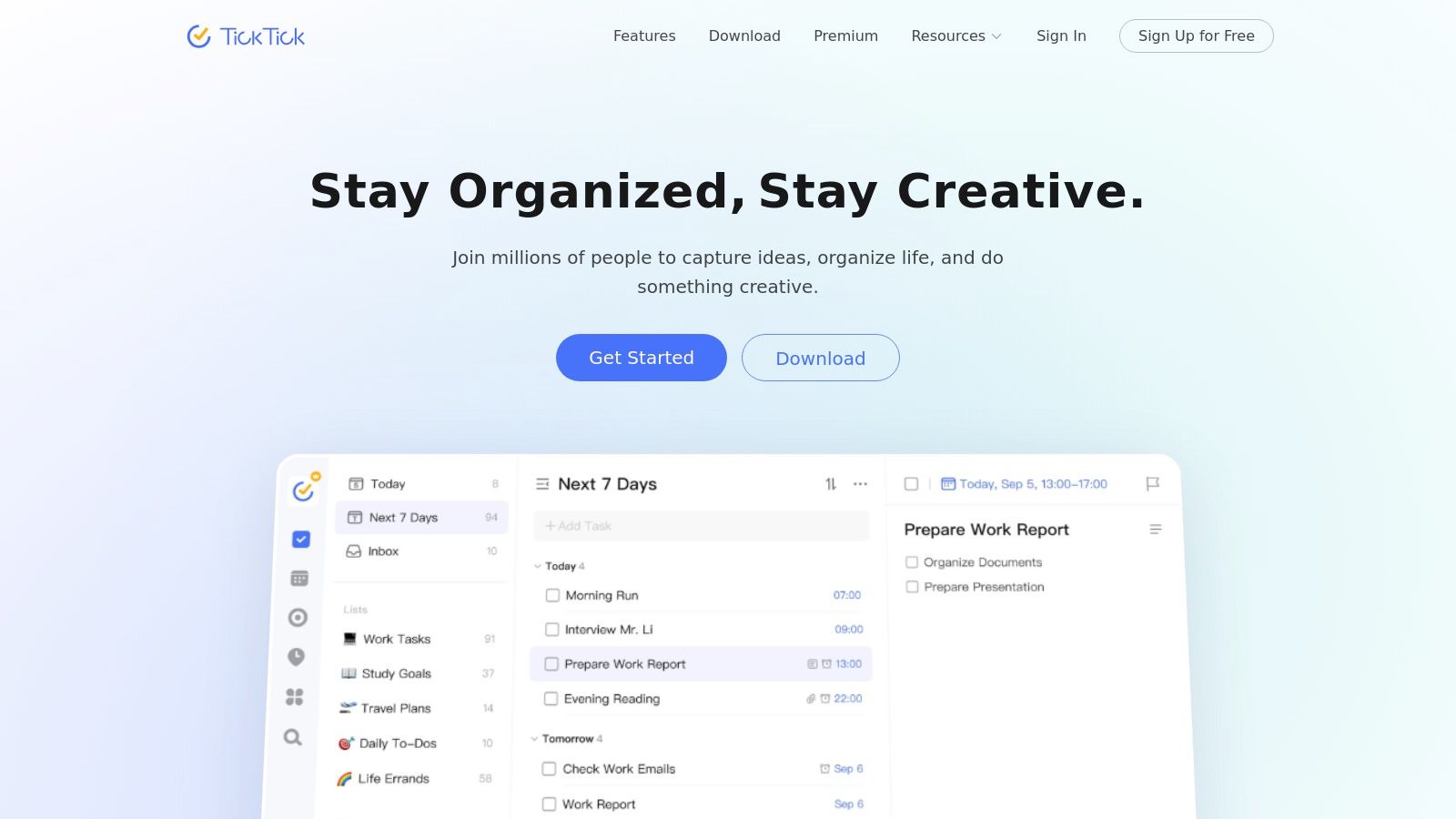
TickTick is far more than just a habit tracker; it’s a comprehensive productivity suite that seamlessly integrates habit building into your daily workflow. This makes it one of the best free habit tracking apps for users who want to consolidate their to-do lists, calendars, and habits into a single, powerful platform. Instead of juggling multiple apps, TickTick allows you to see how your habits fit alongside your scheduled appointments and one-off tasks.
The platform excels at providing a unified view of your commitments. The free version is remarkably generous, offering a dedicated habit module where you can track check-ins, view streaks, and see monthly progress. This integration is key, as it encourages you to build routines within the same environment where you manage the rest of your life, from work projects to personal errands. It's a pragmatic approach that contextualizes habit formation as part of a larger productivity system.
 While the all-in-one design is a huge plus, some users find the pricing structure for its premium features can vary across different platforms and regions, which is a point of consideration. For those interested in the journey of apps listed in the Apple App Store, a guide on how to publish app on App Store provides insight into the submission process and requirements.
Key Features & User Experience
- Integrated Productivity Hub: Combines a powerful to-do list manager, calendar, Pomodoro timer, and a dedicated habit tracker in one app.
- Cross-Platform Sync: Flawless synchronization across Web, macOS, Windows, iOS, and Android, including widgets and watch support.
- Detailed Habit Stats: The free plan provides access to monthly views and streak counts for each habit, offering clear visual feedback.
The user interface is clean, modern, and highly functional. It’s less about gamification and more about efficiency, presenting your habits and tasks in a clear, actionable format that’s easy to navigate.
Best For: Users who want a single, all-encompassing app to manage their tasks, schedule, and habits, and who value cross-platform consistency over gamified motivation.
Pros & Cons
ProsConsAll-in-one productivity and habit toolingPricing can be confusing and varies by platformGenerous free plan for core needsSome users report payment differences across storefrontsExcellent cross-platform supportWebsite: https://ticktick.com
- Coach.me
Coach.me combines a straightforward habit tracker with a powerful human element: community support and optional one-on-one coaching. This platform is one of the best free habit tracking apps for users who benefit from public commitment and believe that true accountability comes from other people. The core tracking functionality is simple, allowing you to check in daily, add notes, and see your progress streaks.
Where it truly differentiates itself is its integrated community and coaching marketplace. When you track a habit, you can engage in a public Q&A with others pursuing the same goal, receiving encouragement and "props" from fellow users. If you hit a plateau or need expert guidance, you can seamlessly hire a professional coach directly through the platform for personalized support, turning a simple app into a powerful accountability system.
 While the tracker itself is more basic than others, its strength lies in this unique, scalable approach to accountability. You can start for free with community motivation and then invest in expert help only when you feel the need for it, making it a flexible and powerful tool for long-term change.
Key Features & User Experience
- Simple Habit Tracking: A clean, no-frills interface for daily check-ins and progress monitoring available on web, iOS, and Android.
- Community Q&A: Get answers, advice, and motivation from a community of users all working on the same habits.
- Integrated Coaching Marketplace: Easily hire a vetted habit coach for personalized one-on-one guidance and accountability.
The user experience is centered around interaction. The interface is clean and encourages you to not just check a box, but to engage with the community or consider the next step in your journey with a coach.
Best For: Individuals who need social proof and human interaction to stay motivated, and who appreciate having a clear, integrated path to paid professional coaching if self-direction isn't enough.
Pros & Cons
ProsConsCore habit tracking is completely freeCoaching services can be costly for long-term useSimple path to add human coaching when neededFeature set is simpler than some dedicated habit trackersStrong community support featureWebsite: https://www.coach.me
- Product Hunt
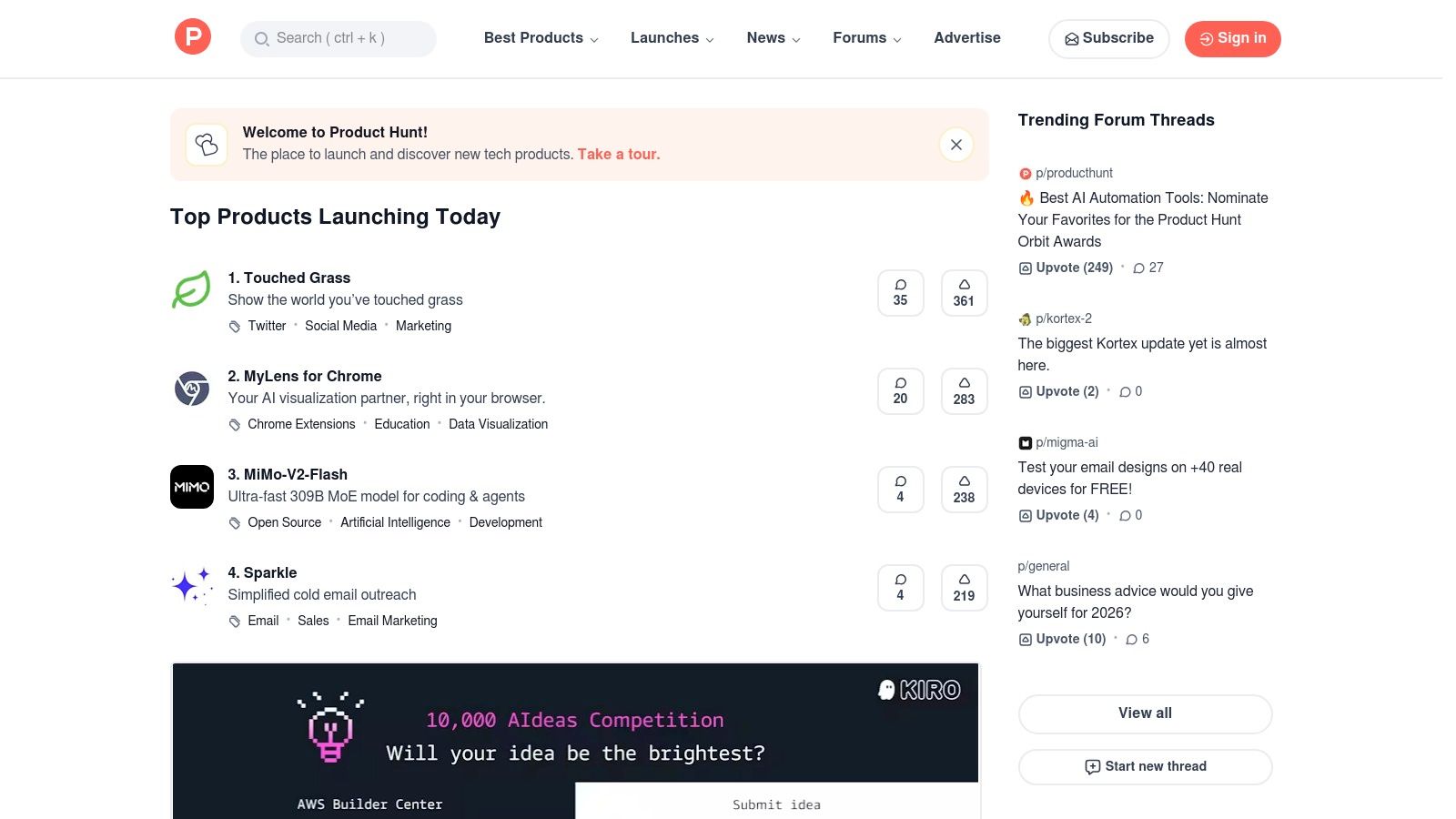
While not a habit tracker itself, Product Hunt is an indispensable discovery platform for finding the next wave of productivity tools. It's one of the best free habit tracking apps resources because it showcases newly launched and trending applications, often from indie developers, before they hit the mainstream. This makes it a goldmine for users seeking innovative or niche solutions that larger app stores might bury.
The platform thrives on its community-driven model. Each day, new products are "hunted" and listed, allowing users to upvote, comment, and engage directly with the creators. This provides transparent, real-world feedback and an opportunity to understand a tool’s philosophy from the source. It’s the ideal place to find a freemium app perfectly tailored to a unique workflow that you didn’t even know existed.
 While the quality of apps can vary, the direct line to developers and unfiltered user discussions make it an essential stop for anyone serious about optimizing their personal productivity stack.
Key Features & User Experience
- Daily Product Launches: A constant stream of new apps, including many habit trackers, with community voting to highlight the most promising ones.
- Community Reviews & Discussions: Read honest feedback from early adopters and ask questions directly to the app makers in the comments section.
- “Similar Products” Recommendations: Discover a range of alternatives for any app that catches your eye, helping you compare features and find the perfect fit.
The user interface is clean, modern, and focused on discovery. Navigating new launches is intuitive, and filtering by category helps you quickly find relevant tools for habit formation.
Best For: Tech-savvy individuals and early adopters who want to discover brand-new, often free or indie, habit tracking apps and value community feedback.
Pros & Cons
ProsConsExcellent for discovering new and innovative appsQuality and support for listed apps can varyTransparent user feedback and creator discussionsMany apps are in early-stage or beta developmentCompletely free to browse and exploreWebsite: https://www.producthunt.com
- Amazon Appstore
While not a habit tracker itself, the Amazon Appstore is a crucial discovery platform for users embedded in the Amazon ecosystem, particularly those with Fire tablets or Android devices configured to use it. It serves as an alternative to the Google Play Store, offering a curated selection of apps, including many of the best free habit tracking apps available. Its primary value lies in its integration with your existing Amazon account for seamless billing and management.
For users of Amazon Fire devices, this is the default and often only official way to install applications. This makes it an essential resource for finding tools to build better routines. You can browse categories like "Health & Fitness" or "Productivity" to discover new or familiar habit-building apps that are compatible with your device, all managed through a trusted and familiar interface.
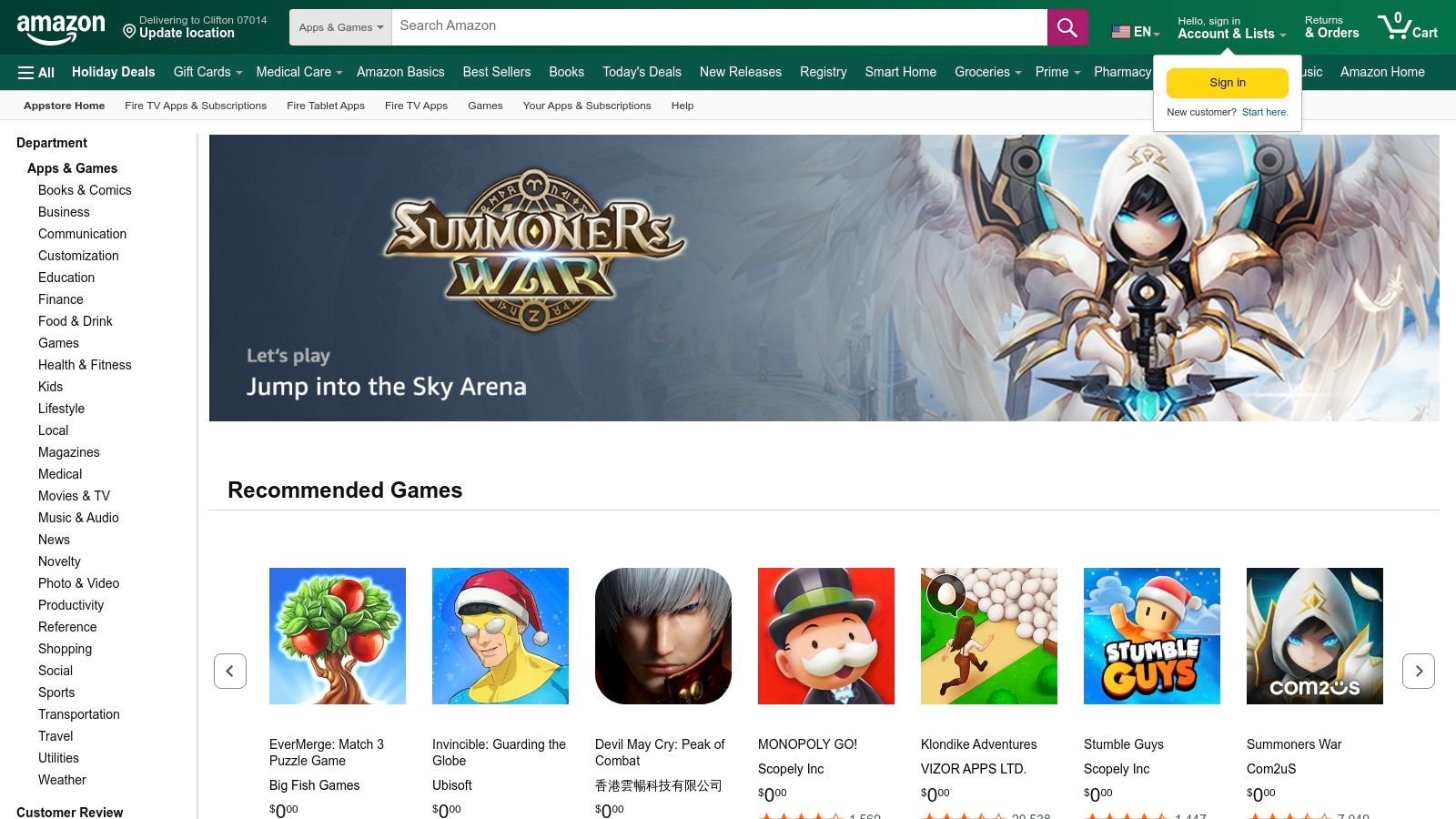 The user experience mirrors the standard Amazon shopping journey, which is a major plus for those who prefer its layout and payment system. However, the app selection can be smaller than Google Play, and updates for certain apps may sometimes lag behind.
Key Features & User Experience
- Curated App Catalog: Provides a vetted selection of apps specifically for Fire tablets and compatible Android devices.
- Category Browsing: Easily find productivity and wellness tools under dedicated "Health & Fitness" and "Productivity" sections.
- Centralized Amazon Billing: All purchases and subscriptions are handled directly through your Amazon account, simplifying payment management.
The interface is straightforward and will be immediately familiar to anyone who has used Amazon's retail website or apps. This makes searching for and installing a new habit tracker a quick and painless process.
Best For: Amazon Fire device owners or Android users who prefer to centralize their app downloads and payments through their Amazon account.
Pros & Cons
ProsConsThe primary app source for Amazon Fire usersApp selection is smaller than Google PlayFamiliar and trusted Amazon interfaceSome apps may be updated less frequentlyIntegrated with Amazon account and billingWebsite: https://www.amazon.com/appstore
- F-Droid
F-Droid isn't a single habit tracking app, but rather a trusted, independent repository for free and open-source software (FOSS) on Android. Its inclusion in a list of the best free habit tracking apps is for the privacy-conscious user who wants tools free from ads, trackers, and proprietary code. F-Droid provides access to excellent, community-vetted applications like Loop Habit Tracker, which offers a minimalist, powerful, and entirely free experience without needing the Google Play Store.
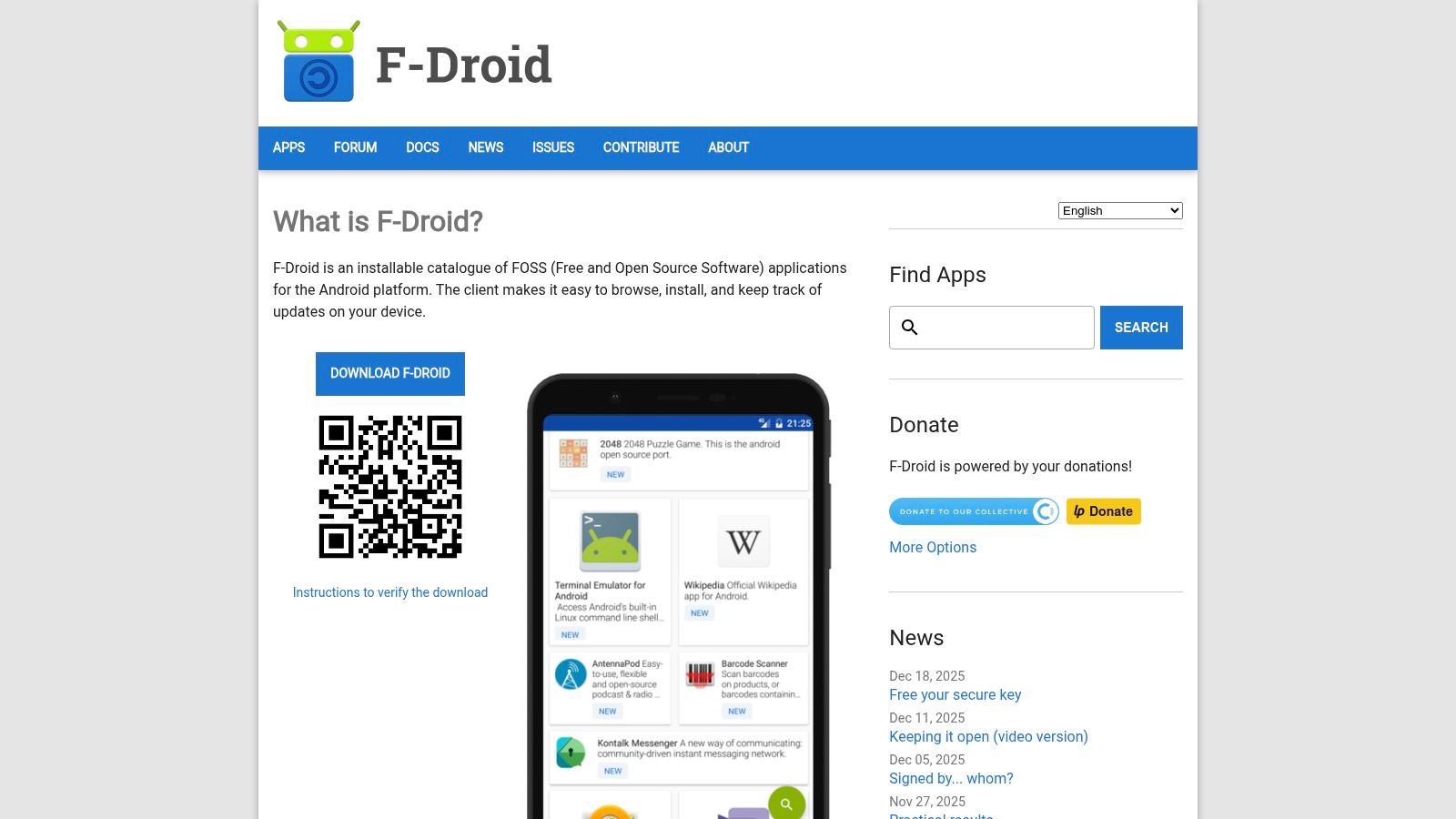 The platform is a haven for those looking to de-Google their digital life or sideload apps onto devices that don't have standard Play services. Every app is built from publicly available source code, ensuring a high degree of transparency and security. For habit tracking, this means you can find tools that focus purely on functionality without any data-monetizing backend.
While the selection is smaller and apps may sometimes lack the commercial polish of their Play Store counterparts, the commitment to user freedom and privacy is unparalleled. It's the ideal source for finding a no-nonsense, effective habit tracker that respects your data.
Key Features & User Experience
- Verified FOSS Apps: Access a curated catalog of applications that are all free, open-source, and verified for security.
- Privacy-First Approach: The F-Droid client and its apps contain no tracking, advertisements, or hidden user monitoring.
- Build Transparency: Provides access to the source code for every app, allowing for independent audits and verification.
- Ideal for Sideloading: Enables installation of apps on any Android device, regardless of its connection to Google's ecosystem.
The user experience is straightforward, functioning like a simplified, security-focused app store. Finding and installing apps is easy, but users must enable installations from unknown sources in their Android settings.
Best For: Android users who prioritize privacy, security, and open-source principles, and who want a clean, ad-free habit tracking experience without relying on the Google Play Store.
Pros & Cons
ProsConsCompletely free and privacy-respecting appsAndroid onlyStrong focus on security and transparencySmaller app selection than Play StoreIdeal for devices without Google servicesApps may have less commercial polishWebsite: https://f-droid.org
Best Free Habit Tracking Apps — 12-Source Comparison
ProductCore featuresUX / QualityPrice / ValueTarget audienceUnique selling pointRecurrr 🏆✨ Automated recurring emails; calendar outbox; NLP recurrence; pause/skip★★★★☆ intuitive, 5‑min setup💰 $9/mo; free trial (no card)👥 Individuals, freelancers, small teams✨ Privacy-first (AES‑256); sends from Gmail/Outlook; true set‑and‑forget automationApple App StoreApp discovery, editorial roundups, privacy labels★★★★☆ trusted curation💰 Free platform; apps often freemium👥 iOS/macOS users looking for vetted apps✨ Editorial picks & clear privacy labelsGoogle Play StoreLarge Android catalog; compatibility & update history★★★☆☆ massive choice, variable quality💰 Free platform; regional pricing varies👥 Android users seeking wide selection✨ Device compatibility checks & version historyHabiticaHabits, dailies, to‑dos; RPG leveling; parties/guilds★★★★☆ engaging, social motivation💰 Free core; optional purchases👥 Gamified users who want social accountability✨ RPG gamification + community challengesLoop Habit TrackerOffline streaks, charts, unlimited habits (FOSS)★★★★☆ lightweight, privacy‑first💰 Free forever (GPLv3)👥 Privacy‑minded Android users✨ No ads/account, available via F‑Droid/APKHabitifyCross‑platform sync, reminders, integrations★★★★☆ polished UI, reliable sync💰 Free tier; Premium subscription👥 Multi‑device users (iOS/Android/Web)✨ Apple Health, Zapier & API integrationsStridesMultiple tracker types, templates, reports★★★★☆ data‑driven tracking💰 Free basic; Strides Plus for unlimited👥 Apple ecosystem users & goal‑oriented people✨ SMART goals, templates & reportingTickTickTasks + Habits, Pomodoro, calendar & widgets★★★★☆ all‑in‑one productivity suite💰 Generous free plan; paid upgrades👥 Users wanting integrated tasks+habits✨ Pomodoro + calendar integrationCoach.meSimple habit tracker + community Q&A + coaching★★★☆☆ simple, community support💰 Core free; paid coaching marketplace👥 Users wanting human coaches/accountability✨ Easy path to 1:1 professional coachingProduct HuntNew product launches, community reviews & links★★★☆☆ discovery & early feedback💰 Free to browse👥 Early adopters and indie product seekers✨ Spotlight for new/trending apps and discussionAmazon AppstoreFire/Android apps, category browsing, Amazon billing★★★☆☆ smaller catalog than Play💰 Free platform; Amazon account billing👥 Fire tablet/Amazon account users✨ Amazon billing & Fire device supportF‑DroidRepository of verified FOSS Android apps, builds★★★★☆ privacy‑focused, no trackers💰 Free (FOSS)👥 Privacy/security‑minded Android users✨ Verified open‑source APKs; no ads or trackersBeyond Tracking: Automating Your Habits for True Consistency
Navigating the landscape of the best free habit tracking apps is the crucial first step toward building a more intentional and productive life. We've explored a diverse range of tools, from gamified motivators like Habitica and sleek, minimalist trackers like Loop Habit Tracker to comprehensive solutions like Habitify and Strides. Each app offers a unique approach to the universal challenge of consistency, providing the digital scaffolding you need to build, monitor, and reinforce positive behaviors.
The core takeaway is that no single app is universally perfect. The "best" tool is the one that aligns seamlessly with your personal psychology, daily workflow, and specific goals. A student building study habits might thrive with Habitica’s RPG elements, while a busy professional might prefer the data-driven insights offered by Strides. The key is to move beyond passive analysis and actively choose a system that feels less like a chore and more like a supportive partner.
Making Your Choice: A Practical Framework
To distill your decision-making process, consider these three critical factors before committing to an app:
- Motivation Style: Are you driven by data and seeing streaks grow (Loop, Strides), or do you need external accountability and community support (Coach.me)? Perhaps gamification and rewards are what truly keep you engaged (Habitica). Identifying your primary motivational driver will immediately narrow down the most effective options for you.
- Simplicity vs. Power: Do you need a straightforward, no-frills checklist to mark off daily actions? An app like Loop Habit Tracker is ideal. Or are you a power user who wants to track complex goals with multiple metrics, custom targets, and detailed reporting? In that case, a feature-rich app like Habitify or TickTick might be a better fit. Don't overcomplicate things if you don't have to; a simple tool used consistently is far better than a powerful one that overwhelms you.
- Integration with Your Life: The best habit tracker integrates into your existing ecosystem. If you're deeply embedded in the Apple ecosystem, Strides offers a native and polished experience. If you value open-source and privacy, F-Droid provides excellent options like Loop. Your tracker should reduce friction, not add another complex system to manage.
The Next Level: From Manual Tracking to Automated Action
Once you've established a foundation with a habit tracker, the ultimate goal is to make your positive routines effortless. This is where we move beyond simple reminders and progress charts. For many professional or business habits, the biggest difficulty isn't just remembering, but actually triggering the habit.
This is where you can introduce a powerful productivity hack: automation. A tracker can remind you to "Catch up with a key contact quarterly," but it can't send the outreach email for you. This is the next logical step. Instead of just tracking a habit, you can automate it.
Consider a tool like Recurrr. It's not a habit tracker, but a "hidden gem" that automates your recurring communications. It acts as a "forcing function" that transforms an intention into an action. For professional habits that involve multiple people, this can be a game-changer.
- Networking: Set a recurring email to catch up with someone every quarter. Recurrr sends the outreach automatically, forcing you to stick to that habit.
- Team Management: Automate a weekly "What are your top priorities?" email. The outreach happens without you thinking about it.
- Creating Accountability: When you send an email, you effectively create a "task" for the other person, as many people use their inbox as a to-do list. This increases the likelihood the habit actually happens.
By pairing one of the best free habit tracking apps for your personal, self-contained habits (like "read 10 pages" or "meditate for 5 minutes") with an automation tool for your communication-based habits, you build a truly robust system. Your tracker helps you build the discipline, while automation ensures the critical actions happen without fail, creating a powerful feedback loop that drives genuine, lasting consistency.
Ready to move beyond just tracking your habits and start automating them? While traditional apps remind you what to do, Recurrr does the work for you. See how scheduling recurring emails can become your secret weapon for building unbreakable professional routines by visiting Recurrr today.