

In a world of constant digital noise, finding tools that genuinely simplify our lives is crucial. The goal isn't just to do more, but to do what matters with less stress and friction. This guide cuts through the clutter, offering a curated look at the best personal productivity apps and the platforms where you can discover them. We'll explore tools designed to help busy professionals, freelancers, students, and households automate routines, manage tasks, and reclaim valuable time.
This isn't another generic list. We move beyond marketing copy to provide a comprehensive resource that helps you make an informed decision. For each entry, you'll find a clear summary, standout features, ideal use cases, pricing, and a frank assessment of its pros and cons. We provide direct links and screenshots to make your evaluation process seamless.
Our focus is on helping you find the right system for your specific needs, whether you're a solopreneur managing recurring client work or a household coordinating chores. The right app doesn't just add another item to your digital toolkit; it creates structure and clarity, allowing you to focus on high-impact activities. For those embracing the remote work model, a comprehensive list of the best AI tools for remote work to boost productivity can provide invaluable insights into enhancing efficiency.
This article will help you build a productivity system that supports your long-term goals, not just your daily to-do list. Let's dive in and find the tools that will transform the way you work and live.
- Recurrr
Recurrr is a masterclass in focused automation, earning its top spot among the best personal productivity apps by solving a common yet persistent problem: the manual repetition of routine emails. It transforms recurring communications and lightweight operational tasks into "set it and forget it" workflows. This allows busy professionals, freelancers, and small teams to reclaim significant time and mental energy for higher-value activities.
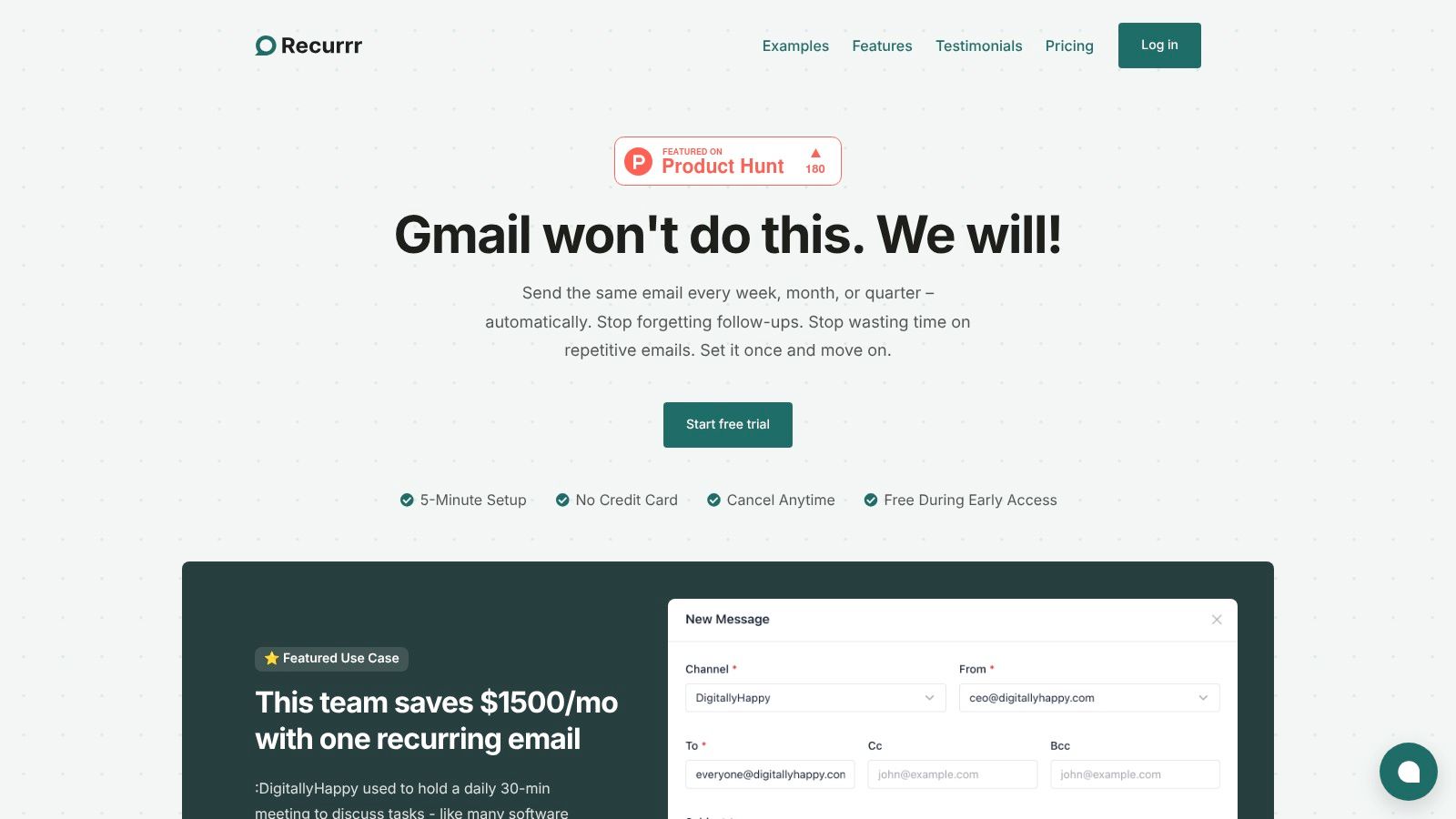 Unlike a simple "send later" function, Recurrr provides true, automated recurrence. It sends your emails 24/7 from the cloud, even when your computer is off. Its standout feature is an exceptionally intuitive interface, combining a calendar view with a Natural Language Processing (NLP) input. Scheduling a complex sequence, like an email every third Tuesday, is as simple as typing it out.
Practical Use Cases & Implementation
Recurrr's power lies in its simplicity and versatility, making it a cornerstone for automating routines.
- Replacing Meetings: One of its most impactful uses is converting daily or weekly status update meetings into automated check-in emails. This simple change can save teams hours each week, as demonstrated by one company that reported saving $1,500 per month by replacing a 30-minute daily meeting with a Recurrr email.
- Client & Lead Nurturing: Freelancers and sales professionals can automate follow-up sequences, ensuring consistent communication without manual tracking.
- Personal & Household Management: It's perfect for sending rent reminders, birthday wishes, or weekly habit prompts to keep personal life organized and on track.
Standout Features Analysis
FeatureDescriptionPractical BenefitTrue RecurrenceSchedules and sends emails on any recurring basis (daily, weekly, monthly) automatically.Eliminates the mental load of remembering and manually sending routine communications.NLP SchedulingUse plain language like "every other Friday at 9am" to set schedules.Drastically reduces setup time and makes even complex schedules easy to configure.Always-On SendingCloud-based system sends emails 24/7, regardless of your device's status.Guarantees reliability and timeliness for critical reminders and reports.Privacy-First DesignEmploys AES-256 encryption and does not access your inbox, read contacts, or sell data.Ensures your sensitive information remains secure and private, a key differentiator.Flexible ControlsEasily pause, skip, or reschedule any upcoming email directly from the calendar.Provides full control over your automations, adapting to changing needs without hassle.### Getting Started & Pricing
Recurrr is designed for a quick start. The setup takes less than five minutes, and you can begin scheduling immediately with a free trial that doesn't require a credit card.
- Free Trial: A comprehensive trial to test all features.
- Standard Plan: $9 per month. This single, straightforward tier includes sending from up to 3 email addresses and sending to up to 30 recipients per email (10 To, 10 Cc, 10 Bcc).
This pricing model is transparent and highly accessible for individuals and small teams. Learn more about how to get started on Recurrr’s guide to automating emails.
Pros & Cons
- Pros:
- Excels at true recurring email automation, a feature missing from most clients.
- Exceptionally easy to use with its NLP input and calendar view.
- Strong commitment to privacy and security.
- Reliable, always-on delivery with flexible management controls.
- Clear, affordable pricing.
- Cons:
- The sending cap (30 recipients) may be restrictive for larger-scale communications.
- It is not a full-featured CRM; it focuses solely on recurring email workflows.
- Apple App Store (Productivity collections)
For users embedded in the Apple ecosystem, the App Store itself serves as a foundational discovery platform for the best personal productivity apps. Rather than a single application, it's a curated marketplace where Apple’s editorial team frequently highlights top-tier tools in collections like "Best To-Do Apps" or "Get Organized." This approach provides a trusted starting point, saving you the effort of sifting through countless options.
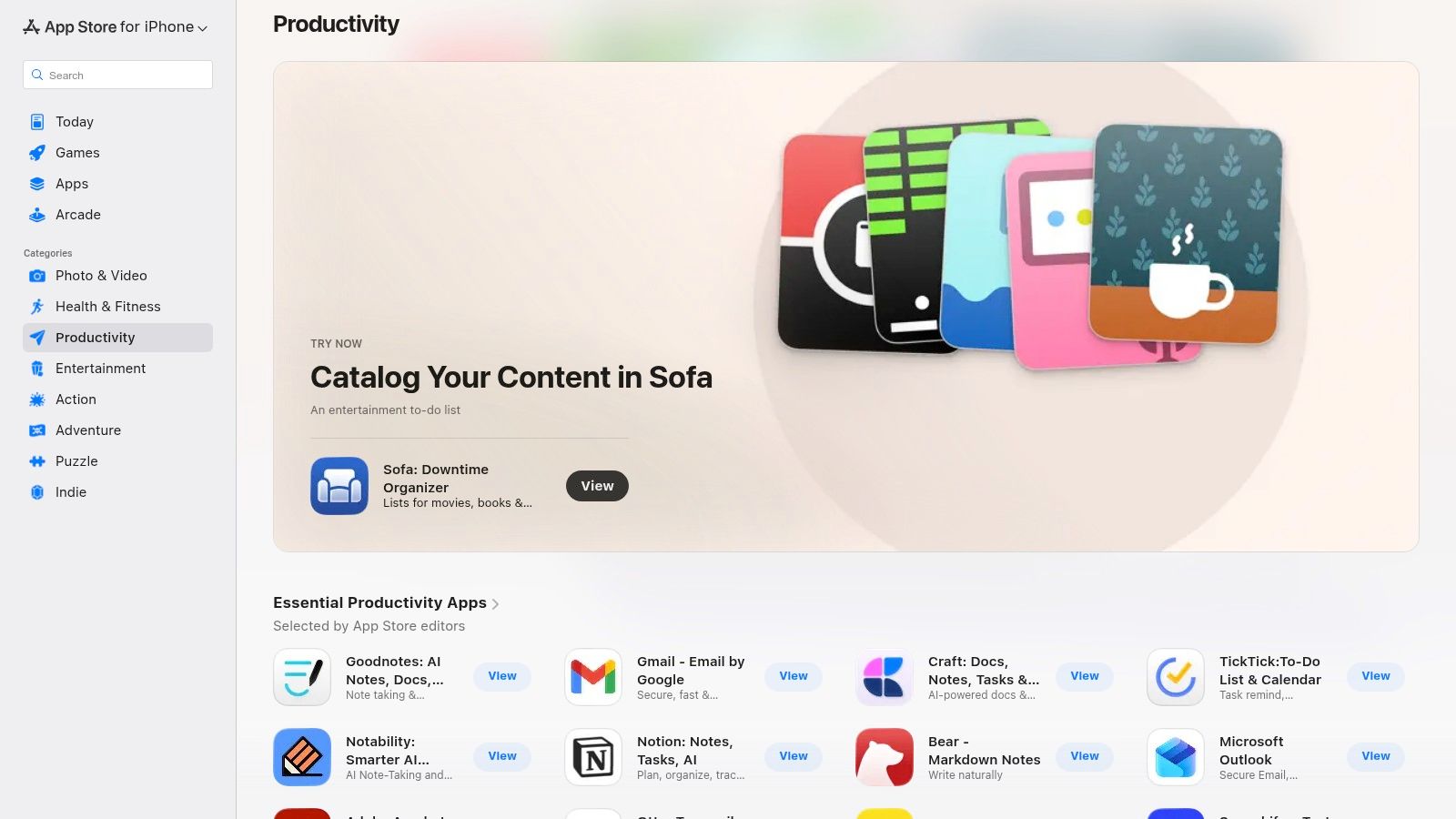 The primary advantage is the seamless, secure user experience. Purchasing, in-app subscriptions, and family sharing are all managed centrally through your Apple ID, simplifying financial tracking. Furthermore, Apple’s mandatory privacy labels offer a quick, transparent overview of how each app handles your data, a crucial factor for productivity tools that often access sensitive information.
Key Details & Usage Tips
- Best For: iOS, iPadOS, and macOS users seeking a secure and curated discovery process for native applications.
- Standout Features: Editor-curated collections, unified subscription management, and transparent privacy labels.
- Practical Tip: Use the web version to browse and share app links with others, but remember that installation must be completed on an Apple device. Check the "In-App Purchases" section on any free app's page to understand its monetization model before downloading.
While the web interface is for browsing only, the direct hand-off to a device's App Store is smooth. It stands out by providing a high-trust environment where app quality and security are vetted, making it an essential resource for finding reliable productivity solutions.
Pros****ConsHigh-quality curation and deep catalog for the Apple ecosystemInstalls must be completed on an Apple device, not from the webUnified subscription and purchase management via Apple IDPricing models (free, IAP, subscription) vary widely per appClear, mandatory privacy labels for data transparencyLimited to applications available within the Apple ecosystemWebsite: apps.apple.com
- Google Play Store (Productivity category)
For the vast majority of Android users, the Google Play Store is the primary gateway to discovering the best personal productivity apps. Its dedicated "Productivity" category acts as a massive library, featuring everything from global giants to niche tools. The platform leverages extensive user reviews and download counts, offering social proof that helps distinguish popular, effective applications from the immense selection available.
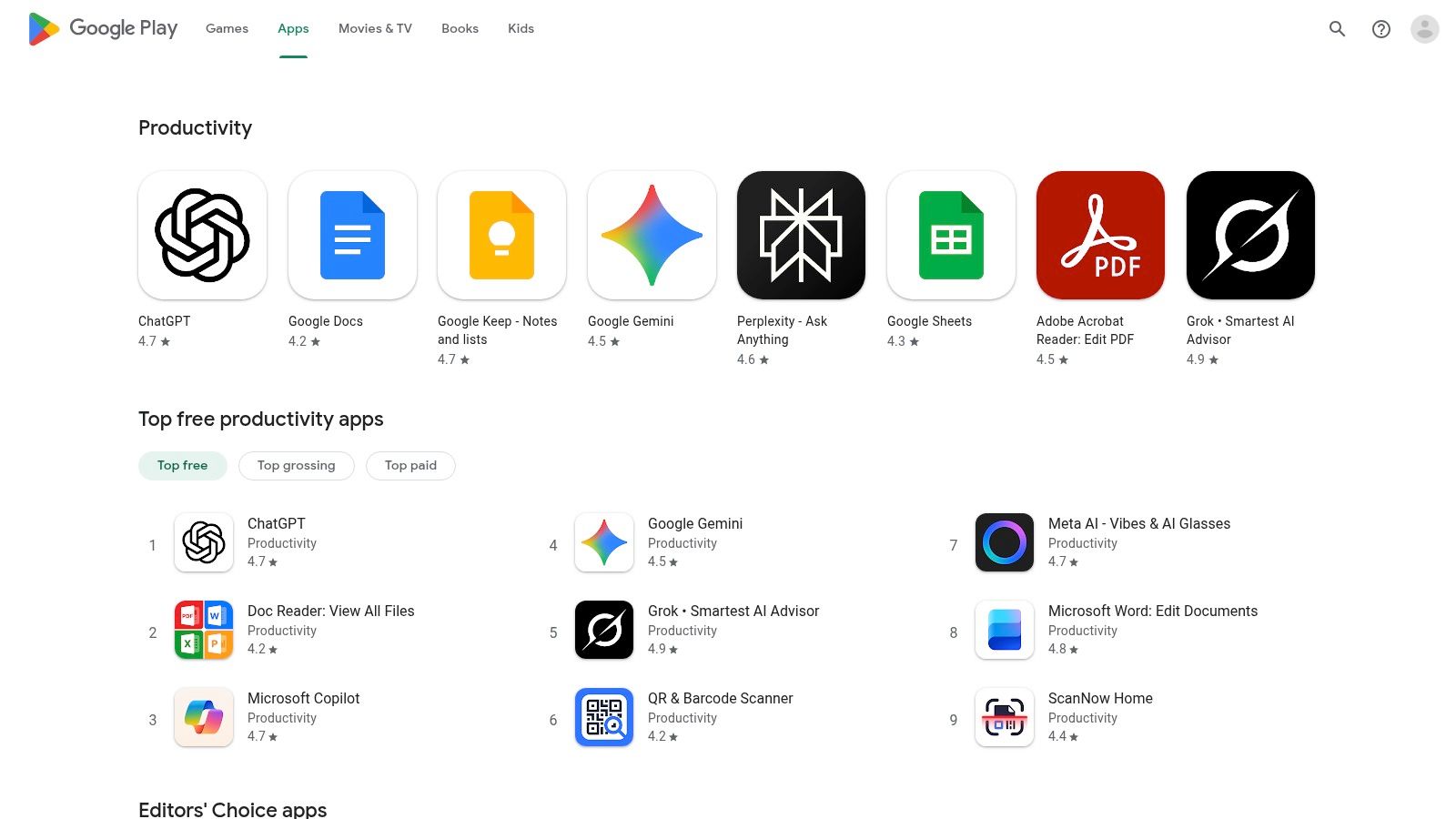 The store’s key advantage is its open nature and the sheer volume of user-generated feedback. Unlike more curated platforms, the Play Store’s top charts are heavily influenced by user ratings, providing a crowd-sourced perspective on an app's real-world performance and reliability. Centralized subscription management through your Google account and the Google Play Pass subscription service, which offers access to hundreds of paid apps for a flat fee, simplify the user experience.
Key Details & Usage Tips
- Best For: Android users looking for a wide selection of apps and relying on community reviews to make informed decisions.
- Standout Features: Extensive user ratings and reviews, editor-curated "Best of" lists, and centralized Google Account subscription management.
- Practical Tip: Always check the "Permissions" section on an app's page before installing. Scrutinize what data an app wants to access and read recent one-star reviews to identify potential bugs or privacy concerns that might not be immediately obvious.
While the open marketplace means quality can be inconsistent, the robust review system is an invaluable tool for due diligence. By leveraging filters and reading detailed user feedback, you can effectively navigate the catalog to find high-quality, dependable productivity solutions for your Android device.
Pros****ConsMassive catalog with a wide variety of productivity toolsApp quality can vary significantly between listingsRich volume of user reviews helps in comparing alternativesSome apps may request excessive or unnecessary permissionsAccessible on nearly all Android devices globallyDiscoverability of new or niche apps can be challengingWebsite: play.google.com/store/apps/category/PRODUCTIVITY
- Microsoft Store (Windows – Productivity)
For Windows users, the Microsoft Store is the integrated hub for discovering the best personal productivity apps tailored for their desktop experience. Much like its Apple counterpart, it's a curated digital storefront that simplifies finding, installing, and managing applications. The store features helpful categories and lists like “Best-rated Productivity Apps,” making it an excellent starting point for those seeking tools optimized for Windows 10 and 11.
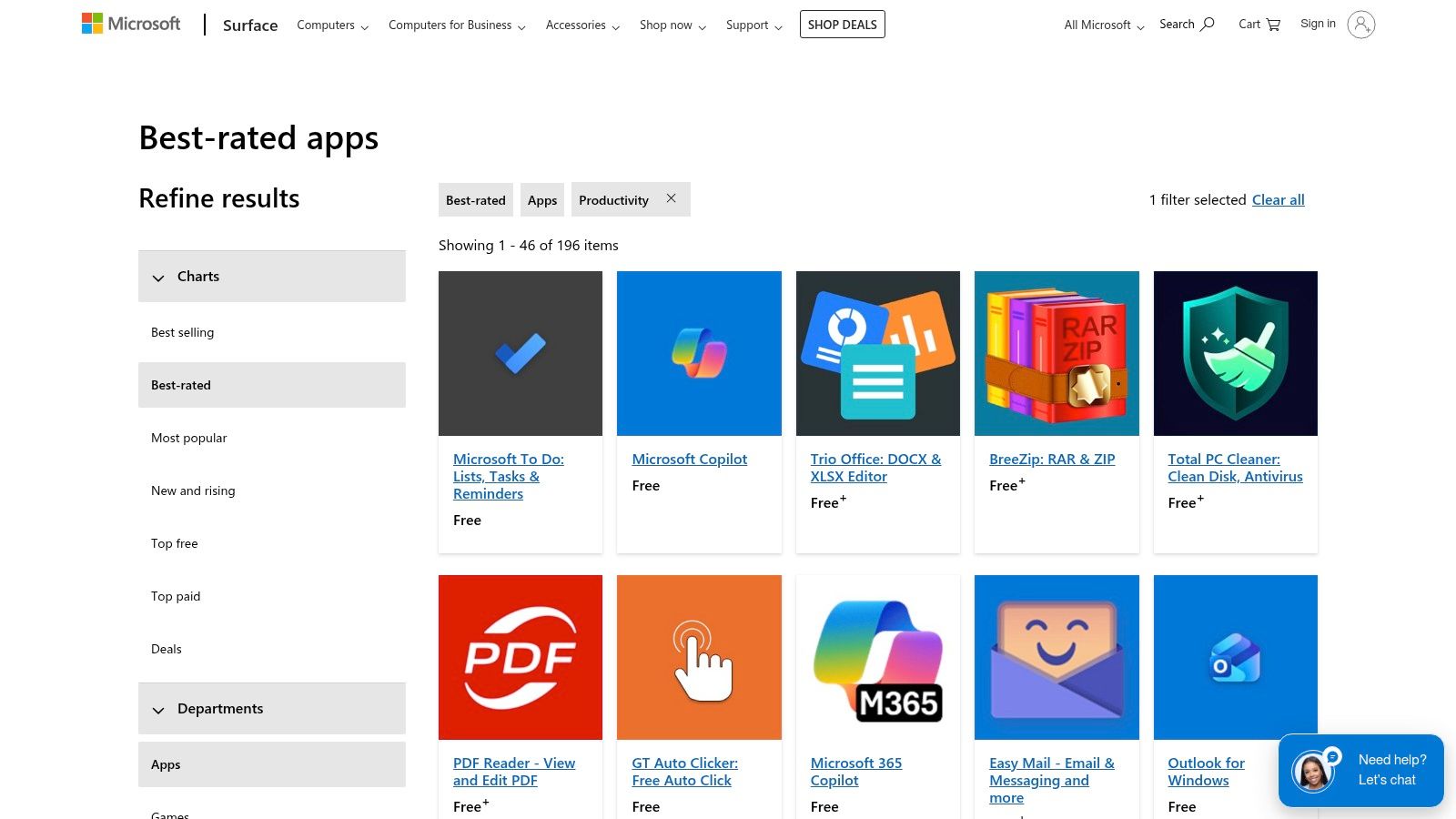 The core benefit lies in its deep integration with the Windows operating system. Apps are installed with a single click and updated centrally, providing a secure and streamlined process managed through your Microsoft account. This is particularly valuable for desktop-first tools like advanced note-takers, PDF editors, and focus timers that benefit from native performance and system-level integration. It offers a trusted environment where applications are vetted for compatibility and security.
Key Details & Usage Tips
- Best For: Windows 10 and 11 users looking for a secure, one-click installation process for native desktop productivity applications.
- Standout Features: Best-rated productivity lists, direct integration with Microsoft accounts, and a centralized update management flow.
- Practical Tip: Use the filters to narrow down your search by criteria like ratings or price. Always check the "System Requirements" tab on an app’s page to ensure it is compatible with your version of Windows before downloading.
While the catalog for niche or mobile-first utilities may be smaller than other platforms, the Microsoft Store excels at providing a reliable source for powerful, desktop-focused software. It stands as an essential resource for any Windows user aiming to enhance their productivity with vetted, easy-to-manage applications.
Pros****ConsOne-click installs and central update flow on WindowsCatalog is smaller than mobile app stores for some niche utilitiesSolid selection of desktop-focused productivity appsMay not have as many indie or mobile-first apps as other storesIntegration with Microsoft account for seamless managementWeb interface is for browsing; installation requires the Store appWebsite: microsoft.com/en-us/store/best-rated/apps/pc-?category=Productivity
- Chrome Web Store (Productivity extensions)
For professionals who live and work inside their browser, the Chrome Web Store is an essential resource for finding powerful, browser-based personal productivity apps. Its strength lies in its extensive catalog of extensions that seamlessly integrate into your daily workflow, from time trackers and tab managers to note-takers. Google aids discovery with curated collections like "Your productivity toolkit," highlighting well-regarded tools.
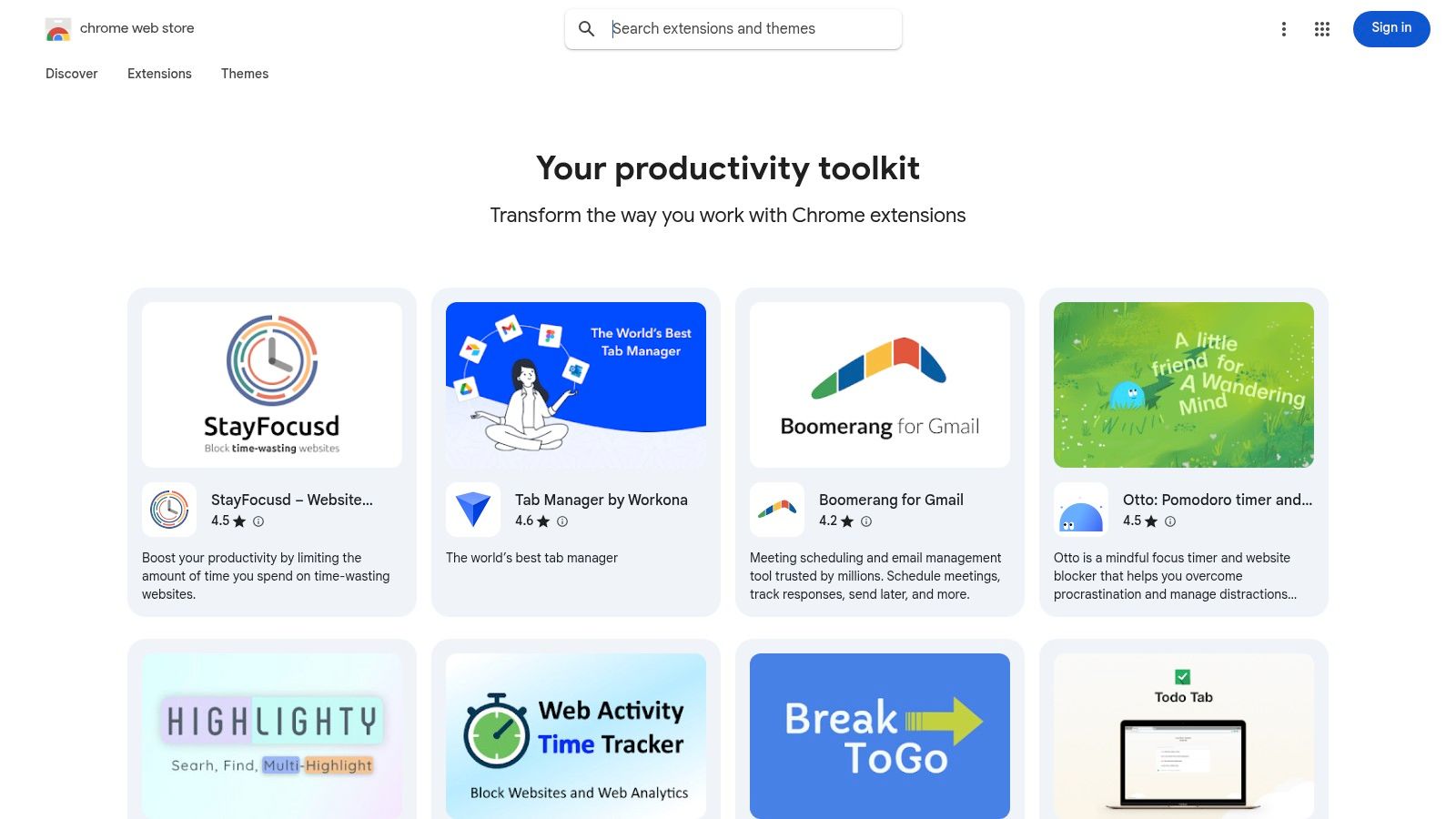 The primary advantage is the speed and convenience of enhancing your browser's capabilities. Extensions install with a single click and sync across any device where you are signed into your Chrome profile. This makes it incredibly easy to build a consistent and productive environment. Many of the best workflow automation tools also offer Chrome extensions to bridge the gap between web services and your desktop.
Key Details & Usage Tips
- Best For: Browser-centric users and organizations looking for quick, often free, add-ons to enhance web-based workflows.
- Standout Features: Curated productivity collections, fast installation/removal across Chrome profiles, and enterprise policy support for managed installs.
- Practical Tip: Always carefully review the permissions an extension requests before installing it. Check the "Privacy practices" tab on its store page to understand what data it collects and why.
The Chrome Web Store excels by turning the browser into a customizable productivity hub. While users must remain vigilant about extension security, the platform provides an unparalleled variety of tools that can dramatically improve efficiency with minimal setup.
Pros****ConsQuick installation and abundant high-quality free optionsExtension permissions can pose security and privacy risksConvenient for adding browser-based productivity toolsUsers must carefully vet extensions before installingSyncs extensions automatically across Chrome profilesOver-installing can slow down browser performanceWebsite: chromewebstore.google.com/collection/productivity
- Setapp (Mac + iOS app subscription bundle)
For Mac and iOS power users, Setapp offers a unique approach to productivity software by bundling a vast, curated library of premium applications under a single monthly subscription. Instead of purchasing apps individually, you gain access to dozens of vetted tools spanning categories like time management, writing, mind mapping, and system utilities. This model eliminates the friction of individual purchases and updates, presenting a high-value proposition for anyone who frequently relies on specialized software.
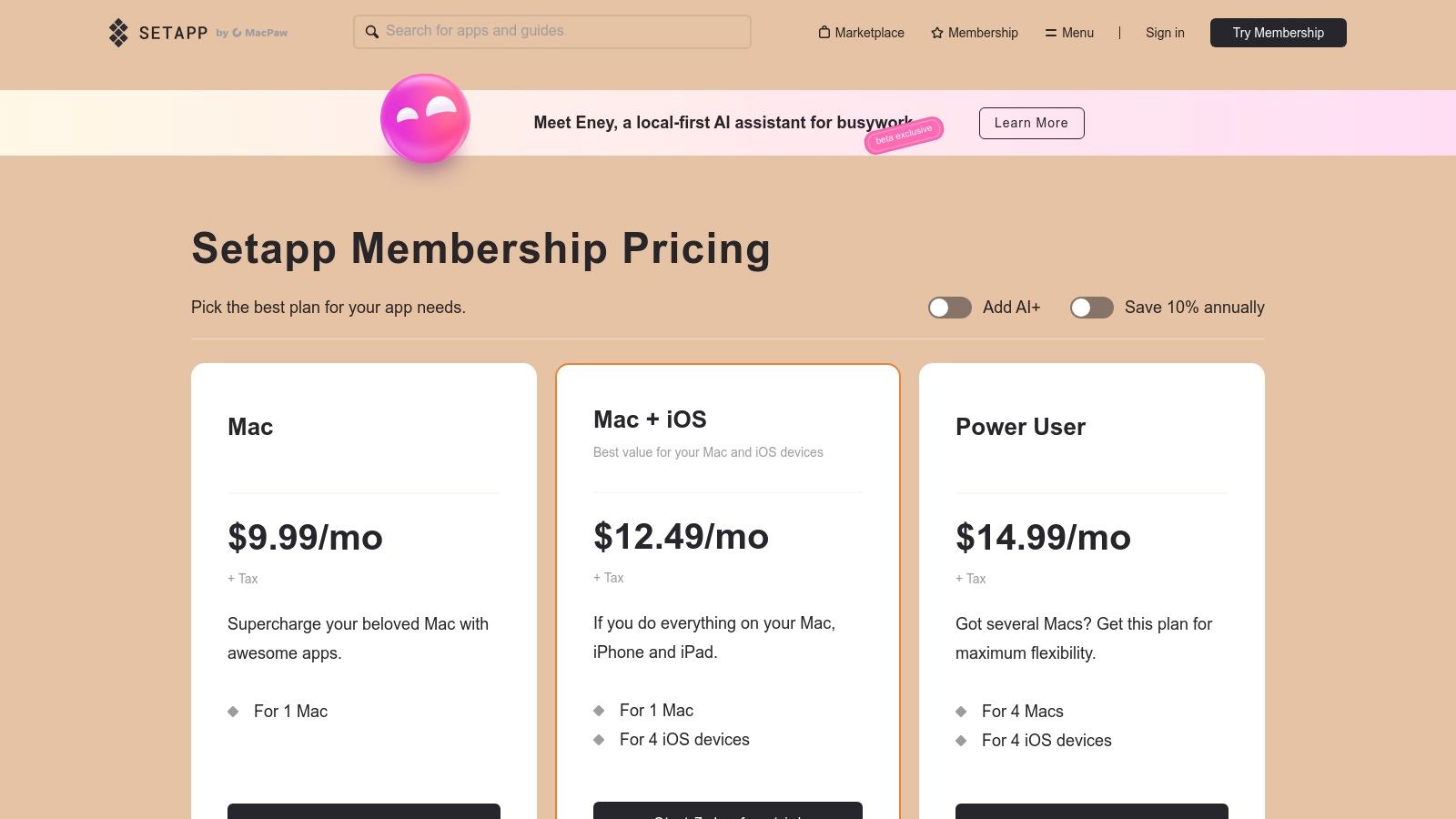 The primary advantage is cost-effectiveness and discovery. If you use even a few of the included premium apps, the subscription often pays for itself. It also encourages experimentation with new tools you might not otherwise purchase, helping you discover some of the best personal productivity apps without financial risk. All applications are full-featured, ad-free, and automatically updated, providing a seamless and secure user experience. The collection includes many popular tools that help structure your day, complementing our guide to the best daily routine apps.
Key Details & Usage Tips
- Best For: Mac and iOS users who want access to a wide variety of premium productivity tools without the high cost of individual licenses.
- Standout Features: A single subscription for a curated library of premium apps, centralized billing, and automatic, ad-free updates.
- Practical Tip: Use the 7-day free trial to explore the catalog and identify at least three or four apps you would use regularly. This helps confirm whether the subscription provides genuine value for your specific workflow before you commit.
Setapp simplifies software management for the Apple ecosystem by acting as a 'Netflix for apps.' Its strength lies in providing a vetted, high-quality collection that empowers users to build a powerful productivity stack for a predictable monthly fee.
Pros****ConsExcellent value if you regularly use several included appsPricing and plan tiers have confused some users in the pastCentralized billing and automatic, hassle-free app updatesTotal cost can be affected by taxes depending on your locationDiscover new, high-quality tools without individual purchasesOnly valuable if you actively use the apps in the curated libraryWebsite: https://setapp.com/pricing
- AppSumo (deals marketplace for productivity software)
For the budget-conscious professional or curious tech enthusiast, AppSumo is a marketplace dedicated to lifetime deals (LTDs) and deep discounts on emerging software. It's an excellent platform for discovering new and lesser-known personal productivity apps, from AI-powered note-takers to specialized project management tools, often before they hit the mainstream. This approach allows you to acquire powerful tools for a one-time fee, avoiding recurring subscription costs.
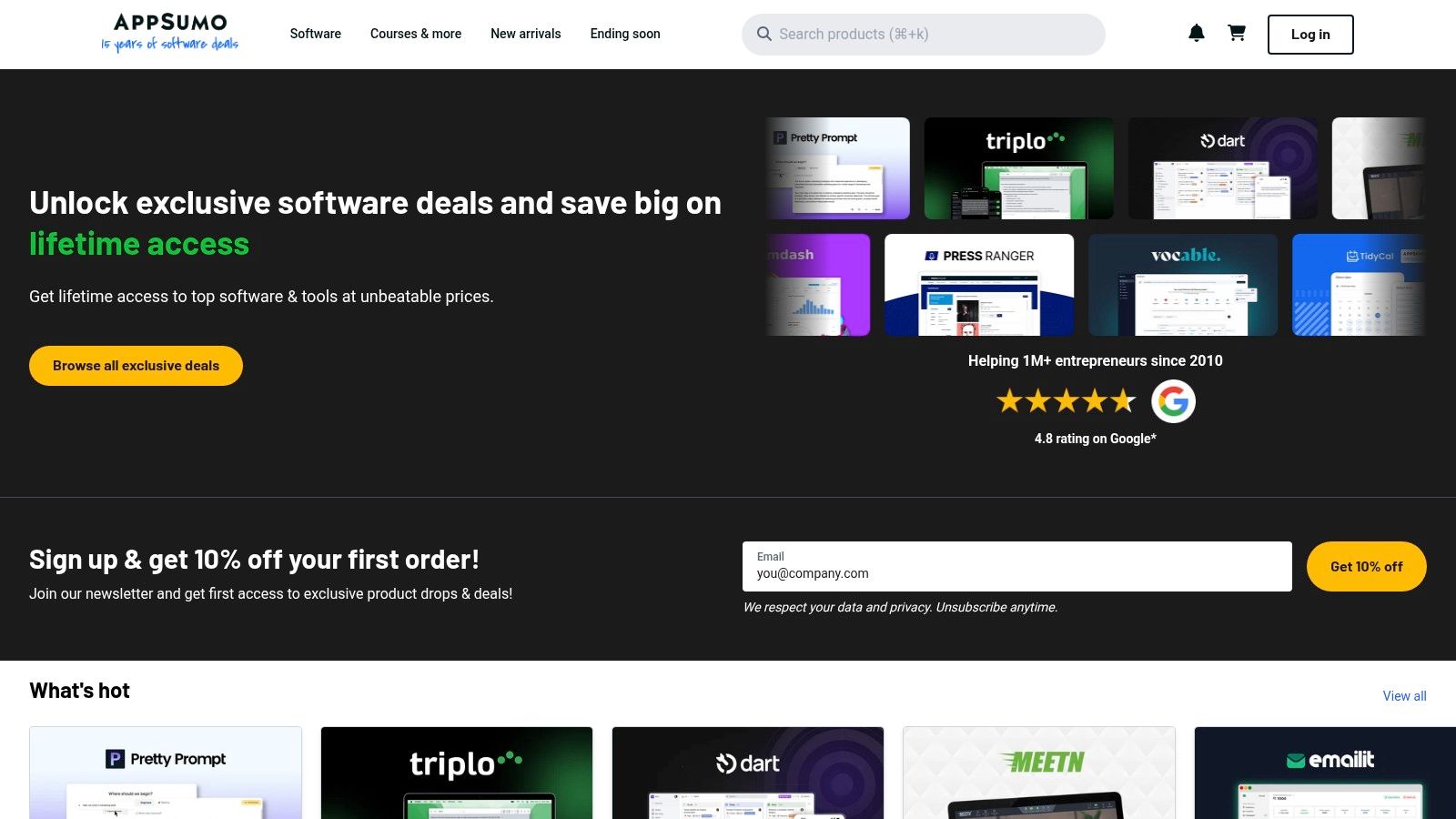 The primary appeal is its cost-effectiveness. By securing lifetime access, you can build a robust suite of productivity tools without the long-term financial burden of multiple monthly subscriptions. AppSumo also provides a valuable discovery function, exposing users to innovative solutions that might not have the marketing budget of larger competitors. The platform’s user reviews and Q&A sections are crucial for vetting the quality and long-term potential of each deal.
Key Details & Usage Tips
- Best For: Individuals and small teams looking to build a productivity software stack cost-effectively and discover innovative new tools.
- Standout Features: Lifetime deals on SaaS products, a focus on new and growing software companies, and an active user review community.
- Practical Tip: Always research the company behind a lifetime deal. Check their roadmap, social media presence, and user reviews outside of AppSumo to gauge their stability and commitment before purchasing, as the product could pivot or shut down.
While the time-limited nature of deals creates urgency, AppSumo’s 60-day money-back guarantee provides a safety net for trying new applications. It’s a unique resource for finding some of the best personal productivity apps at an unbeatable price point, provided you are willing to accept the inherent risk of backing a newer company.
Pros****ConsExtremely cost-effective way to get long-term software accessLifetime deals carry vendor risk (products can change or close)Excellent platform for discovering lesser-known, innovative appsDeals are time-limited, requiring quick decision-makingStrong user community with reviews and Q&A for vetting dealsThe best tools may not always be available; selection is variableWebsite: appsumo.com
- StackSocial (software store with productivity collections)
For those looking to own their software outright rather than rent it through subscriptions, StackSocial is a marketplace that frequently offers discounted lifetime and one-time licenses for some of the best personal productivity apps. It’s an online store specializing in deals on tools ranging from password managers and focus timers to advanced PDF editors and clipboard managers, making it a budget-conscious resource for both Windows and Mac users.
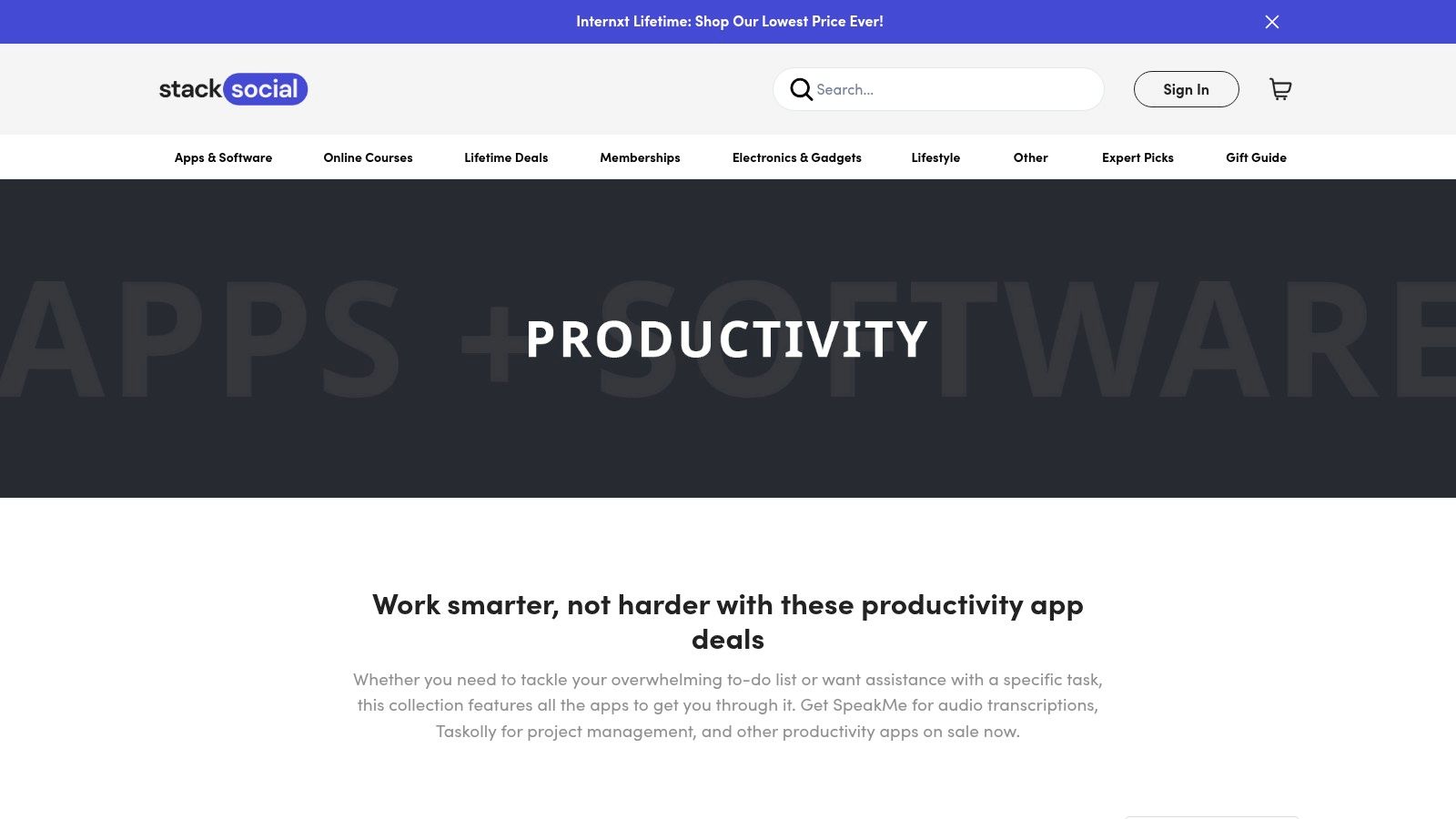 The platform stands out by curating bundles and individual software deals that provide significant savings compared to standard retail prices. By focusing on perpetual licenses, it allows users to make a single purchase for long-term access, which is an increasingly rare option in a subscription-dominated market. The clear display of list prices versus the discounted offer provides immediate transparency on the value of each deal.
Key Details & Usage Tips
- Best For: Windows and Mac users seeking to purchase perpetual or lifetime licenses for productivity software at a discount.
- Standout Features: Frequent one-time lifetime license deals, curated software bundles, and transparent pricing with visible historical discounts.
- Practical Tip: Always double-check the deal specifics, including OS compatibility and version support (e.g., "updates included for 1 year"), before purchasing. Since many offers are time-sensitive, consider signing up for their newsletter to get notified of new productivity app deals.
While the product catalog changes frequently, StackSocial’s dedicated productivity section is a valuable destination for discovering and acquiring powerful tools without committing to recurring monthly fees.
Pros****ConsUseful for finding perpetual licenses for desktop usersMany offers are limited-time and may not returnTransparent pricing and visible historical discountsProduct availability and specific deal terms can changeCovers a wide range of productivity categories and OSsUsers must confirm OS and version support carefully before buyingWebsite: https://www.stacksocial.com/collections/apps-software-productivity
- Product Hunt (Productivity category)
For those who want to discover the cutting edge of personal productivity apps, Product Hunt is an essential daily destination. It's a discovery hub where new and innovative tools are launched and ranked by a community of tech enthusiasts. Instead of a static catalog, it offers a dynamic, real-time look at what's trending, making it an excellent resource for finding innovative solutions before they become mainstream.
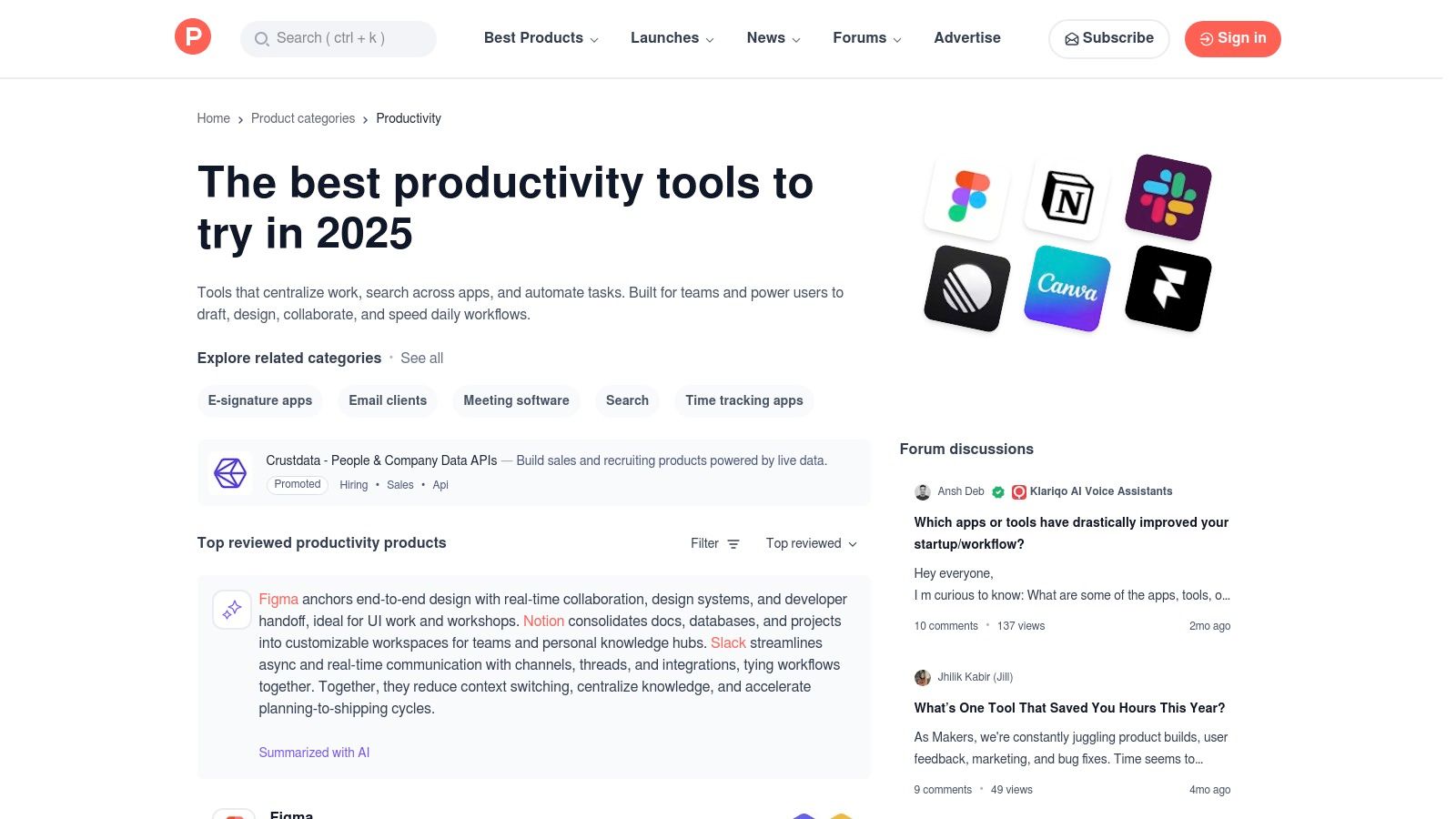 The primary advantage of Product Hunt is the social proof it provides. Upvotes, user reviews, and direct engagement with the product makers in the comments section offer genuine insights into an app's functionality and vision. This community-driven curation helps you gauge an app's potential and its user reception, allowing you to identify promising tools that traditional app stores might not feature as prominently.
Key Details & Usage Tips
- Best For: Tech-savvy users and early adopters looking to discover emerging and innovative productivity tools.
- Standout Features: Daily product launches, community upvotes and reviews, direct engagement with makers, and thematic collections.
- Practical Tip: Check the comments section on a product’s page for honest user feedback and questions answered directly by the developers. Use the "Topics" filter to narrow your search to specific niches like "Task Management" or "Note-Taking."
Product Hunt shines by connecting users directly with the creators of new software. While many featured apps are early-stage, this platform provides a unique opportunity to find and influence the next generation of the best personal productivity apps.
Pros****ConsExcellent for discovering new and fast-growing appsEarly-stage products may be less stable or change features quicklySocial proof via community upvotes and active user discussionsDiscovery requires careful vetting since many listings are new launchesDirect interaction with product makers for feedback and supportThe sheer volume of daily launches can sometimes be overwhelmingWebsite: www.producthunt.com/categories/productivity
- G2 (Collaboration & Productivity software directory)
For those looking to perform deep-dive research before committing to a tool, G2 is an indispensable B2B software marketplace and review platform. Its "Collaboration & Productivity" category is a comprehensive directory where you can compare the best personal productivity apps based on verified, in-depth user reviews. This peer-review model offers authentic insights into how tools perform in real-world scenarios, moving beyond marketing claims.
The platform's strength lies in its powerful filtering and comparison tools. You can segment software by company size, user satisfaction ratings, and specific features, allowing you to create a shortlist tailored to your exact needs. G2 also provides detailed buyer’s guides and side-by-side comparison grids, making it easier to evaluate alternatives and understand the nuances of each application.
Key Details & Usage Tips
- Best For: Individuals and teams conducting thorough research and seeking unbiased, peer-verified reviews before selecting a productivity tool.
- Standout Features: Verified user reviews, detailed buyer's guides, filterable comparison grids, and annual "Best Software" lists.
- Practical Tip: Use the filters to narrow results to "Small Business" to find tools better suited for personal or solo use. Always read a mix of positive and critical reviews to get a balanced perspective on any app's strengths and weaknesses.
While G2 is geared more toward business software, its detailed review system provides incredible value for personal productivity decisions. It stands out by arming you with community-driven data to make a truly informed choice.
Pros****ConsDeep comparisons and alternatives help shortlist toolsSponsored placements can appear in results-read beyond the badgesComprehensive reviews and detailed buyer guidanceMay be more business-oriented for some personal use casesVerified user feedback offers authentic insightsThe sheer volume of data can be overwhelming for simple decisionsWebsite: g2.com/categories/collaboration-productivity
- Capterra (Productivity Software directory)
For those conducting a comprehensive market review, Capterra offers a powerful B2B software directory with a dedicated section for productivity tools. It functions as an analytical engine, allowing you to filter through hundreds of the best personal productivity apps based on specific criteria like pricing models, features, and user ratings. This data-driven approach is ideal for making informed decisions before committing to a new system.
The platform’s strength lies in its standardized comparison tools and wealth of user-generated reviews. You can create side-by-side checklists to directly compare features of top contenders or read authentic feedback to understand how an app performs in the real world. This helps you look past marketing claims and identify the solution that truly fits your workflow, from simple to-do lists to more complex tools like the best recurring task app.
Key Details & Usage Tips
- Best For: Individuals and teams who want to compare a wide range of productivity tools based on detailed features and user reviews.
- Standout Features: Extensive filtering (Free Trial, Free Version), user reviews, side-by-side feature checklists, and direct links to vendor sites.
- Practical Tip: Pay attention to the "Sponsored" tags at the top of search results. Use the filters for "Free Version" or "Free Trial" to quickly find no-cost options to test before making a purchase. Always cross-reference pricing on the vendor's official website, as directory information may not be fully up-to-date.
While Capterra is an excellent research tool, remember it's a directory, not an app store. Final trials and purchases are completed on the vendor's website. Its true value is in saving time during the evaluation phase by organizing the market in a clear, comparable format.
Pros****ConsConsistent vendor pages and side-by-side comparisonsSponsored listings appear atop results; verify beyond placementUseful filters to quickly narrow by pricing and featuresDirectory format requires visiting vendor sites for full infoLarge volume of authentic user reviews and ratingsInformation, especially pricing, can sometimes be outdatedWebsite: capterra.com/productivity-software/
- Amazon Appstore (for Fire tablets/TV productivity apps)
For households and individuals using Amazon's Fire OS devices, the Amazon Appstore is the primary gateway to finding personal productivity apps. It serves as the native marketplace for Fire tablets and Fire TV, offering a curated selection of tools like note-takers, calendars, and utilities specifically optimized for the platform. This makes it an essential resource for anyone looking to enhance their productivity within the Amazon ecosystem.
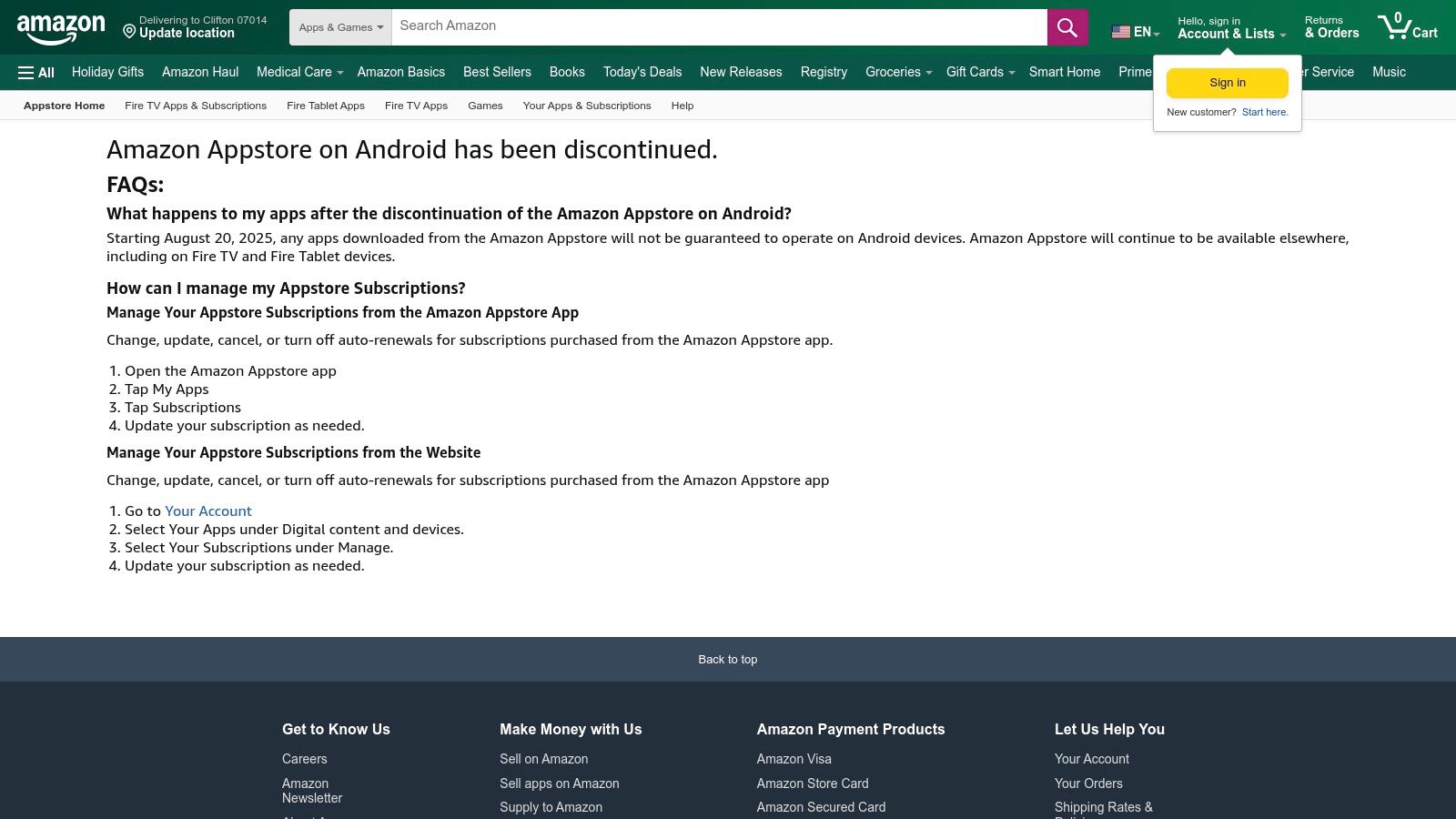 The key benefit lies in its deep integration with your Amazon account. Purchases, subscriptions, and parental controls are all managed through a familiar interface, simplifying administration for family devices. The Appstore provides a secure and straightforward way to install vetted applications on your Fire tablet, ensuring compatibility and a smooth user experience without needing to sideload from third-party sources.
Key Details & Usage Tips
- Best For: Fire tablet and Fire TV users seeking productivity apps optimized for Fire OS and integrated with their Amazon account.
- Standout Features: Native marketplace for Fire OS, seamless Amazon account integration for purchases, and robust parental controls.
- Practical Tip: Before downloading, always check the "In-App Purchases" section on an app's page to understand its full cost. Use the search filters to narrow down options within the Productivity category to find exactly what you need.
While its utility is now focused on Fire devices, the Appstore excels at providing a simple, secure, and family-friendly environment. It is the definitive source for finding reliable productivity tools that work natively on Amazon hardware.
Pros****ConsBest source for apps optimized for Fire OS tablets in US householdsApp availability is limited to the Fire OS ecosystemSimple account and purchase flow within the Amazon ecosystemNo longer supported on standard Android phones (after August 20, 2025)Strong parental controls for managing household devicesThe selection of high-end productivity apps can be smaller than on other platformsWebsite: www.amazon.com/gp/mas/get/android/
Comparison of 12 Personal Productivity App Resources
ProductCore featuresQuality (★)Value (💰)Audience (👥)Unique (✨)**Recurrr 🏆**Automated recurring emails & routines; calendar + NLP recurrence; pause/skip/reschedule★★★★☆💰 Free trial → $9/mo (3 addrs, up to 30 recipients)👥 Busy pros, freelancers, small teams, households, students, property managers✨ True scheduled recurrence, AES‑256 privacy, browser‑based 24/7 automationApple App Store (Productivity)Editor‑curated collections; native purchase/subscription handling★★★★★💰 Varies by app; Apple billing & family sharing👥 iPhone/iPad/Mac users✨ Curated editor picks + privacy labelsGoogle Play Store (Productivity)Large Android catalog; charts, reviews, editor features★★★★☆💰 Varies; rich user reviews inform value👥 Android users✨ Extensive review volume & Top chartsMicrosoft Store (Windows)Desktop‑first apps; one‑click installs & updates★★★★💰 Varies; centralized MS account installs👥 Windows 10/11 PC users✨ Direct installs + MS account integrationChrome Web Store (Extensions)Browser productivity extensions; fast installs; enterprise policies★★★☆💰 Many free/freemium options👥 Chrome users & IT admins✨ Quick extension installs; enterprise managementSetapp (bundle)Curated Mac/iOS app library under one subscription★★★★💰 Monthly fee — great if you use many apps👥 Mac & iOS power users✨ Curated premium apps + automatic updatesAppSumo (deals)Time‑limited discounts & occasional lifetime deals★★★☆💰 Potential high savings; variable vendor risk👥 Bargain hunters, startups, indie makers✨ Deep short‑term discounts / LTDsStackSocial (store)Discounted licenses & bundles for desktop apps★★★☆💰 One‑time license deals & visible discounts👥 Desktop users seeking perpetual licenses✨ Transparent pricing and bundlesProduct Hunt (discovery)Daily launches, upvotes, community reviews & lists★★★★💰 Free discovery; links to vendor pages👥 Early adopters, makers, discoverers✨ Social proof + maker/user engagementG2 (directory)Verified reviews, filterable grids, buyer’s guides★★★★☆💰 Strong buyer guidance for paid purchases👥 Businesses, procurement teams, buyers✨ In‑depth comparisons & segmentationCapterra (directory)Large listings, filters (pricing/features), side‑by‑side★★★★💰 Useful filters to find Free trial/Free version👥 Buyers evaluating software✨ Extensive filters & consistent vendor pagesAmazon Appstore (Fire OS)Native apps for Fire tablets/TV; Amazon account integration★★★💰 Varies; optimized for Fire devices👥 Fire tablet/TV owners, family households✨ Fire OS optimization + parental controlsBuilding Your Personal Productivity Stack
Navigating the vast landscape of productivity tools can feel overwhelming. After exploring everything from dedicated app stores like the Apple App Store and Google Play Store to curated platforms like Setapp and deal marketplaces such as AppSumo, one truth becomes clear: there is no single "best" personal productivity app. The most effective solution is not a monolithic piece of software but a personalized, interconnected system, a "productivity stack," that is custom-built for your unique challenges and goals.
The journey to building this stack begins with honest self-assessment, not with downloading the most popular app. Before you even visit Product Hunt for the latest trending tool or browse the extensive directories on G2 and Capterra, take a moment to pinpoint your primary friction points.
Identifying Your Core Needs
To select the right tools, you must first diagnose the problem. Ask yourself critical questions about your daily workflow and personal life:
- Where is my time and mental energy being wasted? Is it in chasing down information, manually sending the same follow-up email, forgetting recurring appointments, or simply trying to decide what to work on next?
- What types of tasks dominate my day? Are they project-based with clear deadlines, collaborative efforts requiring team input, or small, repeatable administrative duties that accumulate over time?
- What is my working style? Do I thrive with visual tools like Kanban boards, or do I prefer simple, text-based lists? Am I a solo freelancer needing to manage client communication, or a student trying to build consistent study habits?
Answering these questions provides a blueprint. A busy professional might realize their biggest bottleneck is the constant need to send routine reminders and check-ins. A household manager might struggle with coordinating recurring chores and family appointments. For these scenarios, the goal isn't just task management; it's task automation.
The Cornerstone of Your Stack: Automation
This is where a specialized tool like Recurrr becomes a powerful cornerstone of your productivity system. While a general-purpose task manager is excellent for tracking one-off projects, the real-time-saver is automating the predictable, recurring tasks that silently drain your focus. Think of it as creating a "set it and forget it" layer for your life’s operational routines. By automating rent reminders, client follow-ups, or weekly team check-ins, you offload the mental burden of remembering, freeing up cognitive resources for deep work, creative problem-solving, and strategic thinking.
Once you have your automation engine in place, you can build around it. Your next step is to choose complementary tools. For instance, you might pair Recurrr with a robust project management app for complex, multi-step initiatives or a feature-rich note-taking app to serve as your digital brain. The key to a functional stack is interoperability. When building your ultimate personal productivity stack, consider tools that offer seamless integration, such as many productivity apps that sync with Google Calendar, to ensure all your systems work in harmony.
Final Thoughts: From Tools to Transformation
Ultimately, the goal is not just to be more productive; it's to create a system that supports a more focused, intentional, and less stressful life. The best personal productivity apps are the ones that fade into the background, allowing you to achieve your goals with less effort. Start small. Choose one or two tools that address your most significant pain points. Implement them, learn their workflows, and resist the urge to add more until you've mastered the first ones.
Your ideal productivity stack is an evolving ecosystem, not a static purchase. As your needs change, so will your tools. The journey is one of continuous refinement, but the destination is worth it: a state where your systems handle the noise, leaving you free to focus on what truly matters.
Ready to eliminate the mental load of repetitive tasks? Start building the foundation of your productivity stack with Recurrr. Automate your recurring reminders, messages, and routines in minutes, so you can focus on the work that drives you forward. Try Recurrr today and discover the power of intelligent automation.