

In the search for the best workflow automation tools, the sheer volume of options can be overwhelming. Every platform promises to streamline your processes, save you time, and eliminate manual tasks, but how do you choose the right one for your specific needs? Whether you’re a freelancer managing recurring client communications, a small team coordinating operational routines, or a busy professional looking to simplify your daily schedule, the wrong tool can add more complexity than it removes. This guide is designed to cut through the noise and provide a clear, practical roadmap to finding the perfect automation solution.
We will provide a detailed analysis of the top contenders, moving beyond generic feature lists to offer real-world use cases and honest assessments of each platform’s strengths and limitations. You’ll find a direct comparison of essential factors like ease of use, integration capabilities, pricing structures, and ideal user profiles. To see another perspective on the leading solutions, review these 12 best workflow automation software platforms for 2025.
This comprehensive resource will help you understand which tool excels at connecting complex enterprise systems and which is better suited for lightweight, recurring personal or team-based routines. Each entry includes screenshots and direct links to help you evaluate the platforms efficiently. Our goal is to equip you with the insights needed to make an informed decision, ensuring you select a tool that truly automates your work and gives you back your most valuable asset: time. Let’s dive into the platforms that can transform your productivity.
- Recurrr
Recurrr excels by focusing on a specific, yet universal, pain point: the relentless drain of recurring administrative tasks. Instead of trying to be an all-encompassing platform, it provides a masterfully simple solution for automating routine emails and communications. This laser focus makes it one of the best workflow automation tools for individuals and small teams looking to reclaim time from repetitive, low-value work without the complexity of enterprise-grade systems. Its strength lies in its “set it and forget it” philosophy, powered by a dead-simple calendar interface and natural language scheduling (e.g., “every last Friday of the month”).
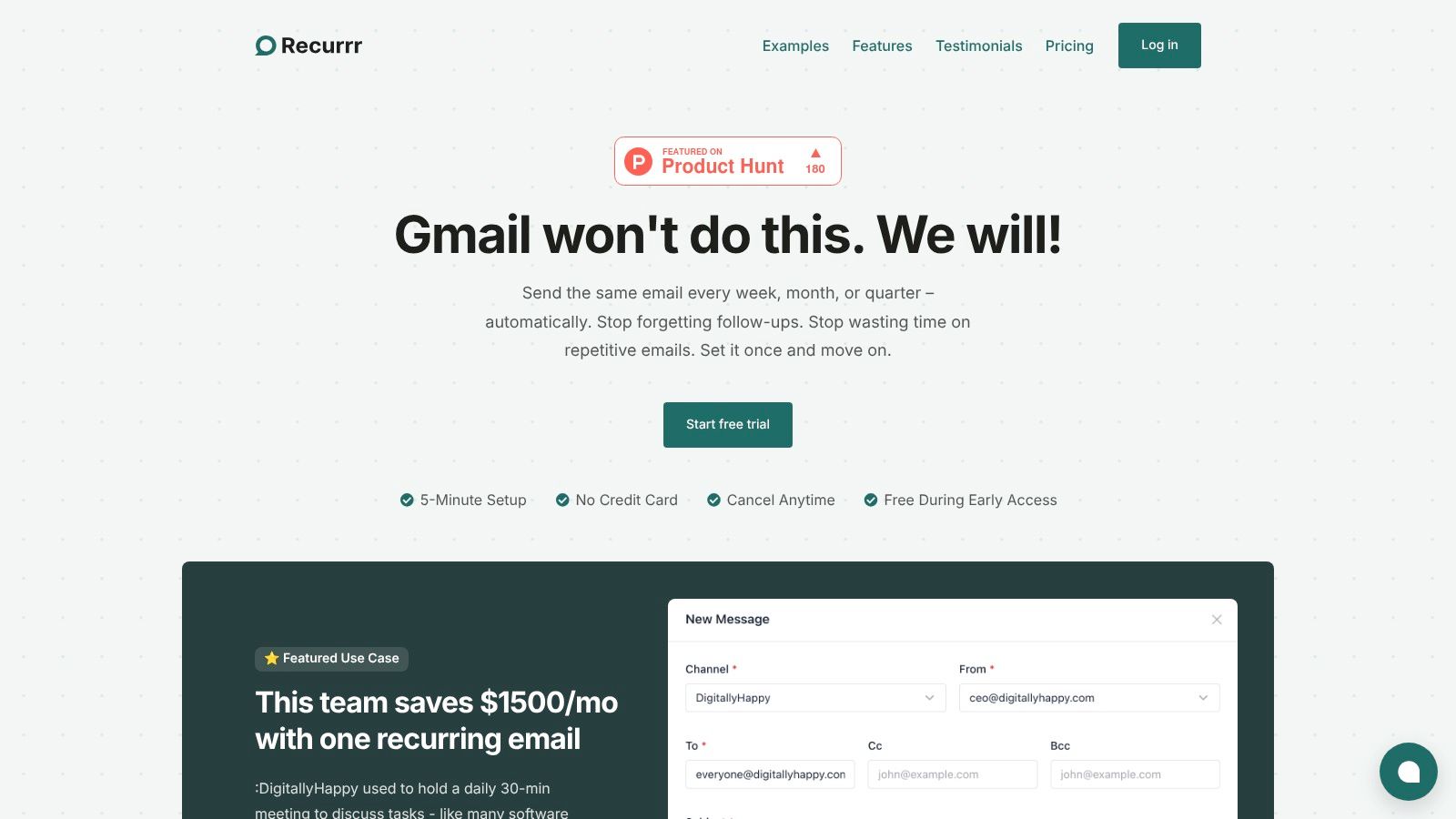 The platform is engineered for efficiency and privacy. Unlike many tools, Recurrr doesn’t need access to your inbox or contacts, and it uses AES-256 encryption to secure your data. Messages are sent 24/7 from its servers, so you don’t need to have your device online for an automation to run. This reliability is crucial for everything from sending weekly project status updates to ensuring rent reminders go out on time.
Key Strengths & Use Cases
Recurrr’s design philosophy shines in its practical application. It’s not for building complex, multi-step Zaps; it’s for eliminating the daily and weekly friction that drains cognitive energy.
- Replacing Meetings: One team, DigitallyHappy, replaced a daily 30-minute standup with an automated Recurrr email, saving an estimated $1,500 per month in billable hours.
- Automated Follow-ups: Freelancers and sales professionals can automate outreach. User Andrei Iordache noted, “I automated the ‘who do you know’ email and got two new leads.”
- Personal Productivity: It functions as a virtual assistant for personal life, handling birthday wishes, habit nudges, and household bill reminders effortlessly.
- Simple & Secure: Its standout feature is its commitment to privacy. With no inbox scanning or contact list access required, it’s a trustworthy choice for handling sensitive communications.
Pricing and Access
Recurrr offers a refreshingly simple pricing model. After a no-credit-card-required free trial, access is granted through a single plan priced at $9/month during its early access period. This plan includes all core features, allowing users to send from up to 3 email addresses to a maximum of 30 recipients per message (10 To, 10 Cc, 10 Bcc). This structure makes it an accessible and high-value tool for its target audience. While it is not a full-scale task management system, its focused utility is detailed further in this guide to the best recurring task app on recurrr.com.
- Best For: Individuals, freelancers, and small teams needing to automate routine email communications without a complex setup.
- Not Ideal For: Large enterprises or users requiring deep integrations and complex, multi-app conditional workflows.
Visit Recurrr
- Zapier
Zapier is arguably the undisputed leader in the no-code integration space, making it one of the best workflow automation tools for connecting a vast ecosystem of web applications. Its core strength lies in its staggering library of over 7,000 app integrations, allowing users to create automated workflows, or “Zaps,” between almost any software they use. This makes it an invaluable asset for SMBs and enterprise teams looking to quickly prototype and deploy automations without significant IT involvement.
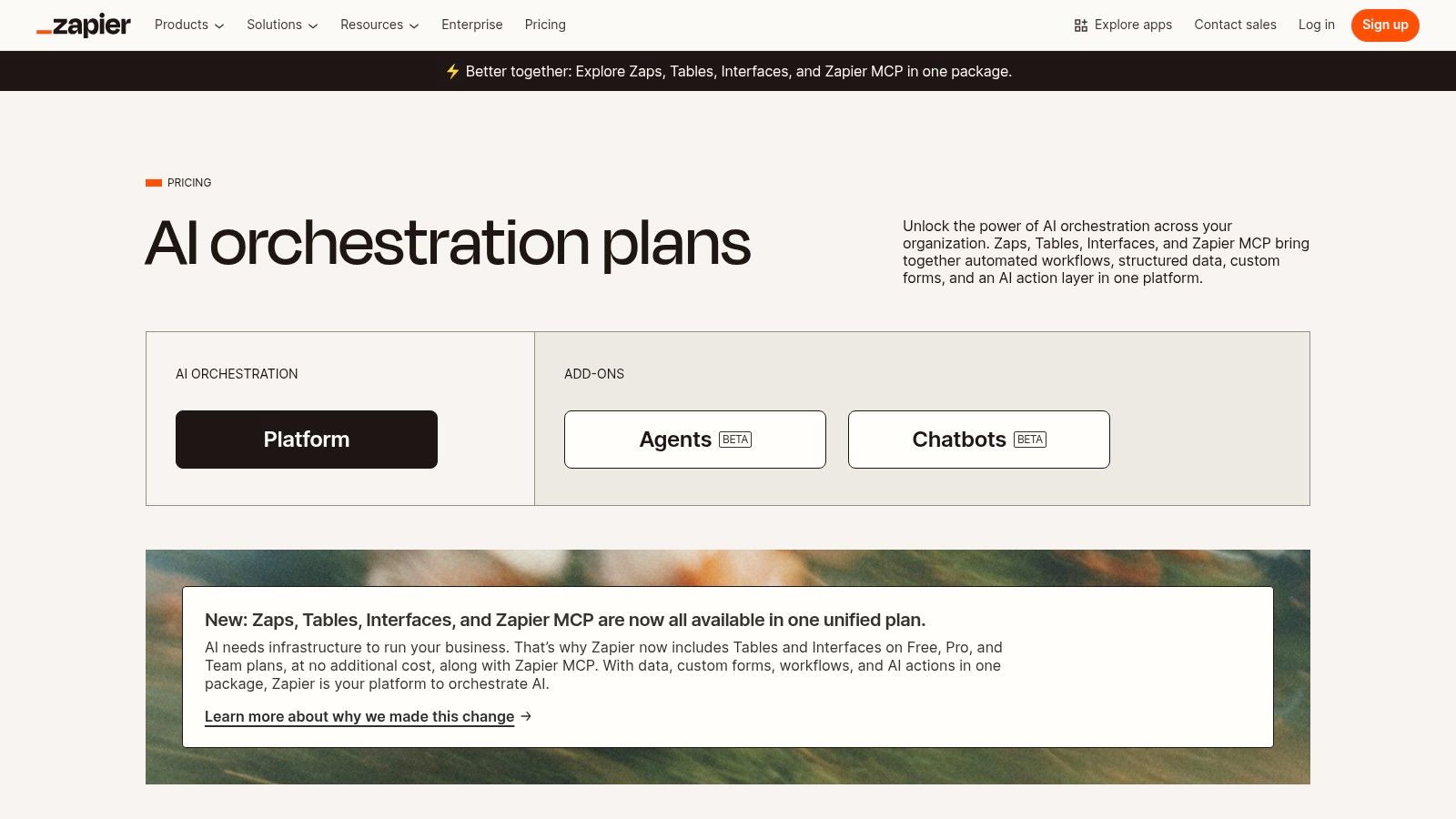 The platform features a user-friendly visual builder that simplifies the process of setting triggers and actions. Beyond simple two-step Zaps, users can implement complex logic with tools like Filters and Paths. More recently, Zapier has expanded its toolkit to include built-in Tables for data storage and Interfaces for creating simple web apps, which impressively do not consume task credits. Its new AI Agents can even handle autonomous steps within a workflow, like summarizing text or drafting emails. To get a deeper understanding of how these powerful features work in practice, you can explore detailed guides on how to automate your tasks with Zapier.
Key Considerations for Zapier
While Zapier’s generous free tier (100 tasks/month) is perfect for testing, its task-based pricing model can become costly for high-volume automations. Advanced security features and governance controls are reserved for the more expensive Team and Enterprise plans.
- Best For: Teams needing extensive app connectivity and rapid automation deployment.
- Pricing: Starts with a free plan; paid plans begin at $19.99/month (billed annually).
- Website: zapier.com
- Make (formerly Integromat)
Make, previously known as Integromat, distinguishes itself as one of the best workflow automation tools with its highly visual and powerful no-code canvas. Its core strength is giving users granular control over every step of an automation. Unlike linear tools, Make allows for complex scenarios with routers to create multiple branches and filters to process data conditionally. This modular approach is ideal for power users and developers who need to build sophisticated, multi-path workflows without writing code.
 The platform supports thousands of apps and provides detailed execution logs, giving you a clear view of how your automations are running and where issues might arise. Make’s pricing is based on “operations,” where each module in a scenario consumes one operation. This transparency allows users to predict costs accurately, though it requires a bit of a learning curve to estimate initially. The visual interface lets you watch your data flow in real-time, making debugging intuitive and efficient for even the most intricate automated processes.
Key Considerations for Make
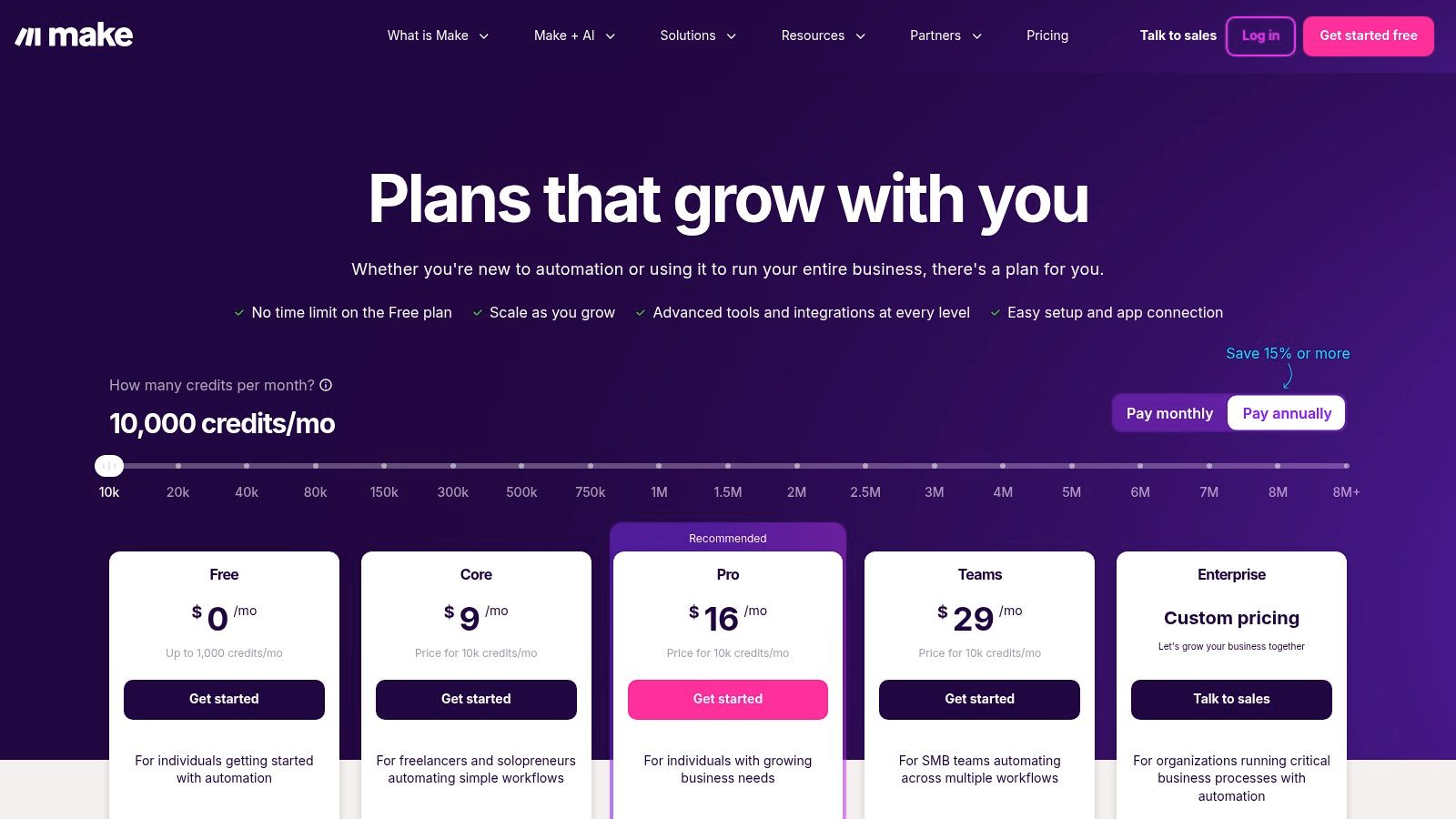
While Make offers a powerful free tier, it comes with a 15-minute minimum interval between scenario runs. The operations-based pricing is cost-effective, but newcomers might find it complex to calculate expected usage for complex scenarios compared to simpler task-based models.
- Best For: Power users and developers needing fine-grained control and complex logic.
- Pricing: Starts with a free plan; paid plans begin at $9/month (billed annually).
- Website: www.make.com/en/pricing
- Microsoft Power Automate
For organizations deeply embedded in the Microsoft ecosystem, Power Automate stands out as one of the best workflow automation tools available. Its primary advantage is its seamless, native integration with products like Microsoft 365, Dynamics 365, SharePoint, and Azure. This tool bridges the gap between simple cloud-based digital process automation (DPA) and more complex robotic process automation (RPA), allowing users to create both “cloud flows” that connect apps and “desktop flows” that automate tasks on local machines.
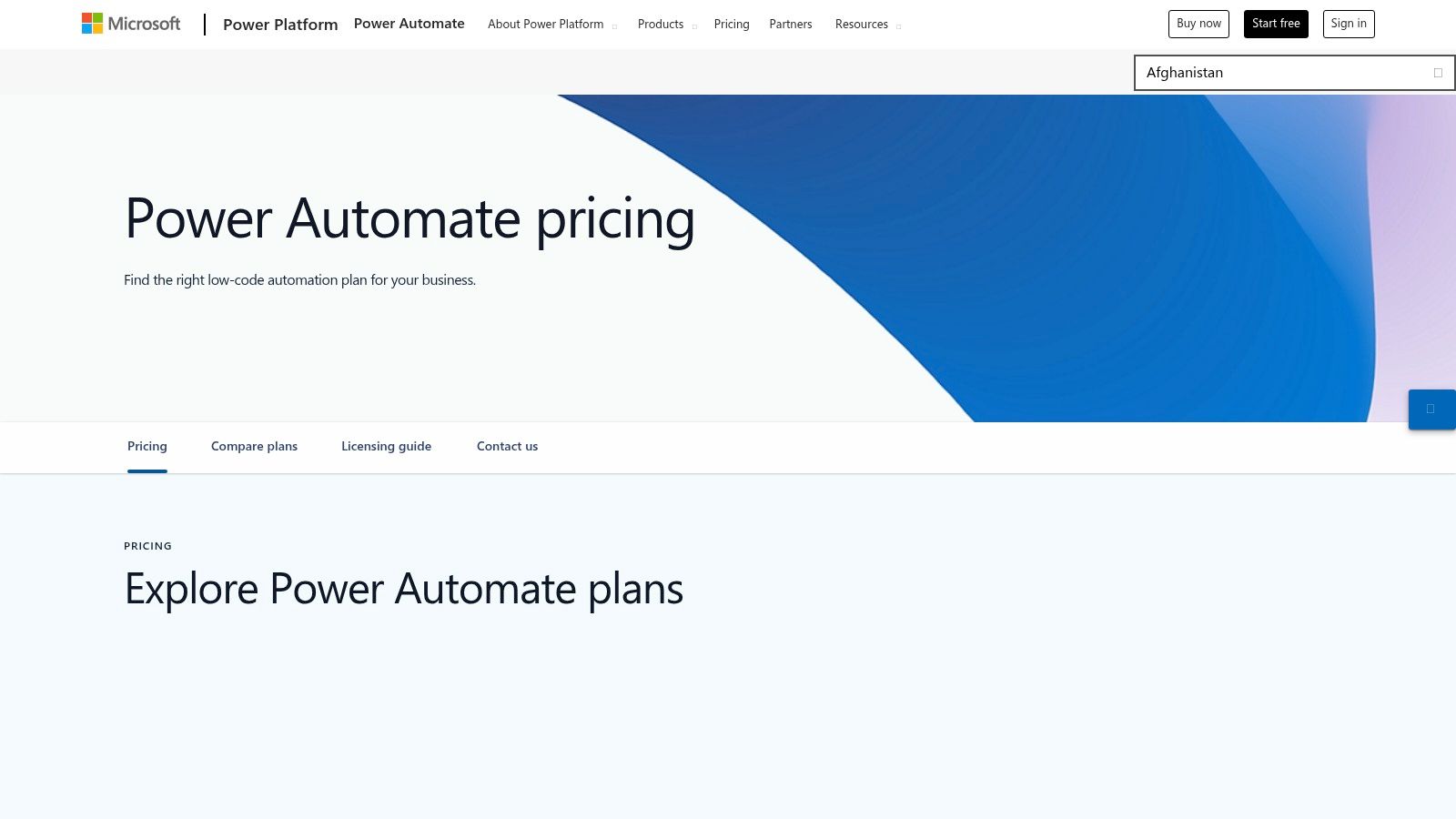 Power Automate is designed with enterprise needs in mind, offering robust governance, security, and management features through its Managed Environments. The platform also includes advanced capabilities like process and task mining to help identify automation opportunities. Users can build sophisticated workflows that trigger from an event in one Microsoft service, manipulate data in Excel, create a task in Teams, and send an approval request via Outlook. For a focused guide on a key automation use case, you can explore tutorials about how to send recurring emails to streamline communication.
Key Considerations for Microsoft Power Automate
While its integration within the Microsoft suite is unparalleled, its pricing and licensing model can be complex. Costs are often spread across per-user plans, per-flow plans, and optional add-ons for features like AI Builder or unattended RPA bots, which can make budgeting a challenge.
- Best For: Businesses heavily invested in the Microsoft 365 and Azure ecosystems needing strong governance and both cloud and desktop automation.
- Pricing: Limited free use within Microsoft 365 licenses; premium plans start at $15 per user/month.
- Website: microsoft.com
- Workato
Workato positions itself as an enterprise-grade Integration Platform as a Service (iPaaS), making it one of the best workflow automation tools for large organizations with complex, cross-departmental needs. It moves beyond simple task automation by providing robust features for lifecycle management, governance, and security. The platform’s low-code “recipes” allow business users to build sophisticated workflows, while its DevOps-friendly environment empowers technical teams to manage, test, and deploy automations at scale. This dual approach makes it ideal for companies aiming to integrate core systems like Salesforce, Workday, and ServiceNow securely.
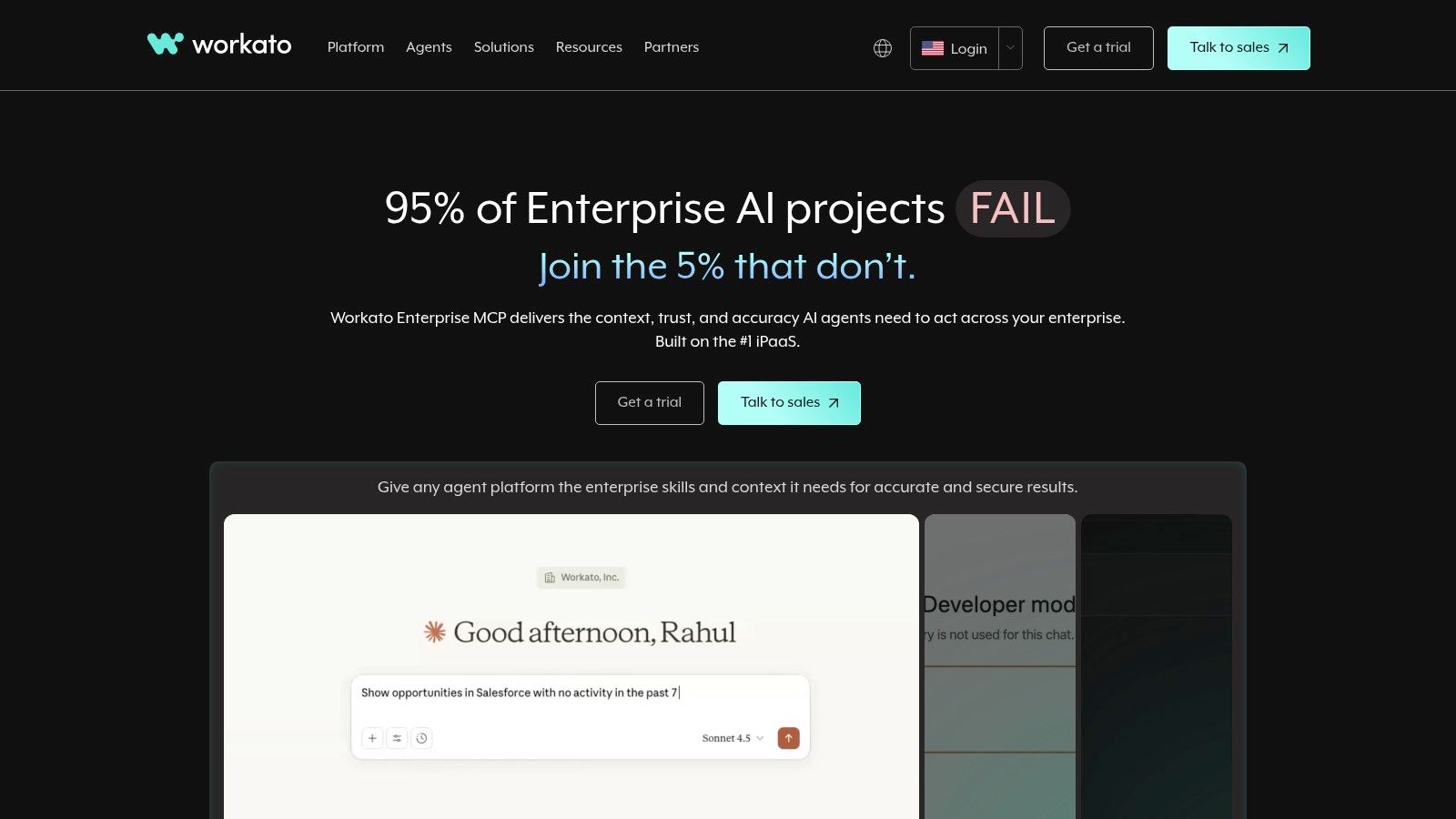 The platform’s strength lies in its ability to handle both application integration and process automation within a single, unified environment. Users can connect thousands of applications, from cloud-based SaaS to on-premise systems, using pre-built connectors or custom APIs. Workato’s unique commercial model is usage-based, meaning costs are tied directly to the volume of recipes and tasks executed, which can offer flexibility for businesses with fluctuating automation demands. However, unlike many tools on this list, its purchasing process is typically sales-led, requiring direct contact for a customized quote.
Key Considerations for Workato
Workato’s power comes with a steeper learning curve and a higher entry point compared to SMB-focused tools. Its focus on enterprise governance, security, and scalability means it may be overly complex for small teams or individual users. The lack of transparent public pricing makes it difficult to evaluate without engaging their sales team first.
- Best For: Large enterprises needing a scalable, secure, and governed platform for cross-departmental automation.
- Pricing: Custom pricing based on usage; requires contacting sales for a quote.
- Website: workato.com
- n8n
n8n stands out in the workflow automation landscape by offering a powerful, open-source core. This unique approach gives users the flexibility to choose between a fully managed cloud service or a self-hosted instance, providing unparalleled control over data, security, and costs. Its node-based visual editor is highly intuitive, allowing users to build complex, multi-step workflows by connecting different applications and services. The platform is particularly appealing to developers and technical teams who value extensibility and the ability to create custom nodes.
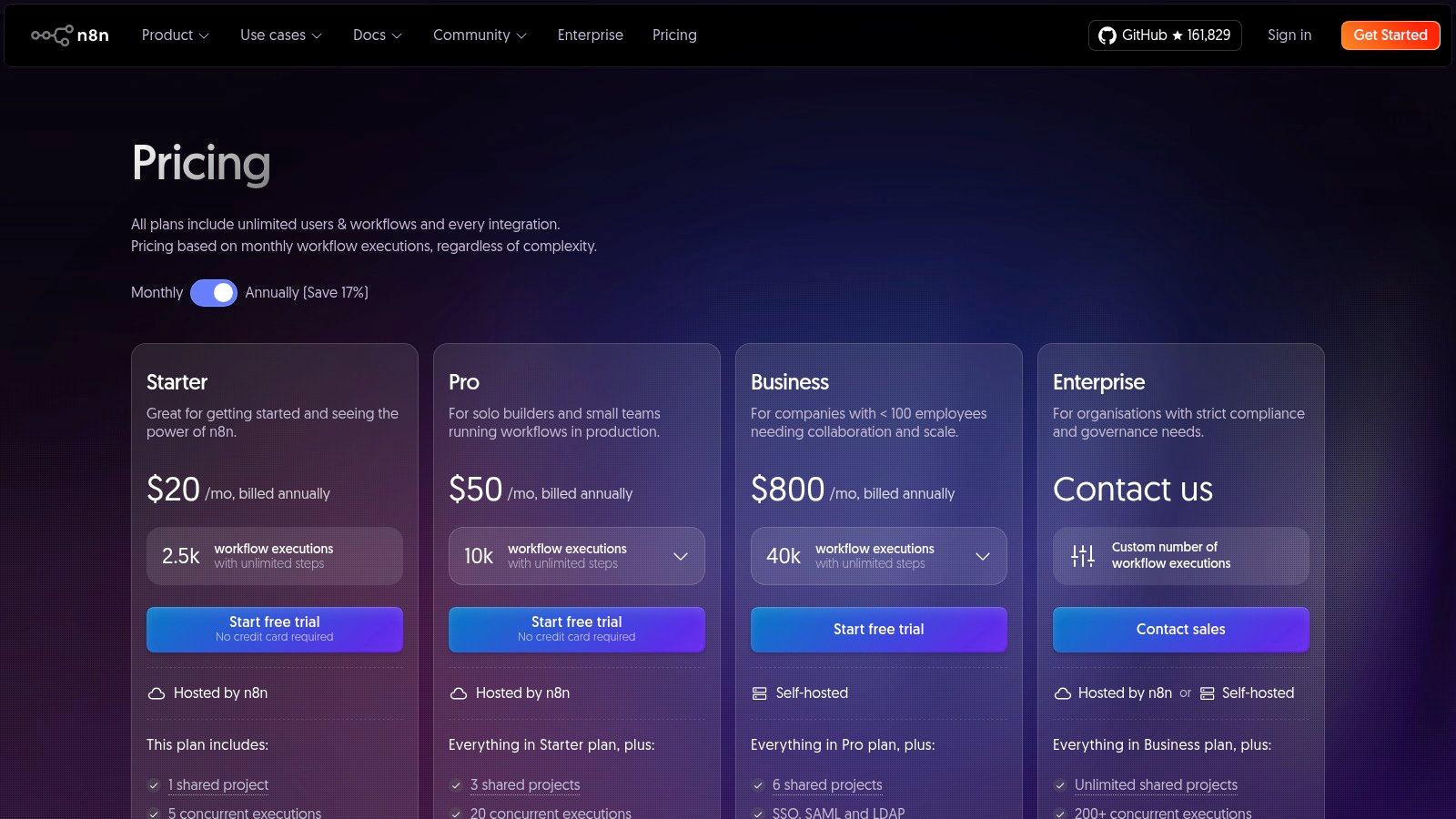 Unlike many tools that charge per task, n8n’s cloud pricing is based on the number of workflow executions, and each execution can contain unlimited steps. This makes it one of the best workflow automation tools for intricate processes that would otherwise become prohibitively expensive. The self-hosted Community Edition is entirely free, offering unlimited users and workflows, which is an exceptional value proposition for organizations with the technical resources to manage their own infrastructure. For those needing advanced features like user management and SSO, a self-hosted Business plan is also available.
Key Considerations for n8n
The main trade-off is the technical overhead; self-hosting requires DevOps or system administration expertise to set up and maintain. While the cloud version removes this barrier, its advanced business features are currently focused on the self-hosted option, which might be a consideration for teams looking for a fully managed enterprise solution.
- Best For: Developers and technical teams needing a flexible, extensible, and cost-effective automation solution with full data control.
- Pricing: Offers a free self-hosted Community Edition; cloud plans start at €20/month.
- Website: n8n.io/pricing
- IFTTT
IFTTT (If This Then That) is one of the original and most user-friendly workflow automation tools, excelling at connecting disparate apps, services, and smart devices for personal and micro-business productivity. Its strength lies in its simplicity, using “Applets” to create straightforward “if this, then that” automations across a network of over 900 services. This makes it an ideal starting point for anyone new to automation, particularly for smart home management and synchronizing personal productivity apps.
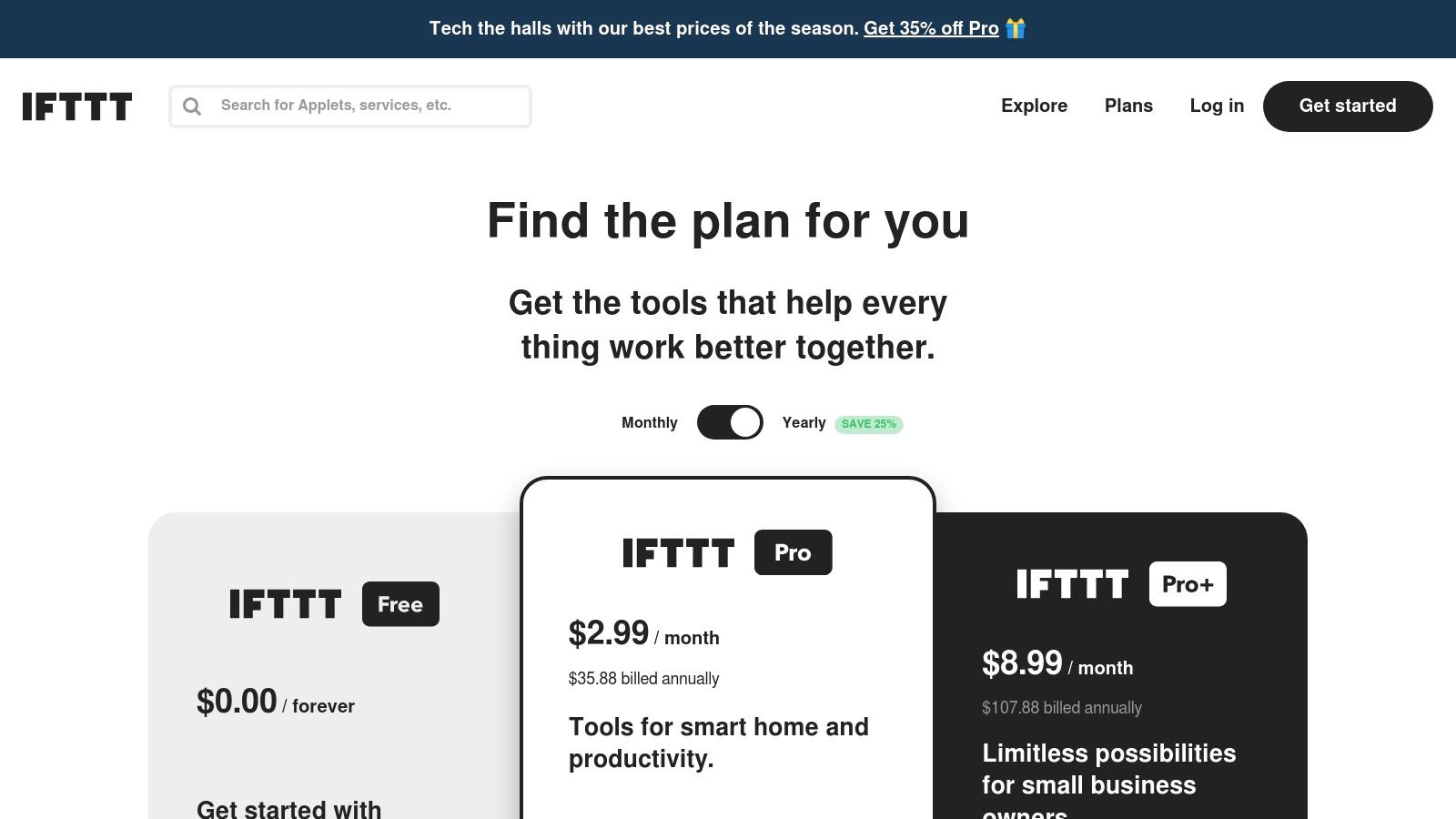 The platform is built for speed and ease of use, allowing users to activate pre-built community Applets or create their own in minutes without any technical expertise. While it may not handle complex, multi-step business logic, it’s perfect for routine tasks like saving social media mentions to a spreadsheet or getting a notification when the weather changes. For those looking to automate simple team communications, you can find guides on how to schedule recurring messages in Slack, which aligns with IFTTT’s focus on straightforward, trigger-based actions. The Pro+ tier adds more advanced capabilities like queries and filter code for users needing a bit more customization.
Key Considerations for IFTTT
IFTTT’s primary limitation is its focus on simple, one-to-one integrations, which may not suffice for complex business process automation. Its ease of use and low price point make it a fantastic choice for individuals and small teams, but it lacks the enterprise-grade security and advanced logic found in more robust platforms.
- Best For: Individuals, smart home enthusiasts, and solopreneurs needing simple, set-and-forget automations.
- Pricing: Offers a free plan; paid plans start at $2.50/month (billed annually).
- Website: ifttt.com/plans
- Tray.io (tray.ai)
Tray.io is an enterprise-grade, low-code platform that excels in providing powerful integration and automation capabilities with a strong focus on governance and security. Positioned as a leader in the iPaaS (Integration Platform as a Service) space, it empowers both business users and technical teams to build complex, scalable workflows. Its standout feature is the recent introduction of Merlin AI, a suite of tools that allows for the safe and auditable deployment of AI agents within automated processes, making it one of the best workflow automation tools for AI-driven operations.
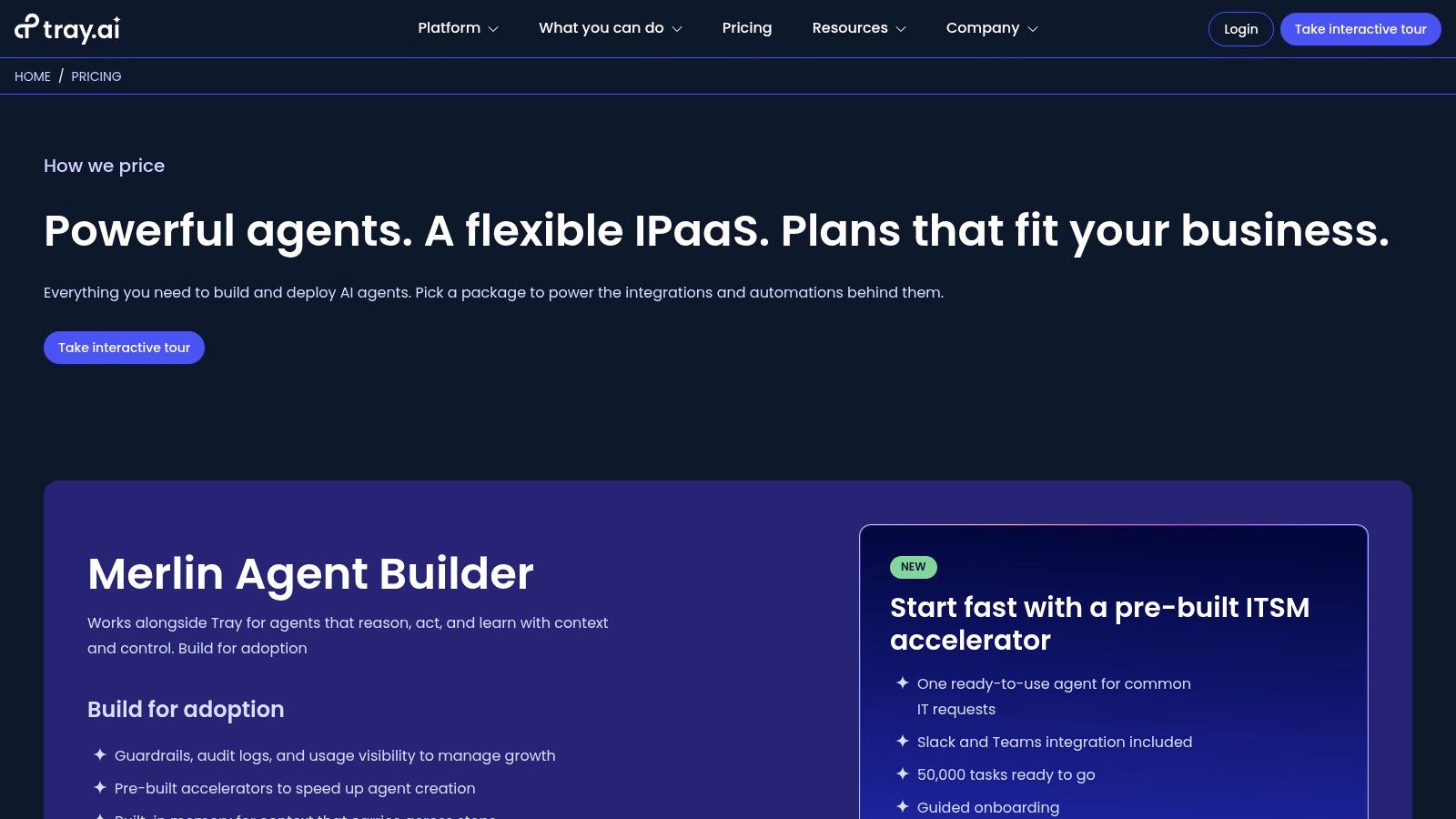 The platform offers a visual workflow builder that handles sophisticated logic, branching, and data mapping with ease. Tray.io distinguishes itself with pre-built accelerators and packaged ITSM (IT Service Management) agents that drastically reduce development time for common use cases. This allows organizations to automate everything from lead routing in a CRM to complex data synchronization between ERP and marketing platforms, all while maintaining strict control through features like agent guardrails and comprehensive audit logs.
Key Considerations for Tray.io
While Tray.io is incredibly powerful, its enterprise focus means pricing is not transparent; you must contact their sales team for a custom quote or demo. This model is common for platforms handling sensitive, high-volume operations but can be a barrier for smaller teams or those wanting to quickly self-start.
- Best For: Enterprise IT and operations teams needing scalable, secure, and AI-enhanced automations with robust governance.
- Pricing: Custom pricing available upon request by contacting sales.
- Website: tray.ai/pricing
- Boomi
Boomi positions itself as a robust, enterprise-grade integration Platform as a Service (iPaaS) that extends well beyond simple task automation. It provides a unified platform that combines integration, API management, master data hub, and B2B/EDI management, making it one of the best workflow automation tools for large organizations with complex digital ecosystems. Its low-code environment, Boomi Flow, empowers business users to build sophisticated workflows and applications that connect systems across the entire enterprise, from on-premises databases to cloud applications.
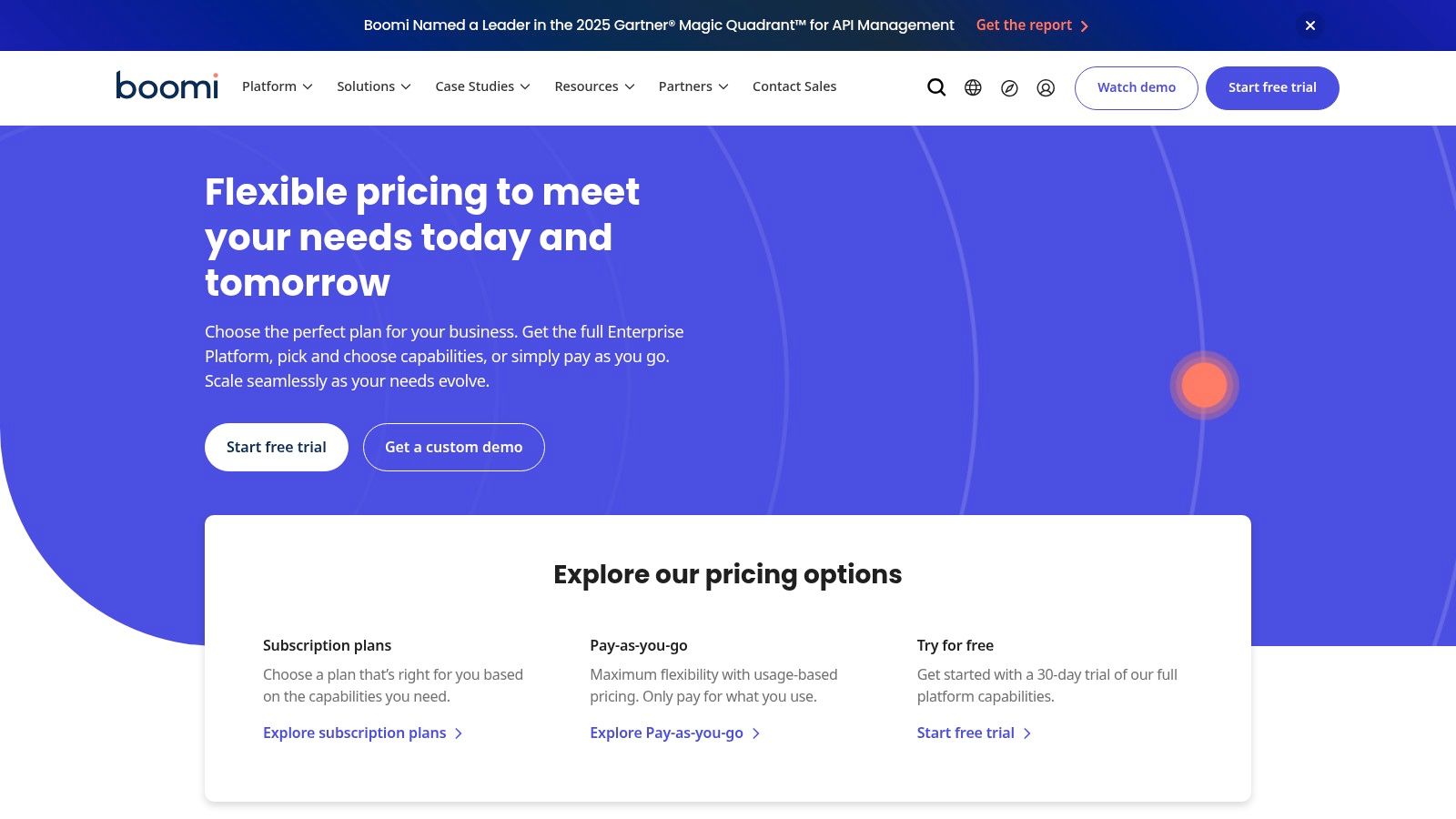 What sets Boomi apart is its flexible and transparent commercial model, which includes a Pay-As-You-Go (PAYG) option alongside traditional subscriptions. This PAYG plan, priced by “Boomi Messages,” offers a lower barrier to entry for businesses wanting to test its capabilities without committing to a long-term contract. The platform is designed for scalability and governance, providing the deep connectivity and control that large-scale operations require for critical business processes, such as order-to-cash or employee onboarding. This makes it a powerful choice for organizations looking to unify their entire technology stack.
Key Considerations for Boomi
Boomi’s enterprise focus means it can have a steeper learning curve compared to simpler tools. While the PAYG model is flexible, estimating costs can be complex for new users, as the final price is directly tied to message volume and requires careful usage modeling to predict accurately.
- Best For: Large enterprises needing a comprehensive iPaaS solution for complex, mission-critical integrations.
- Pricing: Offers a free 30-day trial and a Pay-As-You-Go plan; subscription pricing is quote-based.
- Website: boomi.com/pricing
- MuleSoft (Anypoint Platform / MuleSoft Automation)
As Salesforce’s enterprise-grade integration arm, MuleSoft provides one of the most powerful and comprehensive workflow automation tools for large organizations. Its Anypoint Platform is built on an API-led connectivity approach, designed to connect data from any system, whether on-premises or in the cloud. This makes it ideal for businesses with complex, hybrid IT environments that require robust governance, security, and scalability far beyond what typical no-code tools can offer.
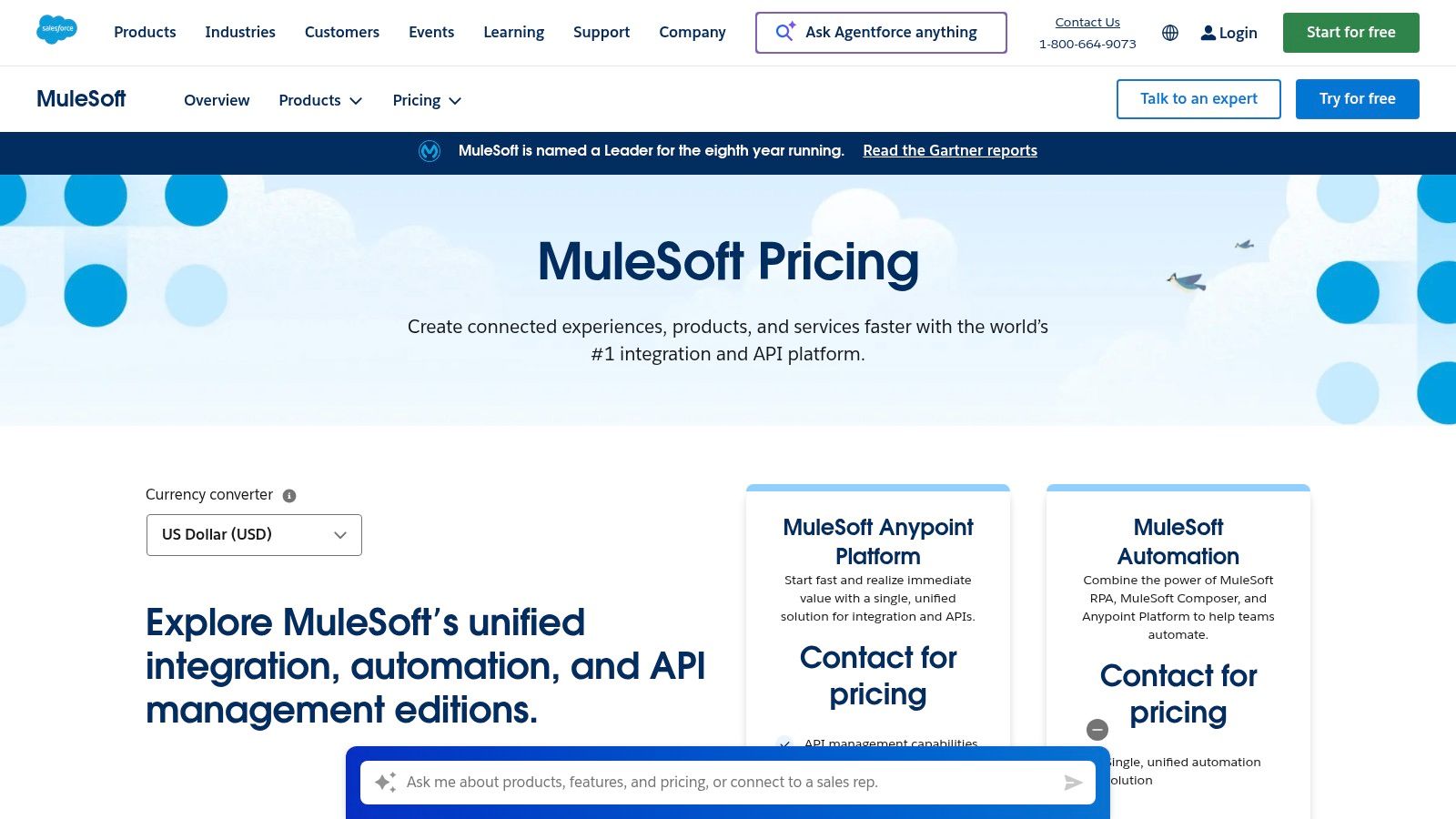 The platform goes beyond simple integrations, offering a unified solution that includes API management, monitoring, and development tools. With MuleSoft Automation, it layers in Robotic Process Automation (RPA) for legacy systems and a low-code tool called MuleSoft Composer, which empowers business users to build automations within the Salesforce ecosystem. This dual approach allows IT teams to build reusable, secure APIs while business teams can self-serve to create their own workflows, all within a governed framework.
Key Considerations for MuleSoft
MuleSoft’s strength is its enterprise focus, which means pricing is quote-based, often requiring significant investment and annual contracts. The learning curve is also steeper than point-and-click SMB tools, but its capabilities for handling mission-critical, high-volume processes are unparalleled.
- Best For: Large enterprises, particularly those standardized on Salesforce, requiring a unified platform for API-led integration, automation, and governance.
- Pricing: Quote-based; contact sales for pricing. A free 30-day trial of the Anypoint Platform is available.
- Website: www.salesforce.com/mulesoft/pricing/
- AWS Marketplace
For enterprises already embedded in the Amazon Web Services ecosystem, AWS Marketplace offers a unique way to procure and manage the best workflow automation tools. Rather than a standalone tool, it’s a digital catalog where organizations can find, test, buy, and deploy software that runs on AWS. Its core value lies in simplifying procurement, providing consolidated billing through an existing AWS account, and streamlining vendor compliance and security vetting. This makes it an ideal platform for large teams looking to integrate automation software into their existing cloud infrastructure and financial workflows.
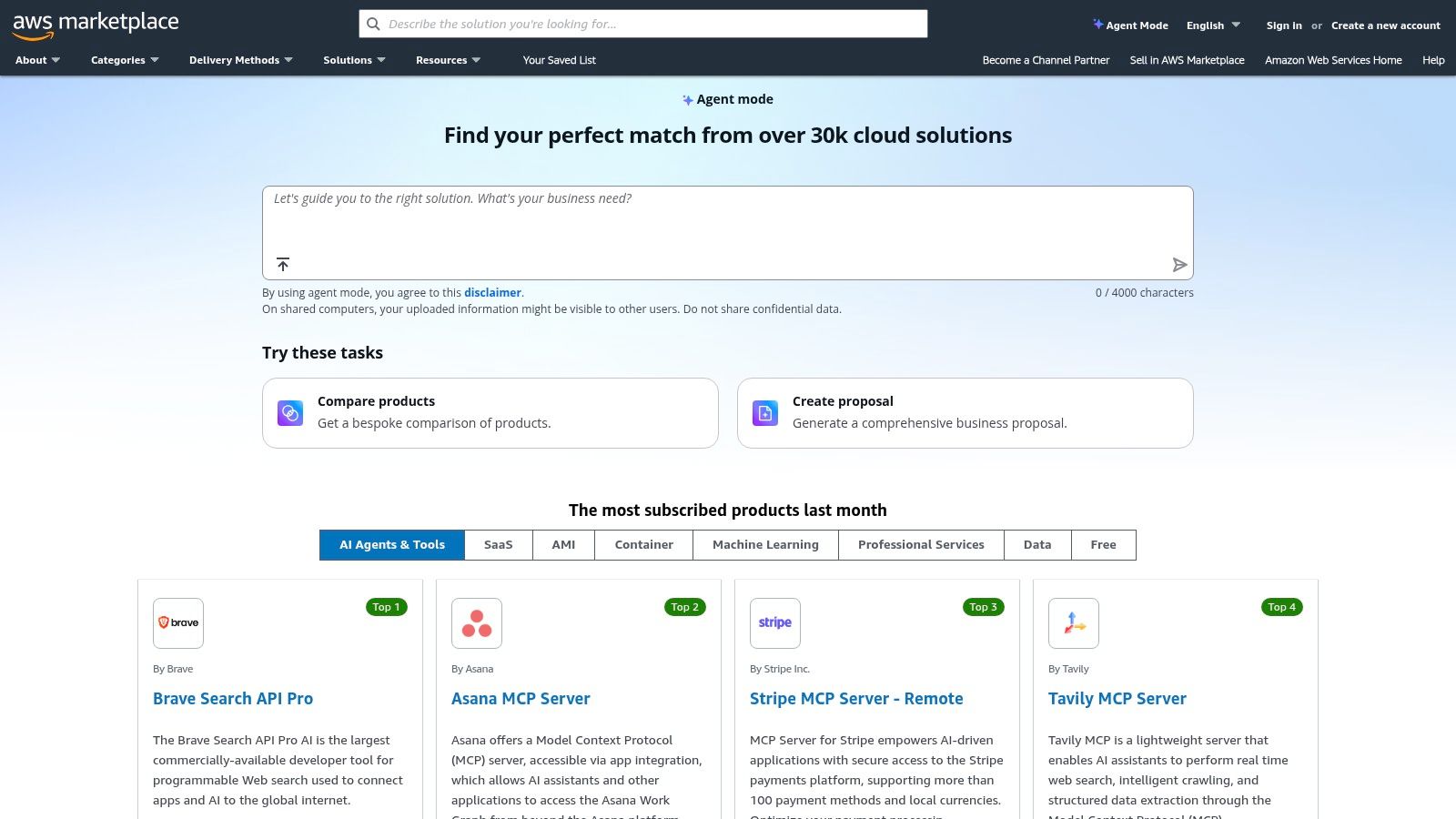 The platform hosts numerous leading iPaaS and automation vendors, often with options for private offers and customized enterprise agreements. This centralized approach allows IT and finance departments to manage software subscriptions alongside their cloud spend, simplifying budget oversight and vendor relationships. By leveraging the marketplace, companies can significantly reduce the administrative overhead associated with onboarding new software vendors, making it a strategic choice for scaling automation efforts within a controlled and compliant corporate environment.
Key Considerations for AWS Marketplace
While AWS Marketplace excels at procurement efficiency, it is not a direct-to-consumer platform in the traditional sense. Pricing is often opaque, requiring quotes and negotiations for private offers, and many listings are geared toward enterprise-level contracts rather than individual or small business needs. The user experience is focused on procurement and deployment within AWS, not on the usability of the automation tools themselves.
- Best For: Enterprises deeply integrated with AWS seeking streamlined procurement and consolidated billing for automation software.
- Pricing: Varies widely by vendor; many listings are quote-based or tied to enterprise agreements.
- Website: aws.amazon.com/marketplace
- G2
While not a workflow automation tool itself, G2 is an indispensable resource for discovering and evaluating the best workflow automation tools on the market. It serves as a comprehensive software marketplace and review platform where real users share their experiences. Its core value lies in its verified, peer-driven feedback and powerful filtering options, which allow you to narrow down potential solutions based on company size, industry, specific features, and user satisfaction ratings. This makes it an essential first step in the research process, helping you move beyond marketing claims to see how platforms perform in real-world scenarios.
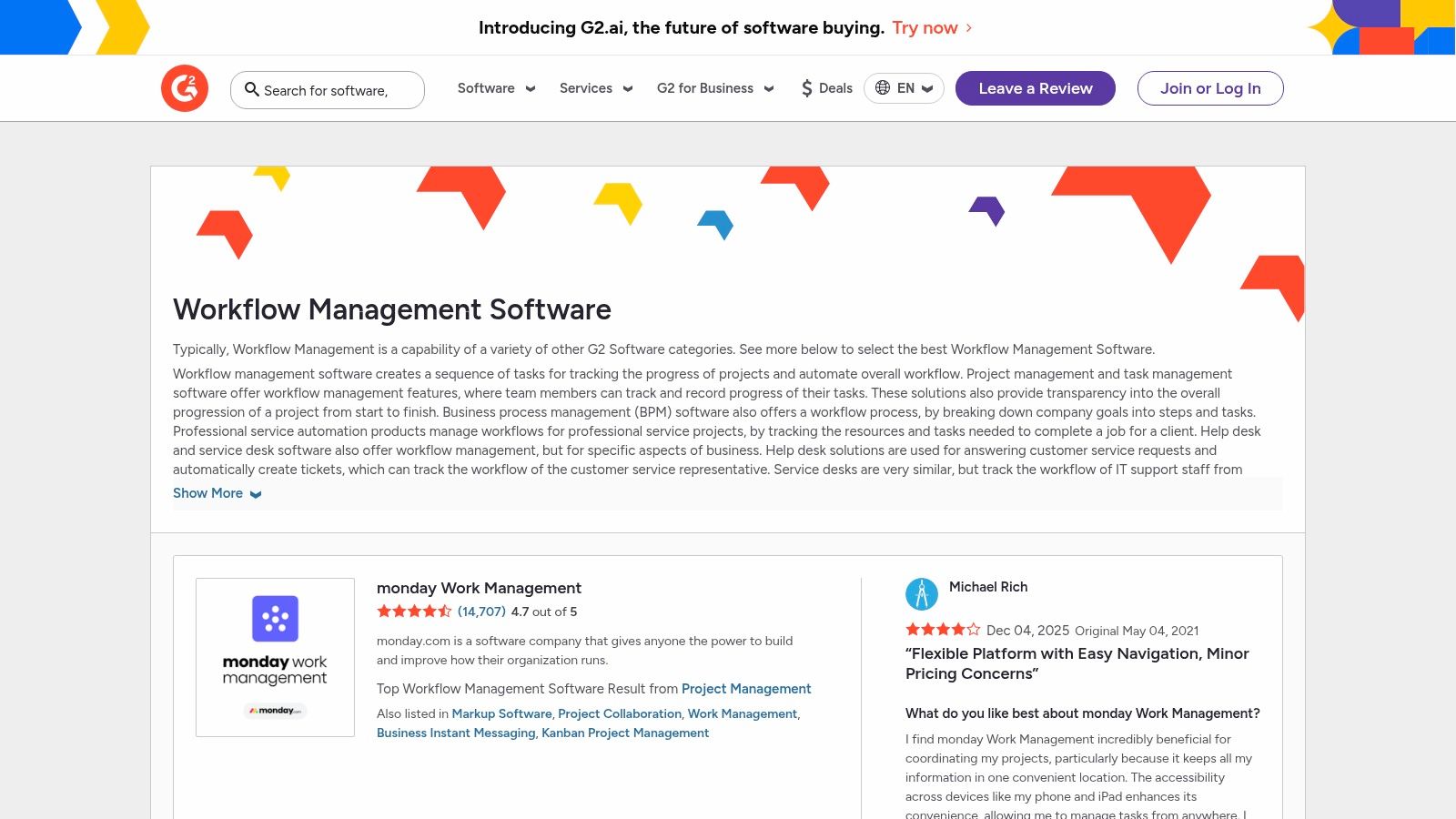 The platform enables direct comparison of vendors through its grid-style reports and detailed category pages. You can quickly see how different tools stack up against each other, read in-depth reviews, and often find direct links to free trials or demos. Using G2 effectively means leveraging its filters to create a shortlist of tools that align with your specific integration needs and team size. This strategic approach saves significant time and helps ensure you invest in a solution that has been validated by a community of your peers.
Key Considerations for G2
G2 is a powerful research tool, but it’s important to remember that its “Workflow Management” category can be broad, sometimes including project management or document management software. The user reviews provide invaluable context, but you should always supplement this research with hands-on trials to confirm a tool meets your unique requirements.
- Best For: Teams and individuals researching and shortlisting automation tools based on verified peer reviews.
- Pricing: Free to use for browsing and research.
- Website: g2.com/categories/workflow-management
Top 12 Workflow Automation Tools — Feature Comparison
ToolCore features ✨Usability / Quality ★Target audience 👥Value / Pricing 💰Recurrr 🏆Recurring email automation; calendar UI; AES‑256; pause/skip/reschedule★★★★☆ — dead‑simple, intuitive👥 Individuals, households, small teams💰 Free trial; $9/mo single plan; privacy‑firstZapier7,000+ integrations; multi‑step logic; AI Agents★★★★☆ — fast prototyping👥 SMBs → Enterprise teams💰 Free tier (100 tasks/mo); task‑based pricingMake (Integromat)Visual canvas; routers/filters; per‑module credits★★★☆☆ — powerful, steeper learning👥 Power users & SMEs💰 Low entry price; credit modelMicrosoft Power AutomateCloud flows, desktop RPA; process mining; MS365 connectors★★★★☆ — enterprise grade👥 Microsoft‑centric organizations💰 Complex licensing; add‑ons may cost extraWorkatoLow‑code recipes; lifecycle management; governance★★★★☆ — enterprise scale👥 Cross‑department enterprise💰 Sales‑led; usage‑based pricingn8nOpen‑source core; self‑host/cloud; unlimited steps★★★★☆ — extensible, ops required👥 Developers & cost‑sensitive teams💰 Cloud exec pricing; self‑host = cost‑effectiveIFTTTApplets across 900+ services; webhooks; mobile apps★★★☆☆ — very easy & quick👥 Personal users & IoT hobbyists💰 Low‑cost plans for basic needsTray.io (tray.ai)Low‑code iPaaS; AI agent tooling; audit logs★★★★☆ — governance focused👥 Enterprise IT & ops💰 Sales‑led pricing; contact salesBoomiIntegration, API, EDI, Flow; PAYG option★★★★☆ — broad enterprise features👥 Large enterprises💰 PAYG by messages; requires usage modelingMuleSoft (Anypoint)API‑led integration; RPA; low‑code Composer★★★★☆ — enterprise standard👥 Salesforce‑aligned enterprises💰 Sales‑quoted; premium contractsAWS MarketplaceCentralized procurement; private offers; consolidated billing★★★☆☆ — procurement utility👥 AWS‑centric enterprises💰 Consolidated billing; vendor‑dependent pricingG2Verified user reviews; category filters; vendor pages★★★★☆ — helpful for discovery👥 Buyers researching software💰 Free to use; links to trialsFinal Thoughts
Navigating the landscape of the best workflow automation tools can feel overwhelming, but the journey is well worth the effort. We’ve explored a wide spectrum of platforms, from the hyper-focused simplicity of Recurrr for recurring tasks to the enterprise-grade power of MuleSoft and the open-source flexibility of n8n. The central theme is clear: the right automation tool is not a one-size-fits-all solution; it’s a deeply personal or organizational choice.
The most critical takeaway is that successful automation begins with a clear understanding of the problem you’re trying to solve. Before you get dazzled by complex features and a vast library of integrations, take a step back. Map out the manual, repetitive process you want to eliminate. Is it sending a weekly reminder email? Is it connecting two mission-critical SaaS applications? The answer to this question is your compass.
Making Your Final Decision
Your choice will ultimately hinge on a balance of three key factors: complexity, cost, and scalability.
- For Individuals and Small Teams: If your needs revolve around automating simple, recurring routines like follow-up emails, habit tracking, or light operational checklists, a tool like Recurrr offers a direct and cost-effective solution without a steep learning curve. Similarly, IFTTT is excellent for connecting smart devices and personal apps with simple “if this, then that” logic.
- For Growing Businesses: As your processes become more intricate, platforms like Zapier and Make provide the perfect middle ground. Their visual builders and extensive app connectors allow you to build multi-step workflows that tie together different parts of your business, from marketing to sales to operations, without needing a dedicated developer.
- For Large Enterprises: When automation is a core strategic initiative involving complex data transformations, API management, and system-wide integrations, you’ll need the robust power of Workato, Tray.io, or Boomi. These platforms are built for security, governance, and handling high-volume, mission-critical processes that underpin entire business functions.
Implementing Your First Workflow
Once you’ve selected a tool, start small. Don’t try to automate your entire business on day one. Pick one high-impact, low-risk task. This “quick win” approach has two major benefits: it helps you learn the tool’s interface and logic in a manageable way, and it demonstrates immediate value, building momentum for more ambitious automation projects.
Remember, automation is also a process of refinement. Your first workflow won’t be perfect. Monitor its performance, gather feedback from your team, and be prepared to iterate. This continuous improvement is where the true power of automation is unlocked, turning a simple tool into a transformative business asset. As you grow, you’ll find that some processes become so specialized they require their own dedicated platforms. For instance, creating a seamless experience for new hires is a complex workflow in itself, often best managed by one of the best employee onboarding software solutions designed specifically for that purpose.
The goal is not just to do things faster, but to free up your most valuable resource: human creativity and strategic thinking. By offloading the mundane, you create space for innovation, growth, and the work that truly matters.
Ready to eliminate your most tedious recurring tasks? If you’re looking for a straightforward, no-code solution designed specifically for automated routines and reminder emails, Recurrr is built for you. Start simplifying your life and work in minutes by visiting Recurrr to see how easy automation can be.