

In a world of back-to-back calls, the difference between a productive meeting and a costly no-show often comes down to one small detail: the reminder email. A poorly timed or vague notification gets archived instantly, leading to rescheduled appointments and wasted time. A well-crafted reminder, however, ensures attendees arrive on time, fully prepared, and ready to contribute meaningfully. This isn’t just about sending a notification; it’s about strategically communicating value and setting clear expectations before the meeting even begins.
This guide moves beyond generic templates. We will break down the strategy behind 8 distinct meeting reminder email samples designed for every professional scenario, from formal client check-ins to casual team huddles and last-minute reschedules. For each example, you will get:
- Copy-and-paste templates for immediate use.
- Strategic analysis of why each element works.
- Actionable takeaways to optimize your own reminders.
- Ideal send timings to maximize open rates and attendance.
We'll also explore how small productivity hacks and invisible tools like Recurrr can automate this entire process, turning a tedious manual task into a reliable, set-and-forget system that you can use in addition to your existing calendar and project management software. Improving your reminder system is a critical first step, and for those managing larger gatherings, exploring broader strategies to effectively increase event attendance can offer valuable insights into motivating participation. Let's transform your meeting attendance rates, one smart reminder at a time.
- Simple Direct Meeting Reminder
The Simple Direct Meeting Reminder is the workhorse of professional communication. It’s a no-frills, high-clarity email designed to convey essential information quickly and efficiently. This template strips away unnecessary prose, focusing exclusively on the critical details: what the meeting is, when it is, and how to join.
Its primary strength is its scannability. In a world of overflowing inboxes, a direct reminder respects the recipient's time by making the core information immediately accessible. This is especially vital for high-frequency internal meetings like daily stand-ups or weekly check-ins, where the purpose is consistent and well-understood. It serves as a simple, effective nudge to keep the team on schedule.
Sample Email Template
Subject: Reminder: [Meeting Title] at [Time] Today
Hi Team,
This is a quick reminder that our [Meeting Title] is scheduled for today.
Date: [Date]
Time: [Time] ([Time Zone])
Location: [Join Link or Physical Location]
Please be ready to discuss:
- [Agenda Point 1]
- [Agenda Point 2]
- [Agenda Point 3]
See you soon,
[Your Name]
Strategic Breakdown & Why It Works
- Clarity Above All: The subject line immediately states the purpose, meeting name, and time. There's no ambiguity. Recipients can get the core information without even opening the email.
- Structured Information: Using bolded labels like Date: and Time: creates a predictable, easy-to-scan format. The brain processes this structured data much faster than a block of text.
- Minimalist Agenda: Including 2-3 key talking points primes attendees for a focused discussion. It sets expectations without overwhelming them with a lengthy document.
When to Use This Template
This template is ideal for recurring, internal meetings where the context is already established. Think daily stand-ups, weekly project syncs, or one-on-one check-ins. It's less suited for initial client meetings or complex workshops that require more detailed context.
For these routine communications, using a small productivity hack like an automation tool is a game-changer. By setting up recurring emails, you ensure these reminders go out consistently without any manual effort. For those looking to implement this, you can discover more about setting up email automation for recurring tasks. This frees up mental bandwidth to focus on the meeting's substance, not its administration.
- Detailed Pre-Meeting Preparation Email
The Detailed Pre-Meeting Preparation Email transforms a simple reminder into a strategic tool for productive collaboration. Unlike a basic nudge, this email is designed for meetings where attendee preparation is critical to success. It provides comprehensive context, outlines required pre-work, and attaches necessary documents, ensuring everyone arrives informed and ready to contribute meaningfully.
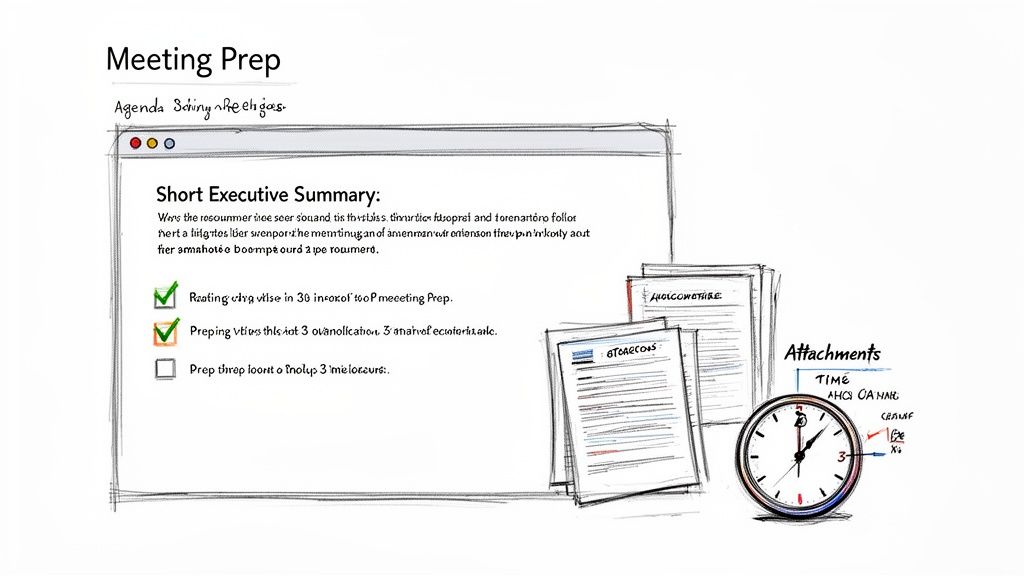 This approach is invaluable for high-stakes discussions like quarterly board meetings, financial reviews, or key client strategy sessions. By front-loading the preparation, it elevates the quality of the meeting itself, shifting the focus from information sharing to active problem-solving and decision-making. It respects attendees' time by enabling them to schedule their prep work effectively.
Sample Email Template
Subject: Preparation Needed: [Meeting Title] on [Date]
Hi Team,
A reminder that our [Meeting Title] is happening this week. To make our time as productive as possible, please review the following materials and complete the prep tasks before we meet.
Date: [Date]
Time: [Time] ([Time Zone])
Location: [Join Link or Physical Location]
Objective: To [State the primary goal of the meeting, e.g., finalize the Q3 budget].
Preparation Required (Estimated time: [e.g., 30 minutes]):
- Review the attached [Document Name, e.g., Draft Q3 Budget].
- Come prepared to discuss your department's top three priorities.
- Add any questions to the shared [Agenda Document Link].
Quick Links:
- [Link to Agenda Document]
- [Link to Project Board]
- [Link to Presentation Slides]
Please let me know if you have any questions before the meeting.
Best,
[Your Name]
Strategic Breakdown & Why It Works
- Sets Clear Expectations: The subject line immediately signals that this isn't a standard reminder; action is required. This helps prioritize the email in a crowded inbox.
- Action-Oriented Agenda: Instead of just listing topics, the agenda is framed as "Preparation Required." This active language prompts engagement and accountability.
- Time Management Aid: Including an estimated prep time is a small but powerful detail. It allows recipients to block out the necessary time on their calendars, increasing the likelihood of completion.
When to Use This Template
This is the perfect template for important, non-routine meetings that depend on informed participation. Use it for strategic planning sessions, project kickoffs, client workshops, and monthly or quarterly business reviews. It is less suitable for quick, routine syncs where minimal preparation is needed.
For recurring deep-dive meetings, a small productivity hack is to use an automation tool to send the core template consistently. You can create a master template for your "Monthly Financial Review" and simply update the specific attachments and prep tasks each month. This small bit of automation ensures the reminder is never missed and saves you from reinventing the wheel, allowing you to focus on the meeting's strategic goals rather than its administrative setup.
- Friendly Tone Meeting Reminder for Small Teams
The Friendly Tone Meeting Reminder injects a dose of personality into routine communication, transforming a standard notification into a moment of connection. It’s designed for close-knit teams where a less formal, more personable approach builds rapport and reinforces a positive company culture. This template maintains professional clarity while using a warmer, more approachable tone.
Its core advantage is fostering a sense of community. For small teams, startups, or creative agencies, a friendly reminder feels less like a corporate directive and more like a collaborative heads-up. It acknowledges the human on the other side of the screen, making routine administrative tasks feel more engaging and less sterile. This approach is particularly effective for recurring internal events like weekly huddles or team socials.
Sample Email Template
Subject: Heads Up! Our [Meeting Title] is coming up today at [Time] 😊
Hey Team,
Just a friendly reminder about our [Meeting Title] happening later today. Excited to catch up and hear everyone's updates!
When: [Date] at [Time] ([Time Zone])
Where: [Join Link or Physical Location]
Quick agenda points for today:
- [Agenda Point 1]
- [Agenda Point 2]
- [Team Member Shout-out or Fun Icebreaker Question]
Grab a coffee and see you all there!
Best,
[Your Name]
Strategic Breakdown & Why It Works
- Personable Subject Line: The subject line uses conversational language ("Heads Up!") and a simple emoji to set a warm, approachable tone from the start. It feels less automated and more human.
- Conversational Body Copy: Phrases like "Excited to catch up" and "Grab a coffee" make the email feel like it’s coming from a colleague, not a bot. This fosters a collaborative atmosphere.
- Engaging Agenda Item: Including a non-work item like a team shout-out or an icebreaker question encourages participation and reinforces team bonds beyond just the work tasks at hand.
When to Use This Template
This email is perfect for internal meetings within small, collaborative teams. Think weekly team huddles, monthly all-hands meetings in creative agencies, or project brainstorming sessions. It’s less appropriate for formal client-facing meetings or large, corporate-wide announcements where a more traditional tone is expected.
To keep this process efficient, a simple automation tool can be a great asset. You can set up a recurring, friendly template that goes out consistently, saving you manual effort. This small productivity hack ensures reminders are sent on time without sacrificing the personal touch that defines your team's culture. You can discover more about the effectiveness of this approach by reading up on how email reminders are a powerful, often overlooked tool.
- Calendar Integration Meeting Reminder with Sync Confirmation
The Calendar Integration Meeting Reminder is a technical, proactive email designed to prevent one of the most common meeting frustrations: mismatched calendar information. This template confirms that meeting details have synchronized correctly across different calendar systems like Google Calendar, Outlook, and Apple Calendar, reducing no-shows and late arrivals caused by tech glitches.
Its core function is to build confidence and reduce friction, especially in complex scheduling scenarios. When dealing with international teams, external partners, or colleagues who use different software, a simple calendar invite can fail. This reminder serves as both a nudge and a technical confirmation, ensuring everyone's digital calendar is accurate and aligned.
Sample Email Template
Subject: Confirmed & Synced: [Meeting Title] on [Date]
Hi [Name],
This is a confirmation that the upcoming [Meeting Title] has been successfully added to your calendar. Please ensure the details below match what you see.
Meeting: [Meeting Title] (ID: [Unique Meeting ID])
Date: [Date]
Time: [Time] ([Your Time Zone]) / [Recipient's Time Zone]
Location: [Join Link or Physical Location]
If the details above look correct, no action is needed. If you see a discrepancy, please re-sync using the options below or reply to this email.
- [Link to Add to Google Calendar]
- [Link to Add to Outlook Calendar]
- [Download .ics File for other calendars]
Looking forward to our discussion.
Best,
[Your Name]
Strategic Breakdown & Why It Works
- Proactive Problem-Solving: The template directly addresses the potential for calendar sync errors, preventing issues before they happen. This is crucial for high-stakes meetings with external clients or partners.
- Multi-Platform Support: Providing direct links for major calendar platforms and a universal .ics file makes it incredibly easy for recipients to add the event correctly, regardless of their preferred tool.
- Clear Time Zone Reference: Explicitly stating both the sender's and recipient's time zones (e.g., 2 PM EST / 7 PM GMT) removes any ambiguity for global teams.
When to Use This Template
This email is perfect for first-time meetings with new clients, important cross-departmental collaborations, or any recurring meeting involving external attendees who use different calendar systems. It's especially valuable for international meetings where time zone conversions are a common point of failure.
Automating this type of confirmation is a small productivity hack that pays dividends in reliability. You can use a tool like Recurrr to set up and send these specialized reminders automatically for your recurring vendor or partner meetings. This ensures every attendee, internal or external, receives a clear, actionable confirmation without manual intervention, solidifying your reputation for being organized and reliable.
- Last-Minute/Urgent Meeting Reminder with Reschedule Option
The Last-Minute/Urgent Meeting Reminder is a critical tool for navigating unforeseen circumstances with grace and efficiency. This template is crafted for situations where a meeting must be called on short notice, balancing the need for immediate action with respect for recipients' packed schedules. It acknowledges the inconvenience while clearly stating the reason for the urgency.
Its core strength lies in its blend of directness and flexibility. It gets straight to the point but provides an immediate, low-friction way for attendees to signal a scheduling conflict. This proactive approach prevents no-shows and helps the organizer quickly find a time that works for essential stakeholders, such as in crisis response meetings or for urgent client escalations.
Sample Email Template
Subject: URGENT: Meeting Today at [Time] re: [Topic] – Please Confirm Availability
Hi [Name],
Apologies for the short notice. An urgent issue regarding [Brief Reason for Urgency, e.g., the Q3 budget revision] has come up that requires our immediate attention.
I need to schedule a brief meeting to address this today.
Proposed Time: [Date], [Time] ([Time Zone])
Location: [Join Link or Physical Location]
I understand this is last-minute. If you cannot make this time, please let me know immediately and suggest a few alternative times over the next 24 hours that work for you.
Thanks for your flexibility.
Best,
[Your Name]
Strategic Breakdown & Why It Works
- Urgency with Empathy: The subject line uses "URGENT" to grab attention, but the email body immediately apologizes for the short notice. This shows respect for the recipient's time and prevents the demand from feeling abrasive.
- Built-in Flexibility: Instead of just demanding attendance, the template explicitly offers a path to reschedule. This empowers recipients and speeds up the process of finding a workable time for everyone critical to the discussion.
- Context, Not Clutter: It provides a single, concise sentence explaining why the meeting is urgent. This justification is crucial for getting buy-in and demonstrates that the short-notice request is legitimate.
When to Use This Template
Reserve this template for genuinely time-sensitive situations to maintain its impact and your credibility. It’s perfect for crisis management, urgent project roadblocks, or critical client-facing issues that cannot wait. Avoid using it for routine matters that could have been planned.
For these high-stakes communications, a small productivity hack can be a lifesaver. You can prepare these templates in advance and use a scheduler to deploy them instantly when needed. For those moments, you can explore more about how to send scheduled emails in Gmail to ensure your urgent message gets out without delay, even if you’re away from your desk.
- Accountability-Focused Meeting Reminder for Teams
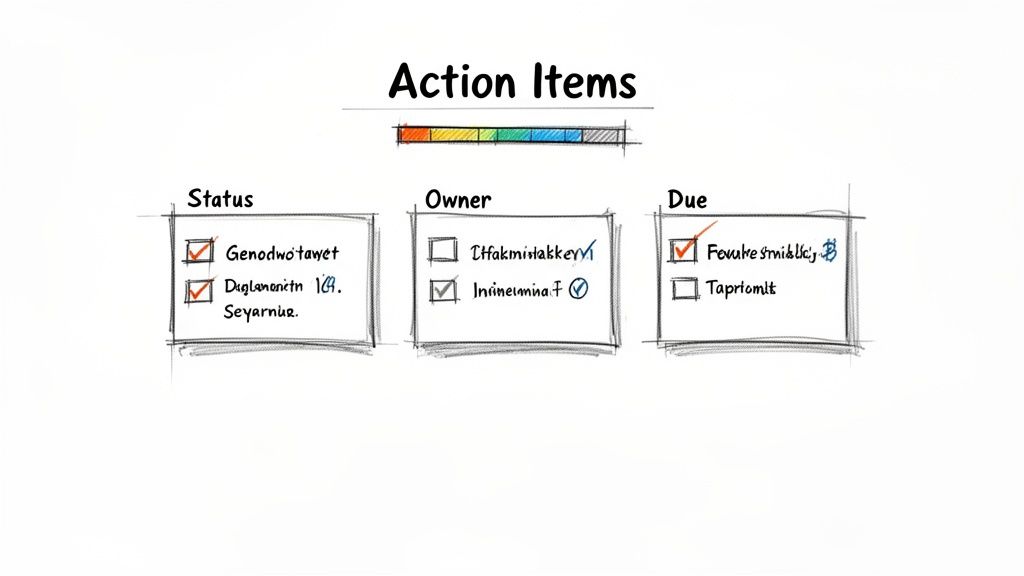
The Accountability-Focused Meeting Reminder transforms a standard meeting notification into a powerful tool for driving progress and ownership. This structured email is designed to keep teams aligned with commitments made in previous sessions by explicitly listing outstanding action items and preparing attendees to report on their progress. It shifts the meeting's focus from simple discussion to active, forward-moving accountability.
Its core strength lies in creating a continuous feedback loop. By systematically tracking commitments, this reminder ensures that important tasks don't get lost between meetings. It’s perfect for recurring sessions like sprint retrospectives or monthly goal reviews, where momentum is critical. This template encourages a culture of responsibility and transparency, making it clear who owns what and by when.
 ### Sample Email Template
Subject: Action Items & Agenda for our [Meeting Title] on [Date]
Hi Team,
A reminder that our next [Meeting Title] is scheduled for tomorrow. Please come prepared to provide a quick update on your assigned action items from our last session.
Date: [Date]
Time: [Time] ([Time Zone])
Location: [Join Link or Physical Location]
1. Review of Previous Action Items:
- [Action Item 1] – Owner: [Name], Status: [e.g., In Progress]
- [Action Item 2] – Owner: [Name], Status: [e.g., Completed]
- [Action Item 3] – Owner: [Name], Status: [e.g., Blocked]
2. Today's Agenda:
- Quick updates on all open action items
- Discussion of [Agenda Point 1]
- Review blockers and find solutions
- Define next steps & assign new action items
Please add any blockers to our shared doc beforehand. Looking forward to a productive session.
Best,
[Your Name]
Strategic Breakdown & Why It Works
- Action-Oriented Focus: The subject line and opening sentence immediately set the expectation that this meeting is about progress on specific tasks, not just general discussion.
- Structured Accountability: Listing previous action items with assigned owners and statuses makes progress visible and holds individuals accountable. It removes ambiguity and prevents tasks from slipping through the cracks.
- Pre-Meeting Preparation: This template prompts attendees to think about their updates before the meeting, which leads to more efficient and focused discussions. Including a "Blockers" section encourages proactive problem-solving.
When to Use This Template
This email is a must-have for any recurring meeting focused on project execution, goal achievement, or performance tracking. It is ideal for weekly sprint planning, monthly team goal reviews, or quarterly performance check-ins. It reinforces a culture where commitments are taken seriously and followed through.
A small productivity hack for managing this is to use an automation tool to send the base template at the same time each week. You can then manually update the action items section just before it sends. Sending it the day before gives everyone adequate time to prepare their updates. To get the timing just right, you can learn more about the best time to send an email to get a response.
- Mobile-Optimized Quick Meeting Reminder
The Mobile-Optimized Quick Meeting Reminder is designed for the modern professional who manages their schedule on the go. This template acknowledges that most emails are first opened on a smartphone and prioritizes scannability, minimal scrolling, and single-tap actions. It presents essential information in a clean, vertical hierarchy, making it effortless to process key details between tasks or while commuting.
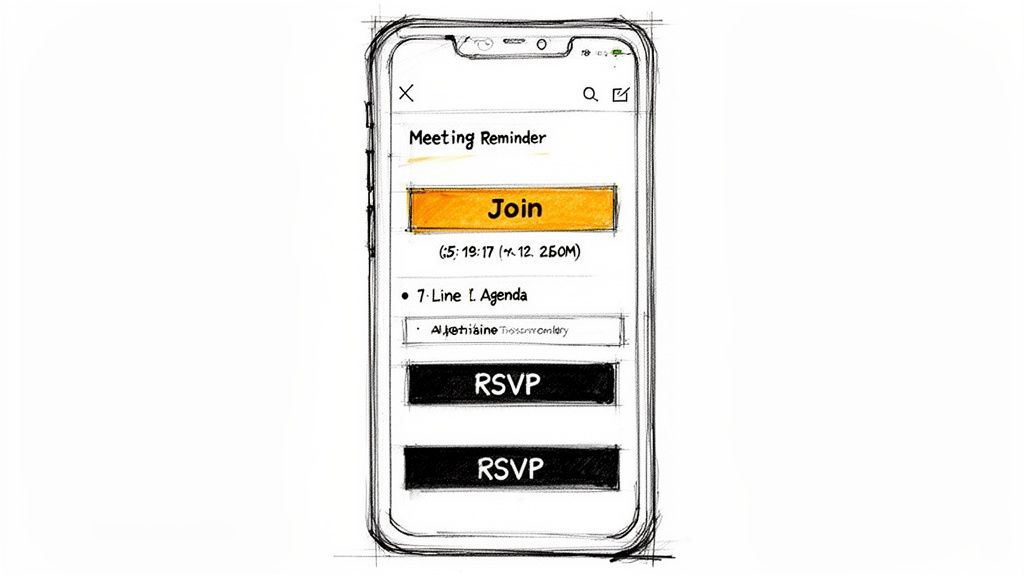 Its core strength is its focus on the mobile user experience. By using larger fonts, clear buttons, and a single-column layout, it removes friction and ensures information is accessible without pinching or zooming. This is particularly effective for recurring check-ins with field teams, daily stand-ups for remote workers, or any meeting where attendees are likely away from their desks.
Sample Email Template
Subject: Today: [Meeting Title] at [Time]
Hi [Name],
Quick reminder about our [Meeting Title] meeting today.
When: [Time] ([Time Zone])
Where: [Video Conference Link]
Tap to join from your phone:
[One-Tap Dial-In Number]
Looking forward to it,
[Your Name]
Strategic Breakdown & Why It Works
- Vertical Hierarchy: Information is stacked vertically, aligning with how users naturally scroll on a phone. There are no side-by-side columns that would require horizontal scrolling.
- Action-Oriented Links: The "Tap to join" link uses clear, actionable language and provides a direct dial-in number, making it extremely easy for mobile users to connect without fumbling for meeting IDs.
- Concise and Scannable: The subject line is short and front-loads the most critical information. The body uses bolded labels and ample white space to make key details pop, even on a small screen.
When to Use This Template
This is the perfect template for any meeting involving participants who are frequently mobile. Use it for daily stand-ups with distributed teams, weekly check-in calls with on-field staff, or quick syncs where attendees might be joining from their cars or a coffee shop. It's a key tool for ensuring punctuality in a mobile-first workforce.
Automating these types of meeting reminder email samples is a small productivity hack that pays huge dividends. Using a tool to send recurring emails ensures your team gets a consistent, mobile-friendly nudge every time. When setting this up, you can explore how to send recurring emails and use a mobile preview feature to ensure the layout is perfect before scheduling the automation. This simple step guarantees a seamless experience for every recipient, every time.
- Self-Hosted Team Meeting Reminder with Attendance Tracking
For organizations that need to monitor engagement and participation, the Self-Hosted Team Meeting Reminder with Attendance Tracking is a powerful tool. It goes beyond a simple notification by embedding a mechanism for attendees to confirm their presence, providing valuable data on meeting engagement over time. This approach transforms a standard reminder into a lightweight data-gathering instrument.
The core strength of this template is its ability to create a record of participation without feeling overly authoritarian. By framing attendance tracking as a tool for improving scheduling, understanding team availability, and ensuring everyone receives critical information, it fosters transparency. This method is particularly effective for mandatory training, compliance sessions, or recurring all-hands meetings where consistent attendance is crucial for organizational alignment.
Sample Email Template
Subject: Attendance Confirmation: [Meeting Title] at [Time] Today
Hi Team,
This is a reminder for our [Meeting Title] scheduled for today. To help us keep our attendance records accurate, please confirm you will be joining.
Date: [Date]
Time: [Time] ([Time Zone])
Location: [Join Link or Physical Location]
Please confirm your attendance by clicking here: [Link to a Simple Form, Poll, or Automated Check-in]
We will be discussing:
- [Agenda Point 1]
- [Agenda Point 2]
- [Agenda Point 3]
If you are unable to attend, please let [Manager's Name] know in advance.
Thank you,
[Your Name]
Strategic Breakdown & Why It Works
- Action-Oriented Request: The primary call-to-action is the attendance confirmation link. This interactive element increases engagement with the email itself and provides a clear, trackable response.
- Transparency and Framing: The email clearly states why attendance is being tracked ("to help us keep our records accurate"). This positive framing helps avoid a punitive tone and encourages cooperation.
- Data-Driven Accountability: It creates a simple, low-friction system for collecting participation data. This information can be invaluable for identifying engagement trends or ensuring compliance requirements are met.
When to Use This Template
This is one of the best meeting reminder email samples for situations where attendance is non-negotiable or needs to be monitored. It’s perfect for recurring all-hands meetings, mandatory training sessions, or team meetings in performance-driven environments. Avoid using it for informal brainstorming sessions or optional drop-ins, where tracking could feel restrictive.
For this process, an automation tool is not just a convenience; it's essential for managing the data. You can set up a recurring email that sends the reminder and link consistently. Using a tool like Recurrr, you can schedule these emails to go out automatically before each session, ensuring the process is seamless and free from human error. This allows you to focus on analyzing the attendance data rather than managing the reminder logistics.
Meeting Reminder Email Samples — 8-Template Comparison
Template🔄 Implementation Complexity⚡ Resource Requirements⭐ Expected Outcomes📊 Ideal Use Cases💡 Key Advantages & TipsSimple Direct Meeting ReminderLow — minimal setup, easy to automateLow — basic template + scheduler⭐⭐⭐⭐ Clear confirmations; fast processingDaily standups, weekly syncs, recurring one-on-ones💡 Very scannable; send 10–15 min before; include single join linkDetailed Pre-Meeting Preparation EmailMedium–High — needs customization per cycleMedium — documents, prep time, template maintenance⭐⭐⭐⭐⭐ Better-prepared meetings; less context-settingMonthly reviews, strategy sessions, client deliverable meetings💡 Put critical info first; include quick links & estimated prep timeFriendly Tone Meeting Reminder for Small TeamsLow–Medium — personalization required for authenticityLow — templating + light personalization⭐⭐⭐⭐ Higher engagement and morale for small teamsStartup huddles, creative teams, social/recurring team meetings💡 Match actual culture; include sender name and 1–2 emojis maxCalendar Integration Meeting Reminder with Sync ConfirmationHigh — cross-platform compatibility and testingHigh — HTML/ICS support, calendar integrations, QA⭐⭐⭐⭐ Reduces no-shows and timezone errorsDistributed teams, multi-calendar environments, external partners💡 Include .ics + web links; always show timezone conversionsLast-Minute/Urgent Meeting Reminder with Reschedule OptionMedium — rapid turnaround with decision pathsMedium — alternative times, CTAs, quick channels⭐⭐⭐ Improves quick responses but can cause stressCrisis calls, emergency budget/issue escalations💡 Reserve for genuine urgency; offer 2–3 alternative slotsAccountability-Focused Meeting Reminder for TeamsMedium–High — requires tracking and updatesMedium — action-item tracking, pre-submission tools⭐⭐⭐⭐ Increases follow-through and progress visibilitySprint reviews, performance check-ins, goal-tracking meetings💡 Frame positively; automate structure but update action itemsMobile-Optimized Quick Meeting ReminderMedium — design and cross-client testing requiredMedium — responsive HTML/CSS, mobile QA⭐⭐⭐⭐ Higher RSVP rates from mobile users; fast actionsField teams, on-the-go professionals, time-sensitive syncs💡 Single-column layout; large tap targets (min 44px); test clientsSelf-Hosted Team Meeting Reminder with Attendance TrackingHigh — tracking, reporting, privacy controlsHigh — attendance forms, reporting, data management⭐⭐⭐⭐ Provides engagement data but risks privacy concernsAll-hands, compliance trainings, performance-focused orgs💡 Be transparent about tracking; use summaries for coaching, not surveillancePutting It All Together: Automate Your Reminders and Reclaim Your Time
We've explored a comprehensive arsenal of meeting reminder email samples, from the simple and direct to the detailed preparation-focused template. Each example serves a unique purpose, whether it's for a high-stakes client call, a recurring internal standup, or an urgent last-minute sync. Understanding the nuances of tone, timing, and content is the first critical step toward more effective and professional communication.
The journey doesn't end with a collection of great templates. The true power lies in transforming these samples from static text into a dynamic, automated system that runs in the background. Manually sending these reminders, especially for recurring meetings, is a time-consuming and error-prone task that chips away at your focus. It's a classic example of a low-value, repetitive action that is ripe for automation.
From Manual Effort to Automated Excellence
The most significant takeaway from this guide is the strategic shift from doing to automating. Every reminder you manually send is a small interruption, a context switch that pulls you away from deep work. When you multiply this by several meetings a week, the cumulative cost to your productivity becomes substantial.
By embracing automation, you achieve several key benefits:
- Unwavering Consistency: An automated system never forgets. It sends the right message at the perfect pre-scheduled time, building a reputation for reliability and professionalism.
- Reduced No-Shows: Timely and informative reminders drastically decrease the likelihood of participants forgetting a meeting, ensuring everyone arrives prepared and on time.
- Reclaimed Mental Energy: Freeing your mind from the "did I send that reminder?" loop allows you to dedicate your cognitive resources to more strategic, high-impact work.
Finding the Right Tool for the Job
This is where a small productivity hack like Recurrr becomes invaluable. It isn't a complex project management suite or a full-featured CRM. Instead, it’s a lightweight, "invisible tool" designed to do one thing exceptionally well: send recurring emails automatically. It works alongside your existing calendar and to-do list apps, filling a specific gap in your workflow without adding unnecessary complexity.
Think of it as the final piece of the puzzle. You’ve selected the perfect meeting reminder email samples from our list; now you can plug them into an engine like Recurrr to ensure they are delivered flawlessly every single time. This approach allows you to build a robust system for professional communication that operates without your constant intervention. To truly reclaim your time and ensure consistent communication across all your operations, you can explore these 7 automations every African business should set up, with meeting reminders being a cornerstone of that efficiency.
The path forward is clear. Start small. Pick one recurring meeting that consistently requires a reminder. Choose the most appropriate template from this guide, customize it for your needs, and set it up as an automated sequence. The small investment of time upfront will pay significant dividends in reclaimed focus, improved meeting attendance, and a more streamlined, professional workflow. You've got the blueprints; now it's time to build your automated reminder system and watch your productivity soar.
Ready to stop manually sending reminders and start automating your workflow? Recurrr is the simple, focused tool designed to put your recurring emails on autopilot. Take the templates from this article and bring them to life with Recurrr to save time, reduce no-shows, and ensure professional consistency.