

Have you ever tried to send the same email over and over again? You might be surprised, but it’s impossible to do in all major email providers and clients. None of them can send recurring emails – Gmail, Outlook, FastMail, Yahoo, Apple Mail, Proton, SuperHuman even cPanel miss this one functionality. It’s odd, because you can schedule recurring events in your calendar… and you can schedule recurring todos in most ToDo apps… but you CANNOT schedule recurring emails, in any major email client. That’s a huge oversight! One that we at recurrr.com have solved in a very intuitive way (we hope).
We’ve built recurrr.com to scratch our own itch, and it helps us send repeating emails every week, month, quarter etc. But we’re not the first, nor the last to create a solution for this problem. So in the spirit of full disclosure, here’s a list of ALL solutions on the web. The definitive list of the best and worst ways to schedule recurring emails in 2024.
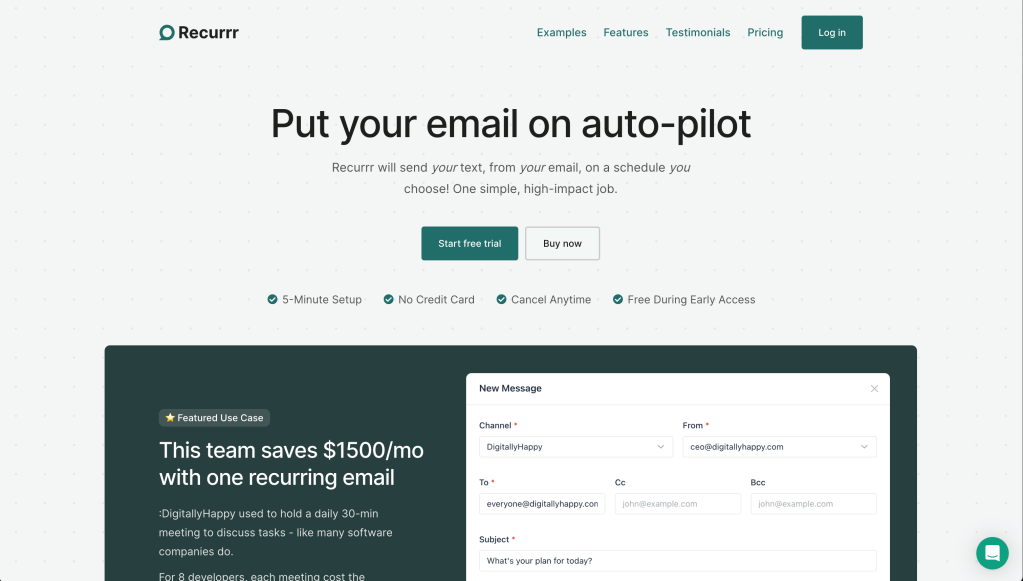 1. Recurrr.com – dead-simple recurring emails
Full disclosure: this is our solution. But we’ll take a step back and try to be objective here. We don’t want you to use our service if we’re not a good fit. That being said… if you only want to send recurring emails, you don’t have to look any further. Here’s our PROs and CONs, the same as for the other tools.
PROs:
- Simple to define complex recurrence rules (text input, AI will understand);
- Supports all email providers (Gmail, Outlook, FastMail, Yahoo, anything);
- Calendar is an intuitive way to see your outbox.
- Free during beta, then free tier;
CONs:
- More difficult to first set up than others (due to using the reliable SMTP protocol).
- No mobile app (but recurrr.com is mobile-friendly and can be bookmarked).
That being said… we are actively working on the application. We plan to reduce or fix the downsides above (along with any others you might report), as time goes by. If you’re interested, try it out and tell us what you think. If not, read on about the alternatives.
 2. Boomerang App – more than recurring emails
To be honest, this is one of the few other tool in the list we would personally use. Because… it has downsides, but it also has a lot of good things going for it.
PROs:
- It offers a way for you to schedule recurring emails right from the Gmail and Outlook interface.
- It offers a lot more email productivity tools,like meeting scheduling (a la calendly), a rating system while you write your email, email tracking and more.
- It has a companion iOS and Android app, which is convenient for mobile use.
CONs:
- The plan that includes recurring emails costs $15/mo.
- The interface to create recurring emails is clunky, as opposed to our AI-powered text input.
- On desktop have to install a Chrome Extension to use it.
- It only supports Gmail and Outlook. If you have any other email provider… tough luck.
- If you use both Gmail and Outlook, you have to pay twice, as they are two separate products.
That being said, if you’d pay for any of the other features they offer in addition to recurring messages, you might consider using Boomerang. We did, for while… until we discovered the only thing we actually used was recurring messages.
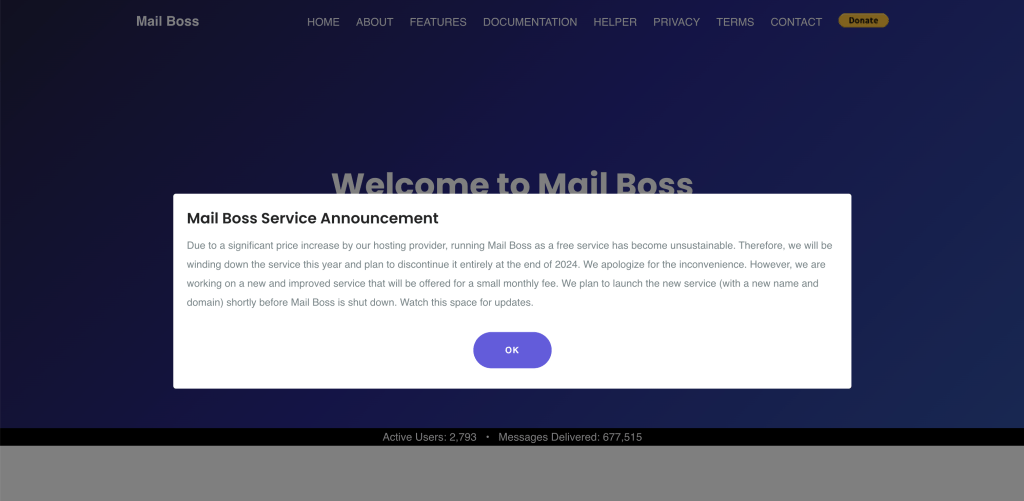 3. Mailboss – discontinued
This was a solution years ago, but now in June 2024, when you access their website you’re slapped with a big fat notice that explains everything: “Due to a significant price increase by our hosting provider, running Mail Boss as a free service has become unsustainable. Therefore, we will be winding down the service this year and plan to discontinue it entirely at the end of 2024. We apologize for the inconvenience. However, we are working on a new and improved service that will be offered for a small monthly fee. We plan to launch the new service (with a new name and domain) shortly before Mail Boss is shut down. Watch this space for updates.“
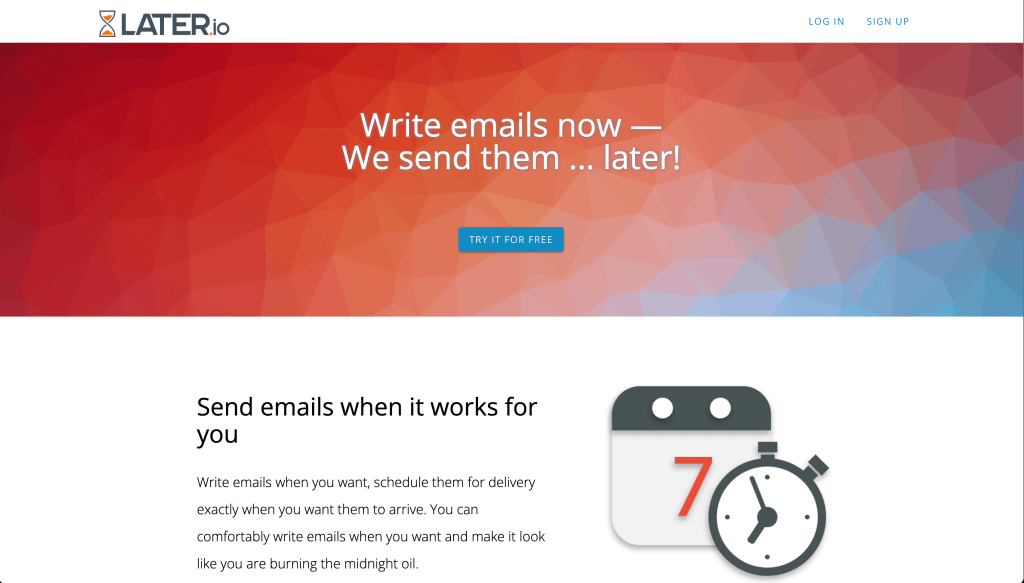 4. Later.io – easy setup, but emails may go to Spam
This is another simple service that helps send recurring emails, so very similar to Recurrr.
PRO:
- simple to use;
- simple to sign up (no SMTP credentials required);
- has a generous free tier (30 emails) and a cheap paid tier ($3/mo);
CONs:
- the hack they use to send emails on your behalf (address spoofing) is unreliable, so your emails may end up in SPAM;
- dated interface (but intuitive);
In conclusion, later.io might be a good option to start sending recurring emails – but not for the long run. The default sending method makes it the easiest to set up, though in their FAQ they do recommend setting up SMTP credentials, just like we do, to make sure your emails land. If you end up doing that… then there’s no point using Later.io – you’re better off using Recurrr, which at least makes it way easier to set up your SMTP credentials.
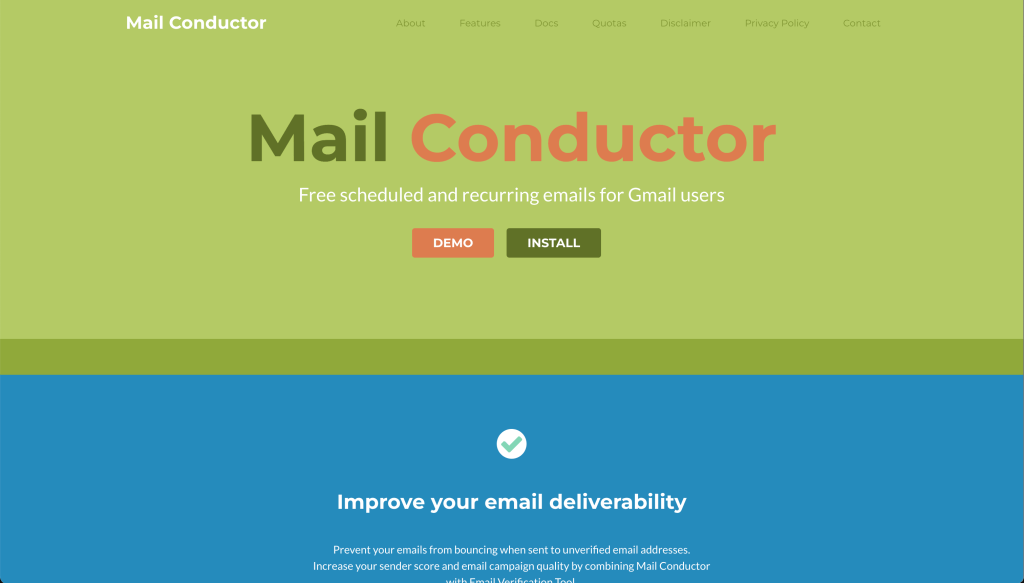 5. MailConductor – blocked by Google
To put it bluntly… we don’t like MailConductor very much, and don’t think you will either.
Update in June 2024: MailConductor has stopped working. When trying to log in using Gmail, you get a big fat notice saying they are blocked.
PROs:
- They invented a nifty (though unreliable) way to send emails from Gmail without using a Chrome extension (by creating a draft and leaving it there);
- Easy to sign up (Login with Google);
- It’s “set it and forget it“;
- It’s free;
CONs:
- Only supports Gmail;
- Very incoventient to schedule an email correctly, you basically have to learn a custom syntax they invented, to schedule the emails. And easy example is “
Last day of month reminder @2016-02-01(-1) repeat every month“; - Unreliable – you can easily make a mistake in writing your email subject for more complex rules, and there’s no way to know that until the emails have actually been sent. Ouch!
- Not sustainable. The fact that they use the Gmail API to send emails means they incur a cost on each email sent. As soon as they exhaust the free Gmail tier, they either have to pay for you to send free emails… or drop emails;
To conclude, if you’re a tech-savvy person looking for a free way to send recurring emails… sure, you can try MailConductor… But we wouldn’t recommend it. We think other options on this list will serve you better.
 6. ScheduleThatEmail – discontinued
Fun fact… schedulethatemail.com is also our app 👀 We’ve built in in 2017 to send recurring emails from Gmail, and have used it until 2024, when we built everything from the ground up, and launched recurrr.com. So here goes:
PROs:
- Easier to sign up than Recurrr (Login with Google);
- Has a calendar outbox, just like Recurrr;
- It works… for the most part;
CONs:
- Only supports Gmail;
- You get a notice from Gmail that the app is in beta, when signing up;
- Creating complex recurrence rules is a little clunky (no AI back in 2017);
- Will be discontinued at the end of 2024 (merging into Recurrr);
To conclude, while it’s working… I wouldn’t recommend you use it today. Recurrr is the younger, stronger, more reliable brother of schedulethatemail.com – so if you start sending recurring emails today, use Recurrr.com instead of schedulethatemail.com.
 7. Gmass – can only send every week or month
We don’t think this is what you’re looking for, but let’s mention it nonetheless. Gmass is another email-productivity tool, like Boomerang, and it offers to send recurring emails:
PROs:
- offers a lot more features than recurring emails alone;
- supports SMTP too (not just Gmail);
CONs:
- very limited recurrence rule: every x weeks/months, that’s it;
- complex – does way too many things for most users;
If what you’re looking for is a way to send recurring emails… most likely Gmass isn’t it. If what you’re looking for is an email productivity powerhouse… Gmass might be a good Boomerang alternative… but its “recurring emails” functionality is very limited.
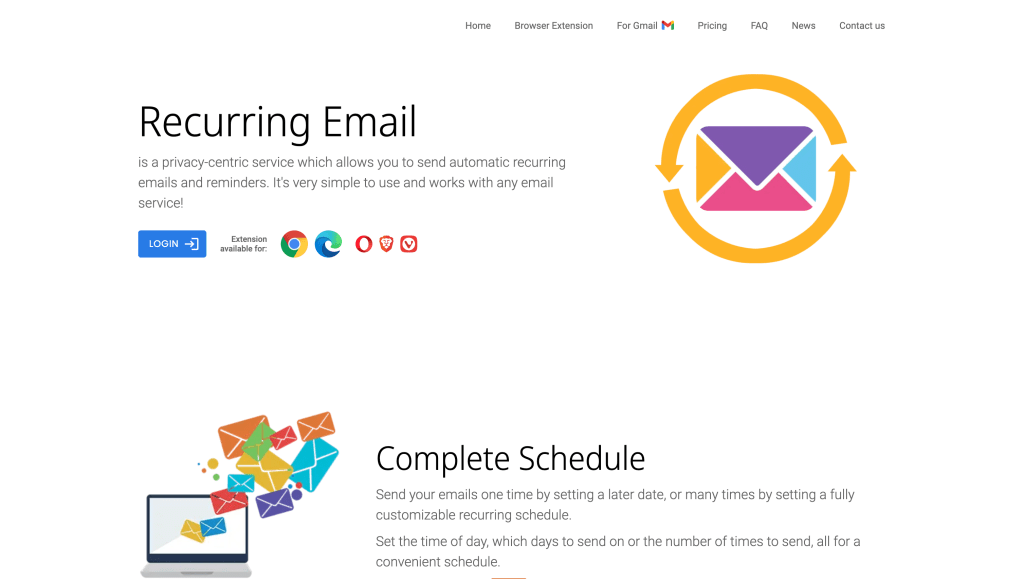 8. RecurringEmail.com – only browser extension
Another interesting option (with a really good domain name) is recurringemail.com along with their little brother recurring-emails-for-gmail.com.
PROs:
- Support for both Gmail and SMTP;
- Browser extension that lets you schedule an email right from Gmail’s “compose” screen;
CONs:
- Only way to interact is on desktop, through the browser extension; and a browser extension can read your email pages and contacts, or even all pages you browse, if you’re not careful to limit it;
- Creating complex recurrence rules is clunky, but possible;
- The browser extension itself is pretty difficult to use;
- Last update seems to be in Oct 2022;
To conclude, I think RecurringEmail.com does a lot of things right. But its choice of making their features available as a browsers extension makes this a HARD NO for me. It needs me to trust that the company behind RecurringEmail.com does not spy on me, copy my contacts, sell my info, etc. Which… I don’t, sorry. I would love to see a web app or mobile app for this, since it’s feature-packed. Then, I would use it, yes. But since it hasn’t received any updates since 2022… I doubt that will happen.
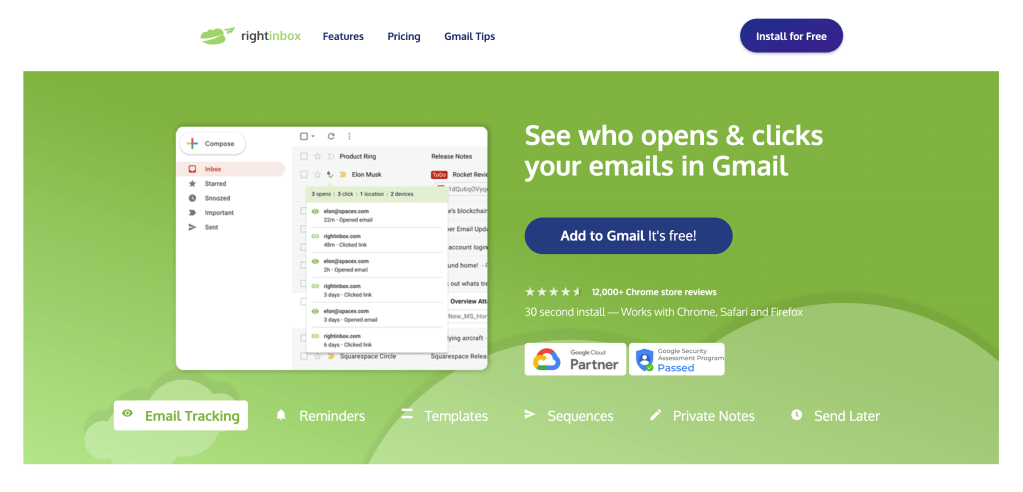 9. RightInbox – only browser extension
Another Chrome extension, RightInbox offers a lot of things in addition to recurring emails. And while this isn’t something I’d choose if I were looking to send recurring emails, if you’re looking for an email-productivity powerhouse, you could consider this as a good alternative to Boomerang or Gmass.
PROs:
- offers many more features in addition to recurring emails;
- on desktop, you can compose a recurring message right from Gmail compose screen;
CONs:
- very complex – if you don’t use the many features it offers, they are always in the way and complicate your Gmail user experience;
- only available as a Chrome extension – so they have access to read your emails, contacts etc;
- no good way to see and manage your outgoing emails;
To conclude, if you’re looking for a way to send recurring emails… RightInbox is probably overkill. It does composing pretty well, but managing… not so much. Plus, it does so many other things that it’ll quickly get overwhelming. That being said… if you do need any of the extra features they offer… and you don’t have privacy concerns (are ok with them reading all your emails, contacts etc), then just like Boomerang and Gmass here… it’s worth considering.
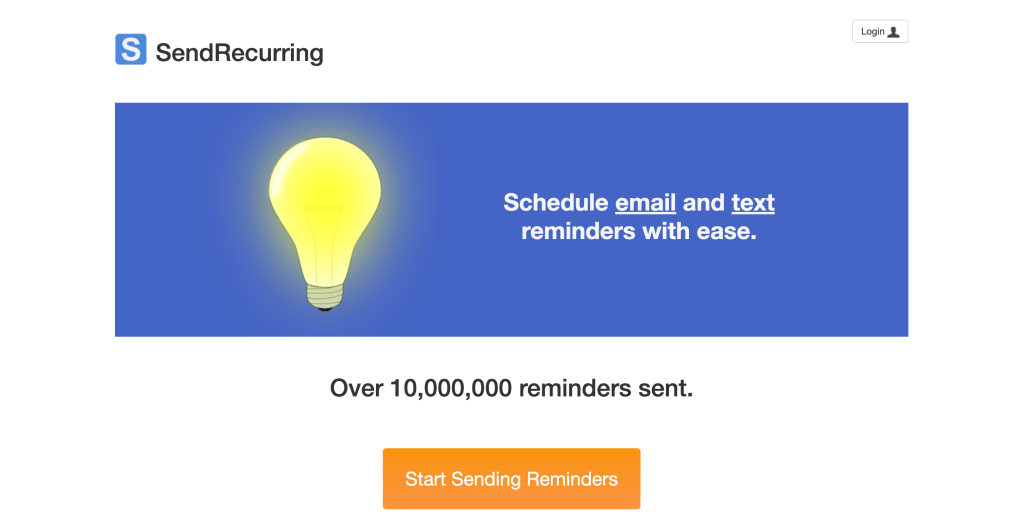 10. SendRecurring – likely to go to SPAM
The website and app look a little dated, but this site has a few tricks up its sleeve.
PROs:
- can also send SMS, not just email;
- interface is dated, but intuitive;
CONs:
- UI is dated;
- the way they send emails (spoofing) is unreliable – they are likely to go to SPAM;
In conclusion, I’m really sad that this tool doesn’t let you plug in your own SMTP credentials and hasn’t kept up with the time. If it did, it were a really good option! But as it is right now… in 2024… I wouldn’t trust it with my email credentials, sorry.
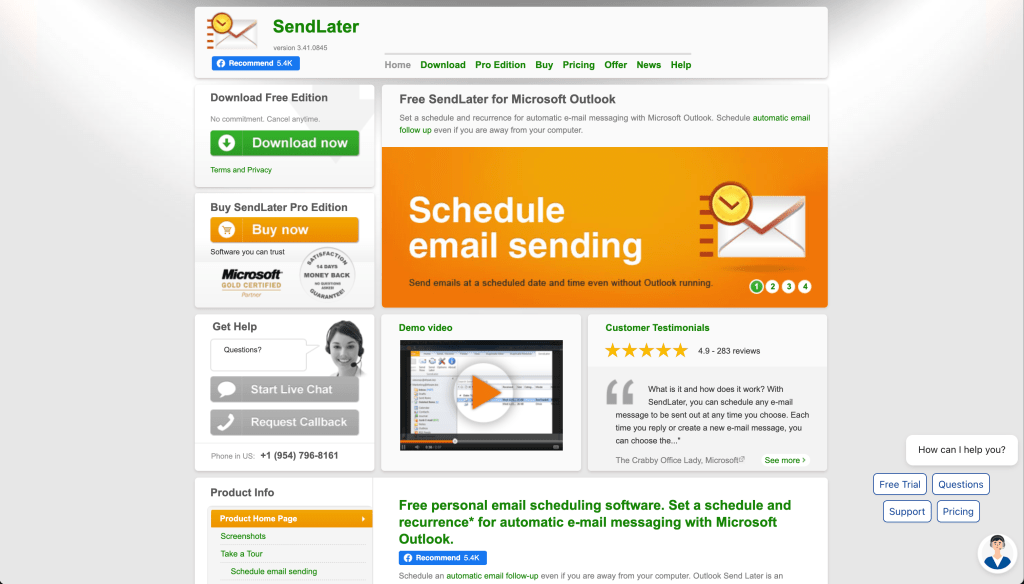 11. SendLaterEmail – Windows app
This one… it’s different from all of the options above. It isn’t a web app… nor a Chrome extension… it’s actually a Windows application, that you install on your computer. If you ask me, that’s a terrible technical choice in how to solve this problem – because if you computer is offline… it’s offline… the emails won’t get sent!
PROs:
- it’s different? 🤷🏻♂️
CONs:
- only works on Windows;
- if your computer is closed, your emails won’t get sent on time;
To conclude, I wouldn’t recommend you use SentLaterEmail. From the look of the website and the choice of implementation, I wouldn’t trust this with my email, sorry.
Conclusion
There have been A LOT of solutions over the years for sending recurring emails. Most of them haven’t stayed up to date… and a lot of them no longer work today. So the question remains… If you have to choose a tool to start sending recurring emails today, in 2024.. what should you choose? Personally, I would choose:
- recurrr.com if you only care about sending recurring emails;
- boomerangapp.com if you also want a calendly alternative and other features they offer;
But it’s up to you, your needs, your preferences.
We hope this guide helps you choose the best solution for you in 2024. We also hope you notice how much time, effort and objectivity we’ve put into the article, and choose to try our service. But if you feel like we’re missing something you need… or you know any other tool that should be in this list… please leave a comment below or email us.
Happy sending! (over and over again)