


In today's fast-paced work environment, managing your time effectively isn't just a skill; it's a necessity. The constant barrage of emails, meetings, and deadlines can feel overwhelming, leaving you feeling busy but not necessarily productive. The solution lies not in working harder, but in working smarter. This is where the right time management tools for work come into play, acting as your digital co-pilot to organize tasks, track progress, and automate the mundane.
But with a sea of options available, from complex project management suites to simple to-do list apps, how do you choose the right one for your specific workflow? This guide cuts through the noise. We've curated and categorized a definitive list of the best tools to help you find the perfect fit, whether you're a freelancer, part of a large team, or a student.
We’ll dive deep into each platform, analyzing core features, ideal use cases, pros, cons, and pricing. Each entry includes screenshots and direct links to get you started quickly. We explore everything from comprehensive project hubs like Asana to specialized "invisible tools" like Recurrr that handle routine automation in the background. Our goal is to help you build the perfect productivity stack for a more focused and efficient workflow.
1. Recurrr
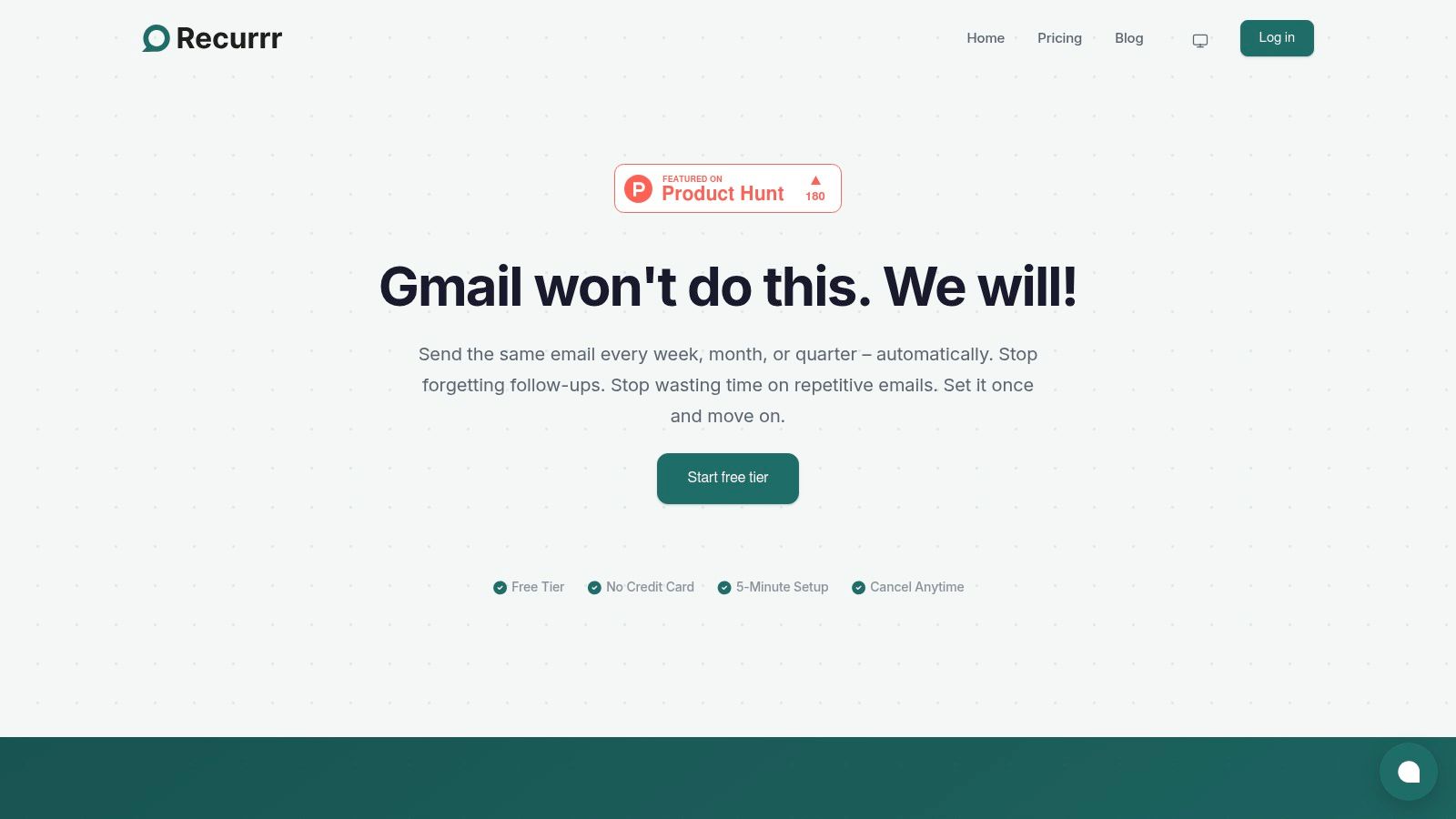
Recurrr is a specialized automation tool that excels at one critical task: putting your recurring emails on autopilot. It isn't a massive project management suite or an all-in-one platform; instead, it's a "hidden gem" or a "small productivity hack" that you can use in addition to your other tools. It works as an invisible assistant, integrating into your existing workflow to automate the routine follow-ups, reminders, and check-ins that consume valuable time. By handling this specific task, Recurrr frees you to concentrate on high-impact work.
The platform's strength lies in its simplicity and precision. You can schedule emails to send on complex schedules that standard email clients can't handle, like "the last Friday of every quarter" or "every other Tuesday." It works directly in your browser with your current email provider (like Gmail or Outlook) and requires no installation, allowing you to set up your first automated email in under five minutes.
Core Features & Use Cases
- Advanced Scheduling: Use an intuitive calendar or natural language input (e.g., "every 3rd Monday") to define complex recurrence patterns.
- Privacy-First Design: Recurrr never requests access to your inbox or contacts and uses AES-256 encryption, ensuring your data remains secure.
- Team Accountability: Assign responsibility for a recurring communication and use smart notifications to keep tasks on track without endless back-and-forth.
- Ideal For: Professionals sending weekly reports, freelancers dispatching monthly invoices, property managers issuing rent reminders, or teams replacing status meetings with automated daily check-in emails.
What Makes It Stand Out
Recurrr’s focused approach is its greatest asset. It solves a specific, universal problem without adding unnecessary complexity. One team case study reported saving approximately $1,500 per month simply by replacing a daily stand-up meeting with a single automated Recurrr email. For anyone looking to learn more about setting up these systems, Recurrr offers practical guides on how to use auto email reminders to reclaim their schedule.
Pros & Cons
| Pros | Cons |
|---|---|
| True Automation: Handles complex recurring schedules that email clients cannot. | Niche Focus: Limited to recurring emails; not a full automation suite like Zapier. |
| Low Friction: Browser-based, no install, and works with your existing email. | Branding on Free Plan: The free tier includes a "Sent via Recurrr" signature. |
| Secure & Private: No access to your inbox or contacts, with strong encryption. Made in the EU. | Paid Plan for Volume: Higher volume users will need the affordable paid plan to remove limits. |
| Clear Value: A free-forever plan is available, with a simple $9/month plan for unlimited use. |
Find it here: https://recurrr.com
2. Asana
Asana goes beyond a simple to-do list, positioning itself as a comprehensive work management platform ideal for coordinating complex team projects. It excels at providing high-level visibility, allowing managers to see how individual tasks connect to broader strategic goals. Its strength lies in turning chaotic projects into structured, actionable plans with clear ownership and deadlines, making it a powerful time management tool for work that involves multiple stakeholders.
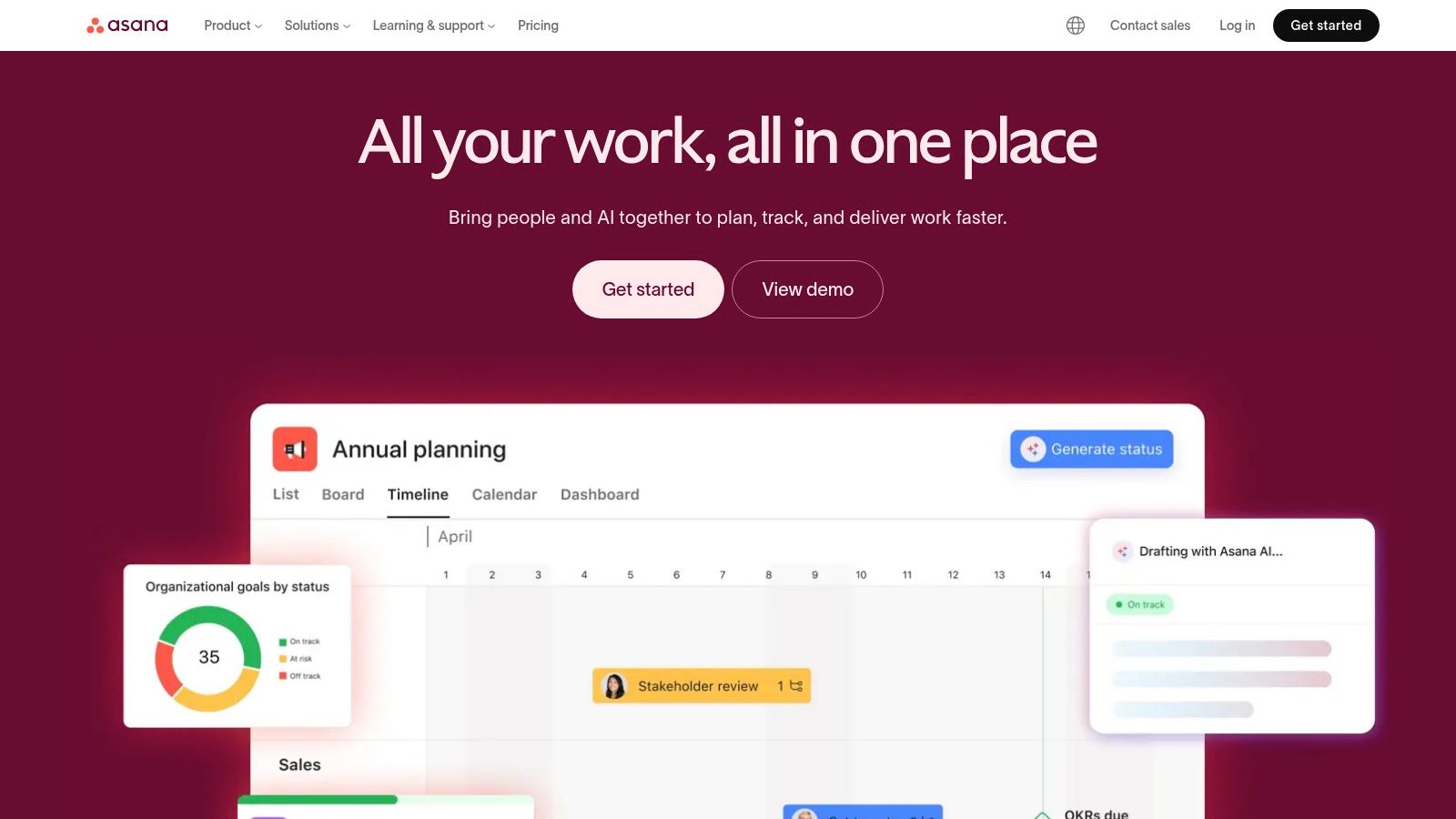
Unlike simpler task managers, Asana offers multiple project views like lists, boards, and timelines (Gantt charts), catering to different workflow preferences. Features like Portfolios and Workload management give leaders insight into team capacity and project progress, preventing burnout and keeping initiatives on track. While its feature depth can be overwhelming for solo users or small teams, it's invaluable for growing organizations that need to stay organized at work and scale their operations effectively.
- Best For: Teams needing cross-functional visibility and project alignment.
- Pros: Excellent for tracking dependencies, robust reporting, and customizable workflows.
- Cons: Can have a steep learning curve; key features are on paid plans.
- Pricing: Offers a free "Basic" tier, with paid plans starting at $10.99/user/month.
- Website: https://asana.com
3. Trello
Trello champions a visual, Kanban-board approach to task management, making it one of the most intuitive and approachable time management tools for work. Its core strength is simplicity: you organize tasks into cards, which live on lists that represent stages of a workflow (e.g., To Do, In Progress, Done). This visual metaphor makes it incredibly easy to see the status of work at a glance, whether you're managing a personal project or coordinating simple team assignments.
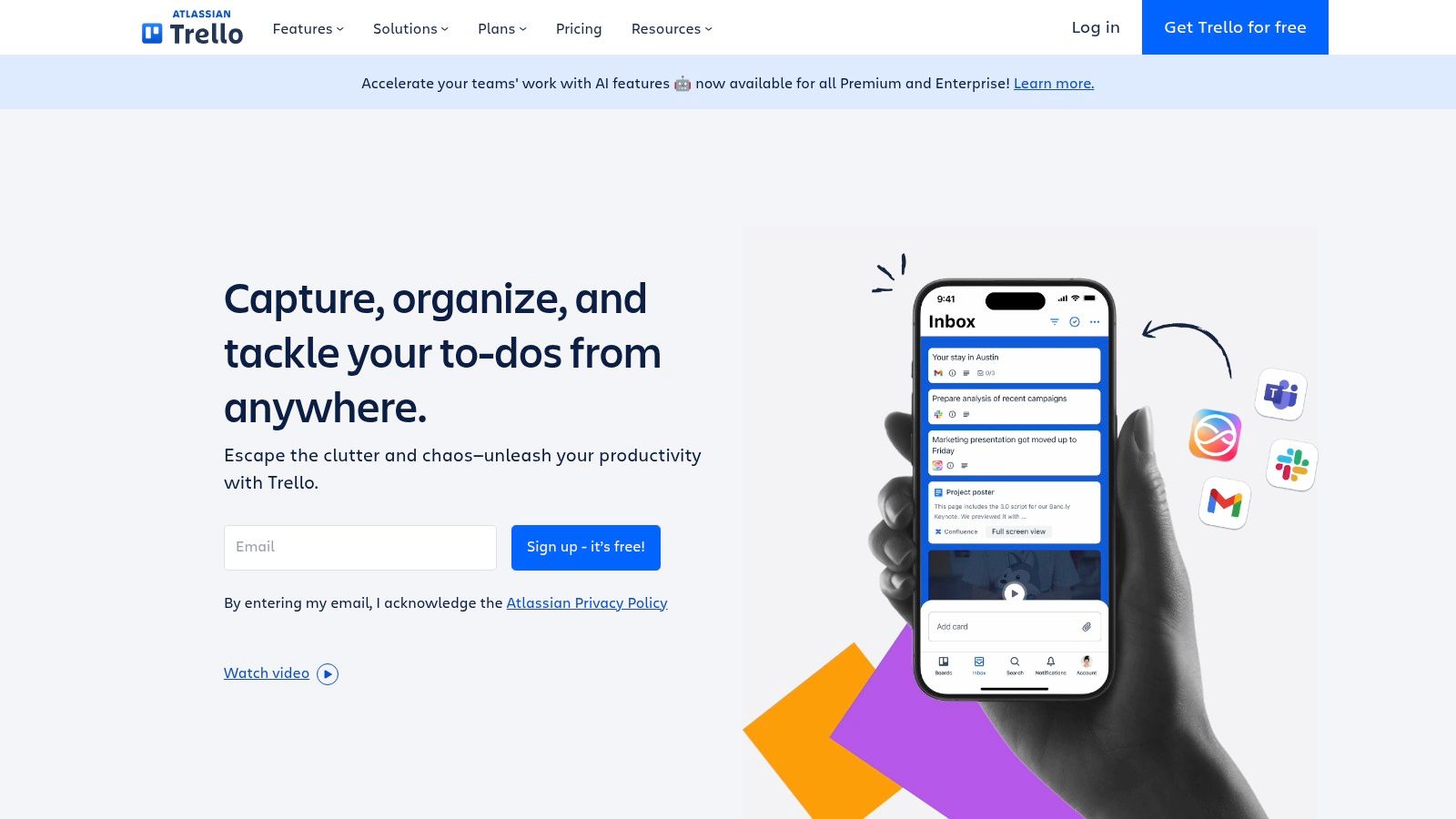
While it starts simple, Trello's power grows through its "Power-Ups," which add integrations and features like calendars, repeat cards, and custom fields. Users can build sophisticated systems without a steep learning curve, moving beyond basic lists to create content calendars or lightweight CRM pipelines. For teams and individuals who find complex project management software intimidating, Trello offers a flexible and highly visual way to stay organized at work and track progress without getting bogged down in features.
- Best For: Individuals and small teams needing a visual and flexible way to organize tasks.
- Pros: Extremely low learning curve and quick adoption, flexible for solo use or lightweight team coordination.
- Cons: Advanced reporting and admin controls require paid tiers; not ideal for complex program or portfolio management.
- Pricing: A generous free plan is available, with paid tiers starting at $5/user/month (billed annually).
- Website: https://trello.com
4. ClickUp
ClickUp aims to be the "one app to replace them all," consolidating tasks, documents, goals, and even native time tracking into a single, highly customizable workspace. It's designed for teams looking to reduce their tool stack and manage everything from simple to-do lists to complex, multi-stage projects within one ecosystem. Its power as a time management tool for work comes from this unified approach, eliminating the context switching that drains productivity and time.
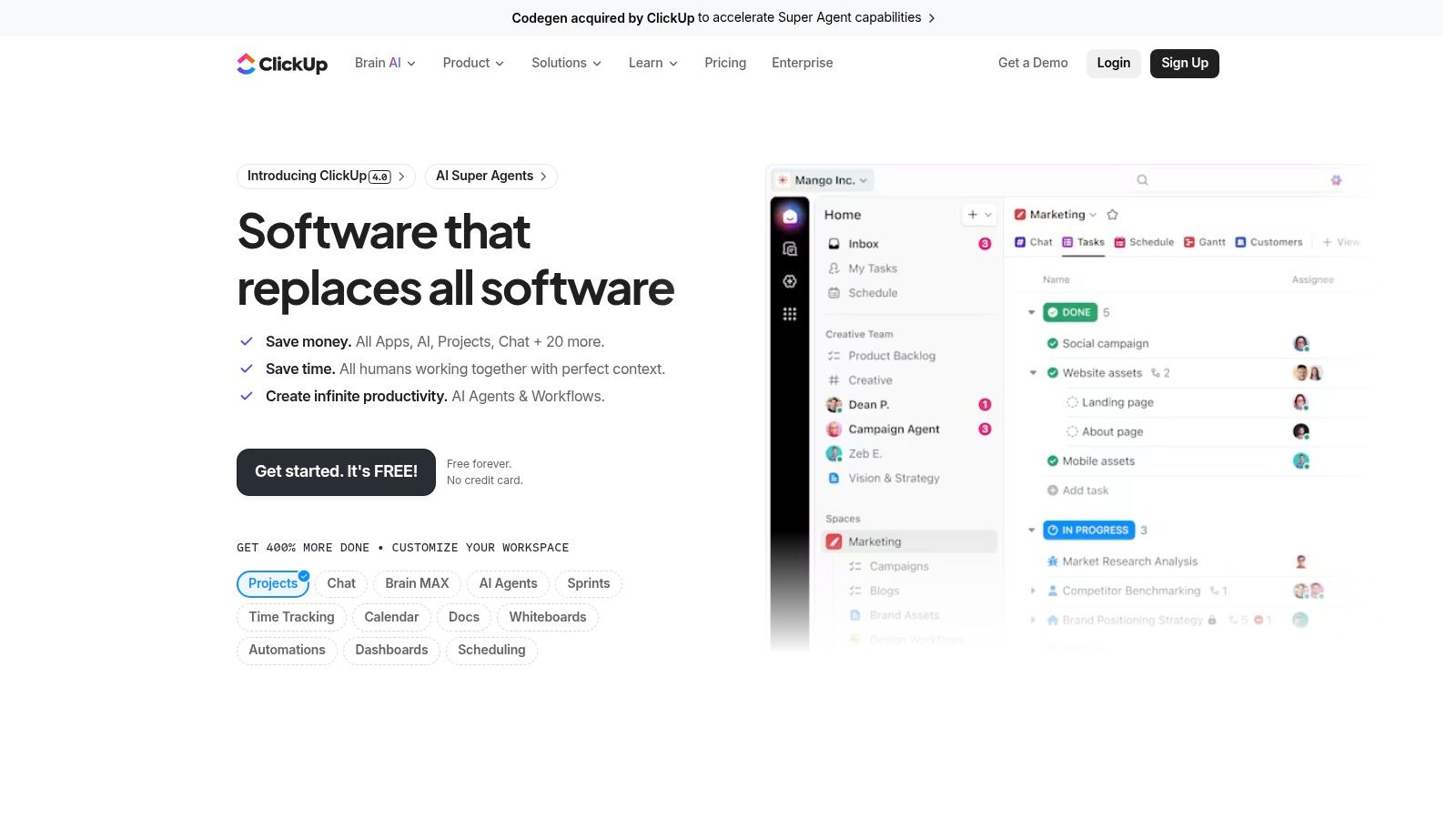
What truly sets ClickUp apart is its extreme flexibility. Users can choose from over 15 different views, including lists, boards, calendars, and Gantt charts, tailoring the interface to their exact needs. With features like custom fields, powerful automations, and integrated Docs, it can adapt to nearly any workflow. While this massive feature set can feel overwhelming to new users, those who invest time in setup will find it an incredibly powerful hub to stay organized at work.
- Best For: Teams wanting a single, all-in-one platform to manage all work.
- Pros: High feature density per dollar; scales from personal use to enterprise deployments.
- Cons: Setup can feel overwhelming without templates; some features require workspace-wide upgrades.
- Pricing: Offers a generous "Free Forever" plan, with paid tiers starting at $7/user/month.
- Website: https://clickup.com
5. monday.com
monday.com is a highly visual work management platform that excels at making complex projects feel intuitive and manageable. Known for its colorful, user-friendly interface, it allows teams to build custom workflows for nearly any process, from marketing campaigns to development sprints. Its power as a time management tool for work comes from its ability to centralize communication, tasks, and data, reducing the need to switch between different apps and keeping everyone aligned.
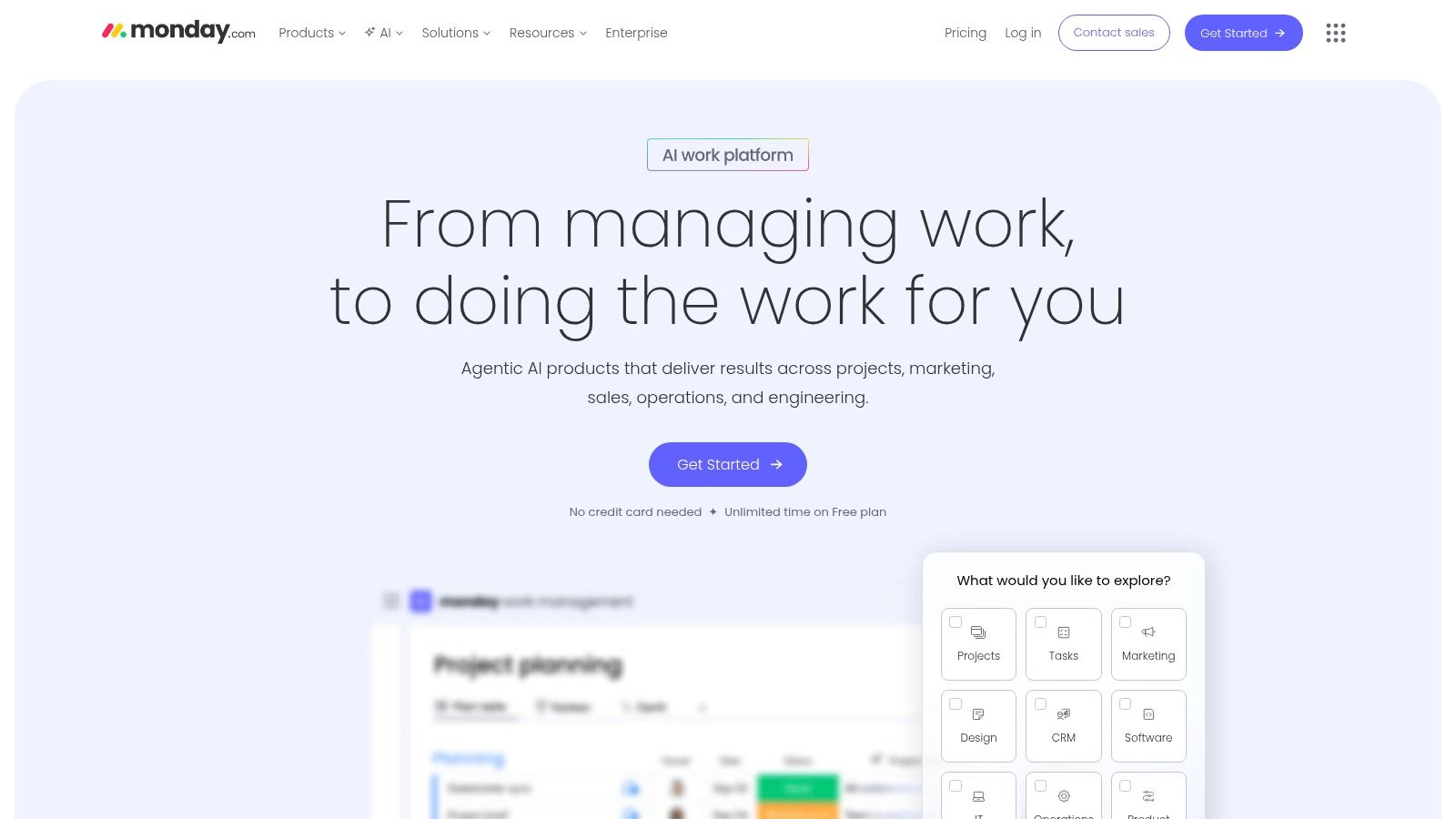
The platform stands out with its powerful automation features, which handle repetitive tasks like sending status updates or moving items between boards. This saves significant time and reduces manual follow-ups. With multiple views like Kanban, calendar, and Gantt charts, monday.com adapts to how your team works best, not the other way around. While its per-seat pricing can be a consideration for larger teams, its extensive library of templates allows for an incredibly fast rollout, helping teams stay organized at work from day one.
- Best For: Teams that need a flexible, visually-driven platform for collaborative planning.
- Pros: Polished UI and templates speed rollout; good cross-team visibility via dashboards.
- Cons: Pricing is calculated per seat with minimums that can add up; advanced features require higher pricing tiers.
- Pricing: A free plan is available for individuals. Paid plans start at $9/seat/month.
- Website: https://monday.com
6. Notion
Notion is the ultimate all-in-one workspace, merging your notes, documents, and project management into a single, highly adaptable environment. It stands out by allowing users to build their own systems from the ground up, using interconnected databases, pages, and boards. This flexibility makes it an incredibly powerful time management tool for work, as you can design a workflow that perfectly mirrors your team's specific needs, from simple task lists to complex content calendars and CRMs.
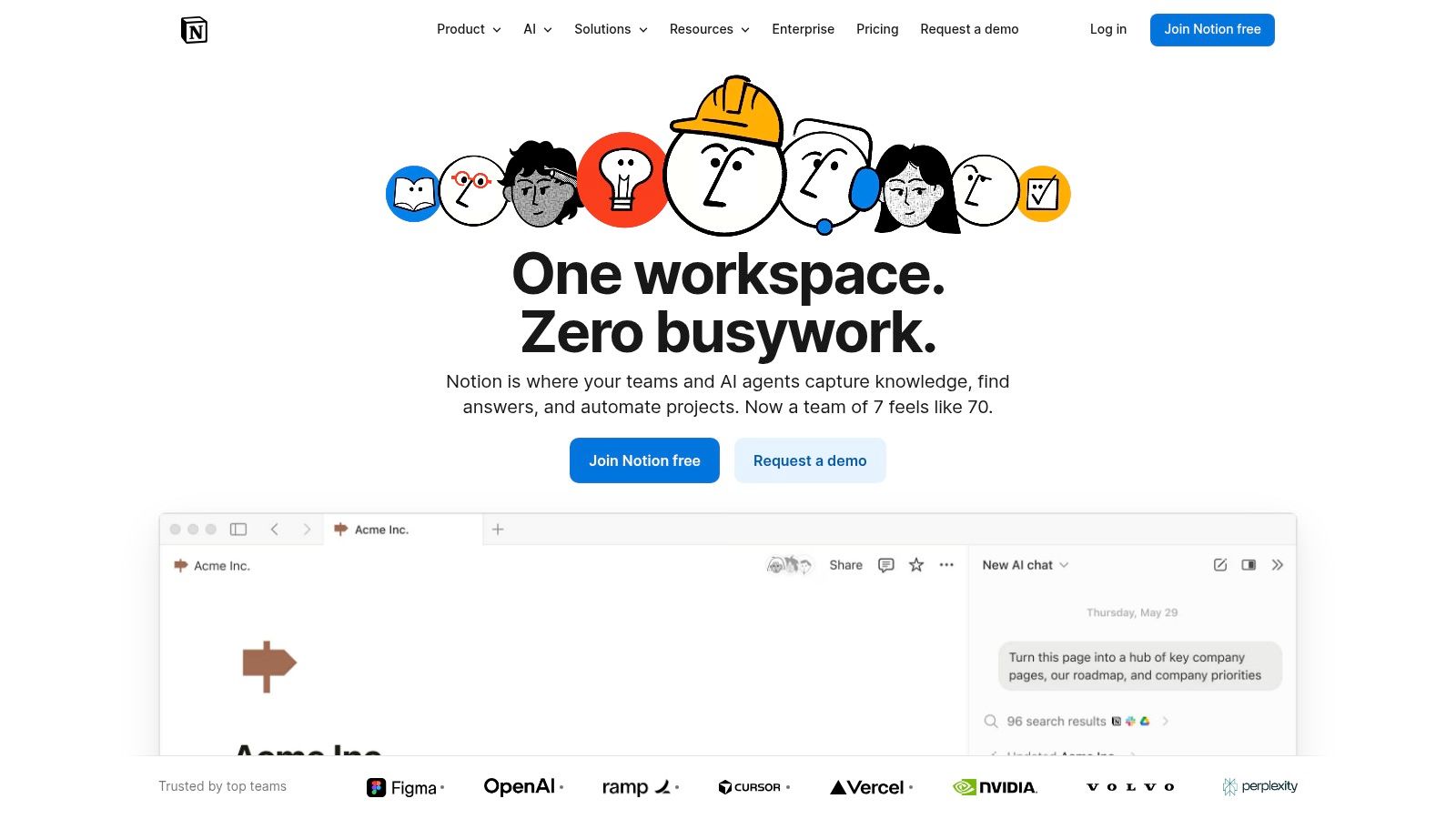
Unlike rigid project managers, Notion's strength is its ability to centralize knowledge alongside action items. Meeting notes can live on the same page as the tasks they generate, providing complete context. With features like AI assistance to speed up writing and data organization, plus recent additions like Notion Calendar, it's evolving into a comprehensive hub for productivity. While its open-ended nature requires an initial setup investment, the payoff is a bespoke system that helps you stay organized at work with unparalleled control and clarity.
- Best For: Individuals and teams who want to build a custom, all-in-one workspace for knowledge and task management.
- Pros: Extremely flexible to model nearly any workflow; combines knowledge management and task planning in one place.
- Cons: Requires upfront system design to get the most value; advanced admin features are on higher-tier plans.
- Pricing: Offers a free plan for individuals, with paid plans starting at $8/user/month.
- Website: https://www.notion.so
7. Todoist
Todoist is a masterclass in simplicity and speed, making it one of the most beloved task managers for individuals and small teams. Its core strength is its frictionless task capture, powered by a sophisticated natural language parser. You can simply type "Schedule team meeting every Friday at 10 am for the next 4 weeks," and Todoist instantly creates the correct recurring task, making it an exceptional tool for building consistent daily planning habits and offloading mental clutter.
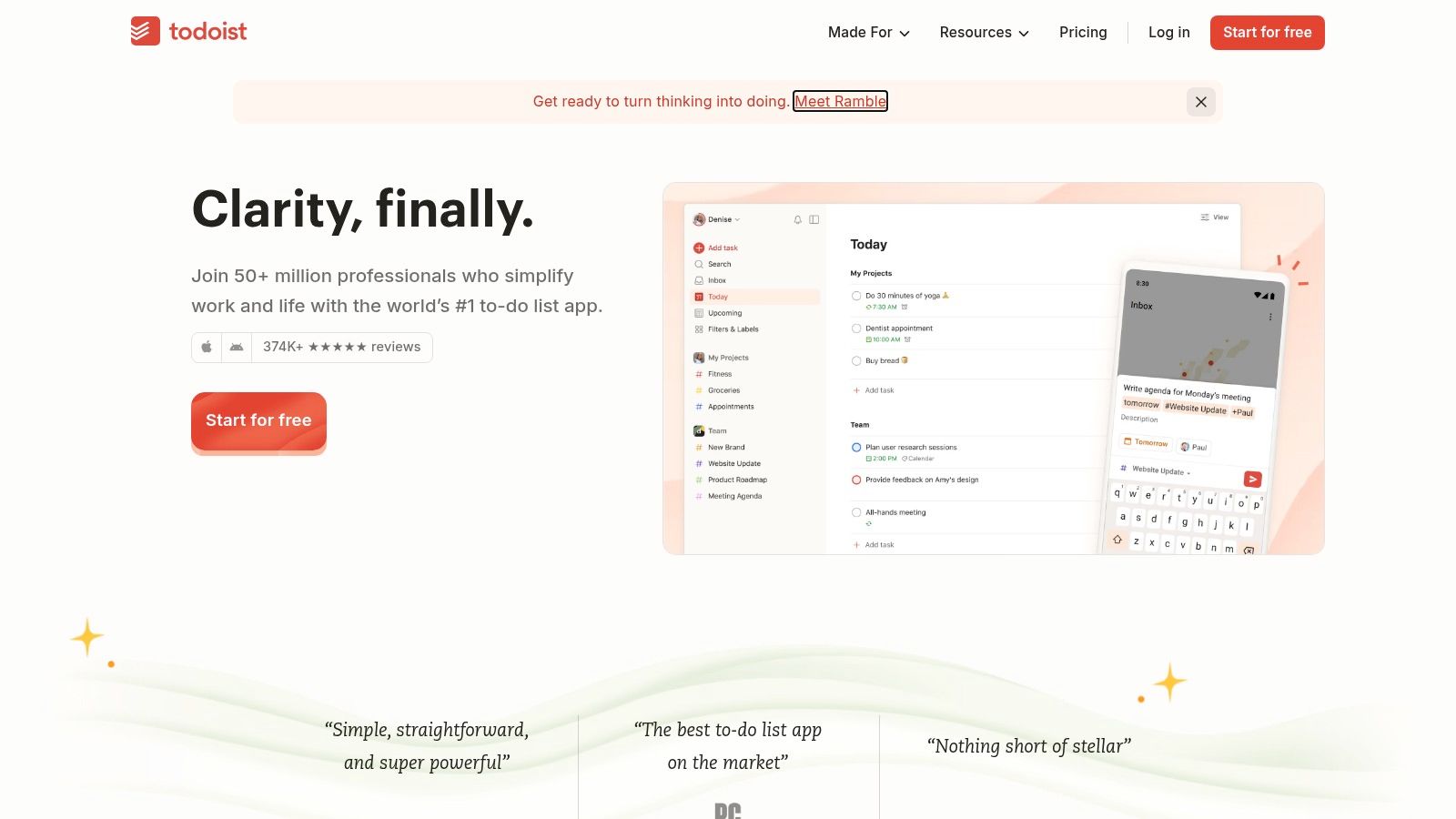
While it offers team workspaces, project boards, and calendar layouts, its primary focus remains on clear, actionable to-do lists. This makes it a perfect companion to more complex project suites, handling the day-to-day execution while a tool like Asana manages the high-level strategy. Its streamlined interface across all devices ensures you can capture a task the moment it comes to mind, a key principle of effective time management. For professionals looking to perfect their system, understanding the nuances of recurring task management can further enhance its power.
- Best For: Individuals and small teams focused on fast, efficient task capture and execution.
- Pros: Fast, lightweight, and reliable across devices; natural-language scheduling encourages quick capture.
- Cons: Heavier project and portfolio features are limited compared with PM suites; some advanced team features are on paid plans.
- Pricing: Offers a free plan, with paid plans starting at $4/user/month.
- Website: https://todoist.com
8. Microsoft To Do (and Microsoft 365)
For individuals and teams deeply embedded in the Microsoft ecosystem, Microsoft To Do offers a seamless and integrated approach to task management. It acts as the central hub for tasks from across Microsoft 365, syncing effortlessly with Outlook flagged emails and calendar items. This native integration makes it an incredibly efficient time management tool for work, as it eliminates the friction of switching between different applications to manage your day.
Its strength lies in simplicity and connection. The "My Day" feature provides a clean slate each morning, encouraging users to set focused daily priorities. When combined with Planner and Teams, it scales up for team collaboration, allowing tasks to be assigned and tracked within a broader project context. For users who rely on Outlook for scheduling and communication, this tool simplifies time blocking and ensures no commitment falls through the cracks. It's an excellent way to stay organized at work without adding another disconnected app to your stack.
- Best For: Individuals and teams heavily invested in the Microsoft 365 ecosystem.
- Pros: Free and deeply integrated with Outlook and Teams; excellent for personal task consolidation.
- Cons: Lacks the advanced reporting of dedicated PM suites; collaboration features depend on other M365 apps.
- Pricing: Free with a Microsoft account; included with Microsoft 365 subscriptions.
- Website: https://to-do.microsoft.com
9. Google Workspace
Google Workspace leverages the power of its ubiquitous suite of tools-Gmail, Calendar, Docs, and Meet-to create a deeply integrated ecosystem for managing your time. Its strength lies in its pervasiveness; for teams already living in Gmail and Google Calendar, it provides a seamless way to schedule meetings, block time for focused work, and track simple to-dos without leaving the platform. This interconnectedness makes it one of the most accessible time management tools for work, especially for those who prefer a unified system.
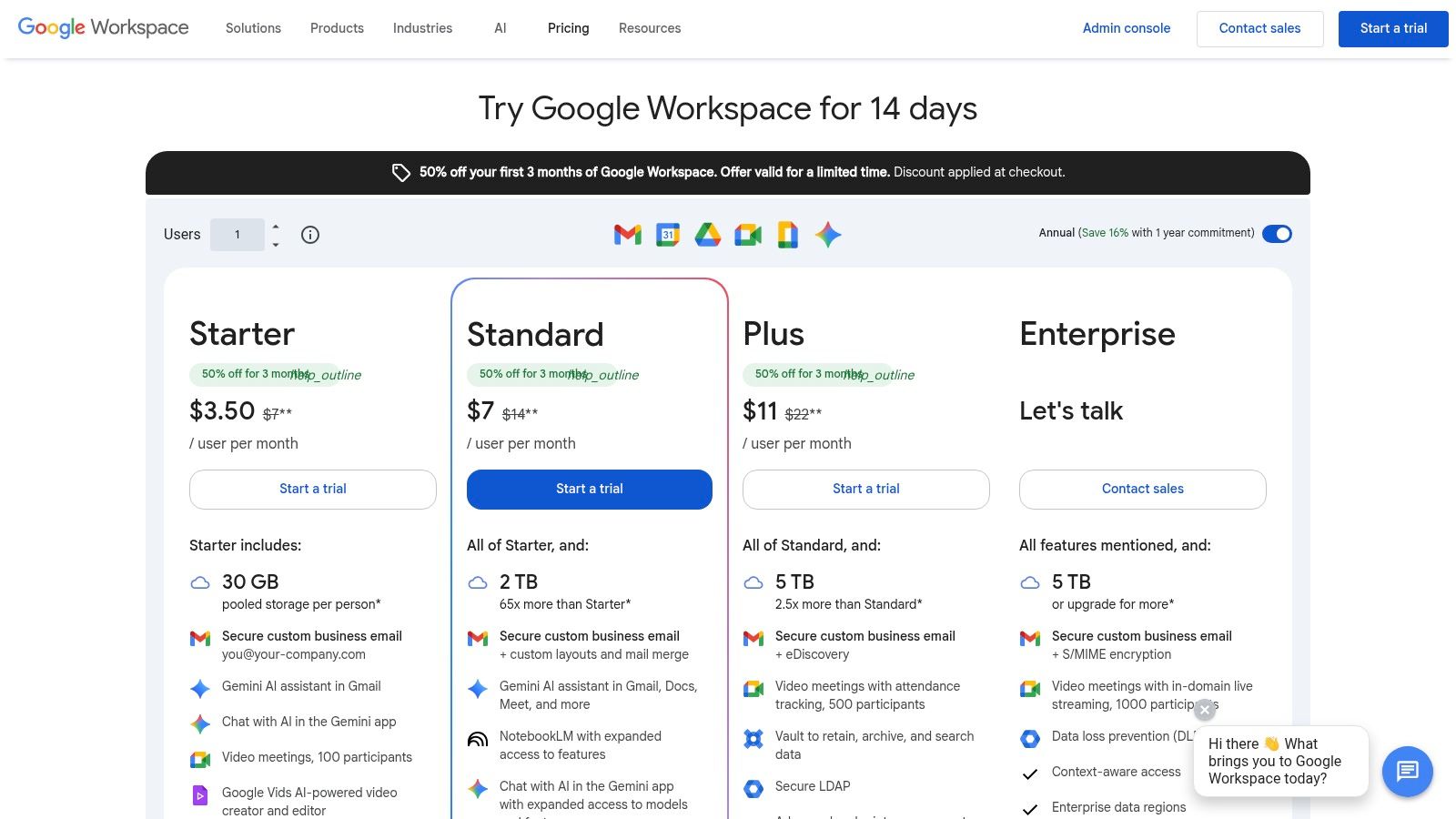
Unlike standalone apps, Google Workspace excels at collaborative planning through shared calendars, appointment scheduling slots, and integrated Tasks. For those already leveraging this suite, understanding how to further streamline your schedule is key. You might also be interested in how to sync with Google Calendar for more effortless scheduling with other tools in your stack. While its native task management is more basic than dedicated project platforms, its sheer convenience and powerful integrations, including Gemini AI, make it a formidable choice for teams of all sizes.
- Best For: Individuals and teams deeply embedded in the Google ecosystem.
- Pros: Pervasive calendar and email integration supports effective time blocking; simple sharing and collaboration across devices.
- Cons: Task features are basic compared to dedicated project management tools; admin controls vary by tier.
- Pricing: Business Starter plan begins at $6/user/month, with a free version for personal use.
- Website: https://workspace.google.com/pricing
10. Toggl Track
Toggl Track is a leading time-tracking app celebrated for its simplicity and powerful reporting capabilities. Instead of offering full-scale project management, it focuses on one thing and does it exceptionally well: capturing how much time is spent on any given task with a single click. This makes it an essential add-on to your existing workflow, allowing you to quantify time costs, analyze productivity, and ensure accurate billing without disrupting your focus.
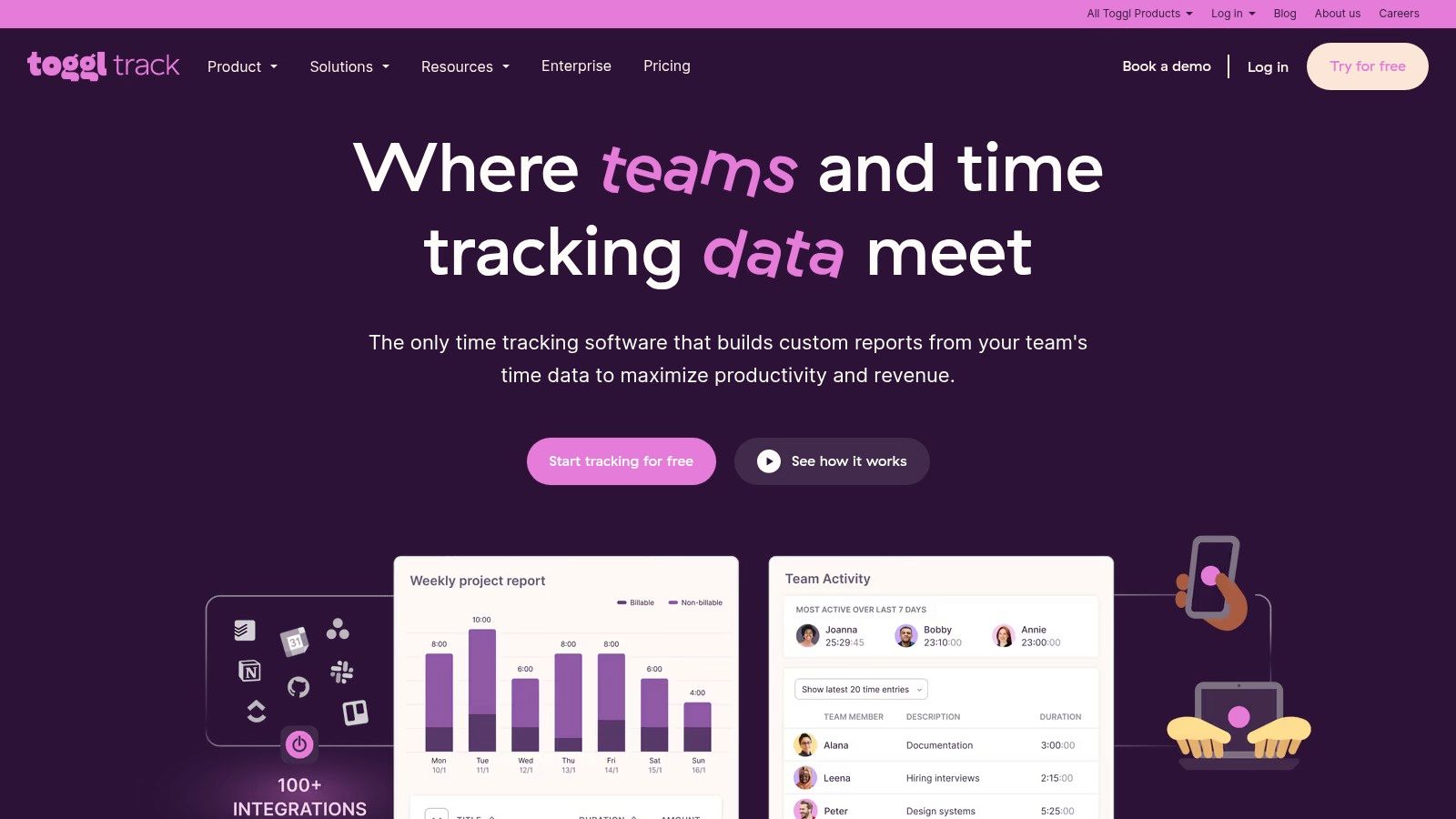
Its strength lies in its frictionless user experience and versatile integrations. The browser extension embeds a timer directly into over 100 popular tools like Asana, Trello, and Jira, making it one of the most seamless time management tools for work available. By providing clear data on billable hours, project profitability, and team utilization, Toggl Track helps freelancers and agencies alike turn raw time data into actionable business insights, answering the critical question, "Where is our time actually going?"
- Best For: Freelancers, agencies, and teams needing accurate, easy-to-use time tracking for billing and productivity analysis.
- Pros: Extremely easy to deploy and adopt; clear reports for billing, profitability, and productivity.
- Cons: Not a full project management system-best used with a task hub; some advanced reporting is on premium plans.
- Pricing: Offers a free plan for up to 5 users, with paid plans starting at $9/user/month.
- Website: https://toggl.com/track
11. Clockify
Clockify has established itself as a go-to time tracking and timesheet platform, offering a remarkably robust feature set at an accessible price point. It moves beyond simple time logging, incorporating features for project budgeting, team management, invoicing, and reporting. This makes it an essential tool for freelancers, agencies, and teams that need to accurately bill for their hours and understand where their time is being invested.
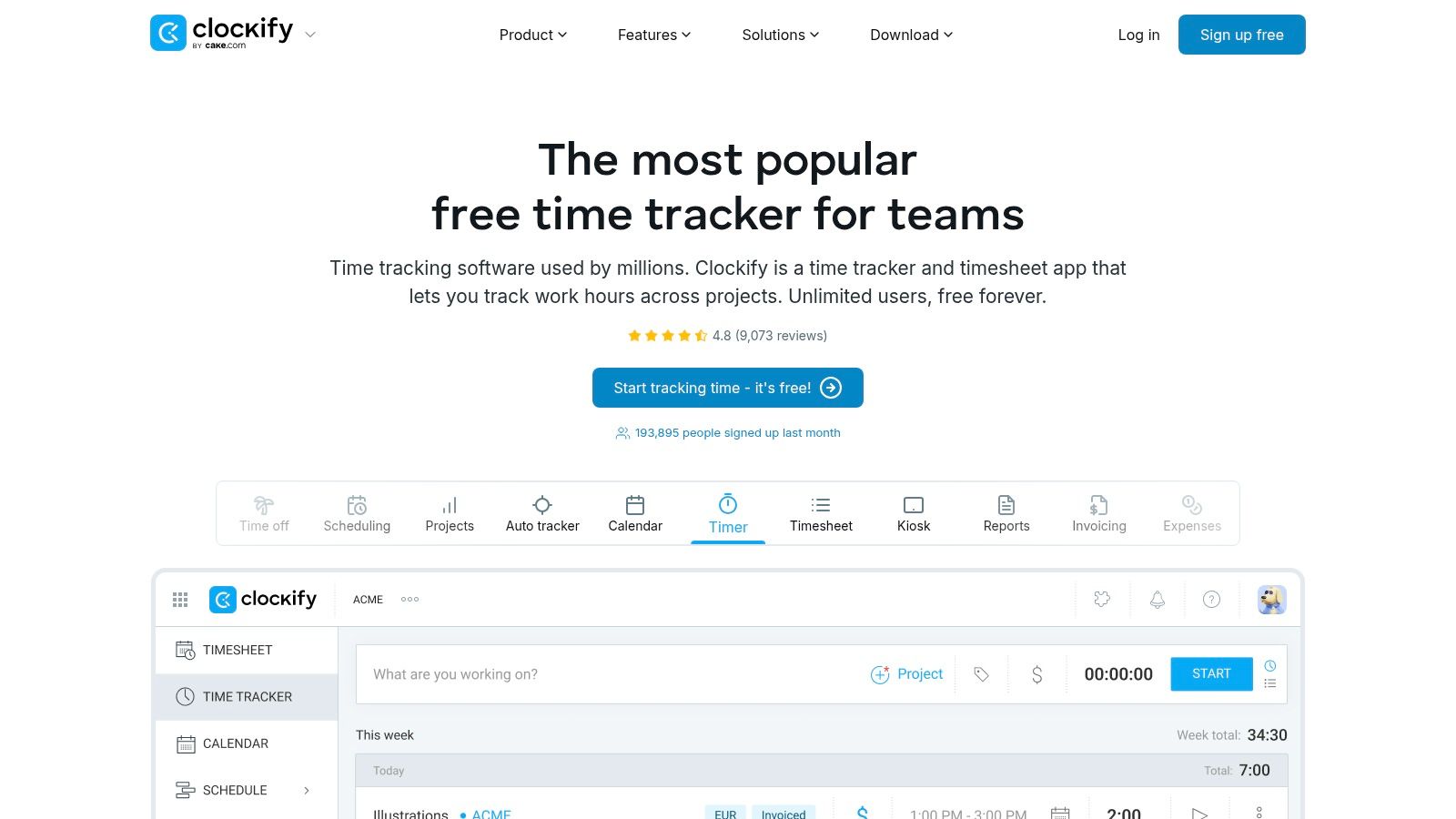
What truly sets Clockify apart is its generous free plan, which includes unlimited users and projects, making it one of the most scalable time management tools for work available. As teams grow, they can access advanced features like time-off tracking, approvals, GPS tracking, and screenshots. While its comprehensive nature means the interface can take some time to master, its power lies in centralizing all time-related administrative tasks, from logging hours to sending invoices, into a single, unified system.
- Best For: Freelancers and teams of any size needing a comprehensive, scalable time tracking and billing solution.
- Pros: Extremely generous free plan, broad feature set covering billing and approvals, and affordable scaling.
- Cons: UI depth and configuration can take time to learn; optional monitoring features may not suit all company cultures.
- Pricing: Offers a powerful free-forever plan, with paid tiers starting at $3.99/user/month.
- Website: https://clockify.me
Top 11 Time Management Tools Comparison
| Product | Core features | Quality (★) | Value & Pricing (💰) | Target & USP (👥 ✨) |
|---|---|---|---|---|
| Recurrr 🏆 | Recurring email automation, NLP scheduling, pause/skip/reschedule | ★★★★★ Smart notifications, privacy-first | 💰 Free tier (no CC); $9/mo to lift limits & remove signature | 👥 Busy pros, freelancers, households, small teams — ✨ Purpose-built recurring-email, AES-256, no inbox/contacts access |
| Asana | Task & project tracking, time tracking, multiple views, integrations | ★★★★ Strong reporting & visibility | 💰 Freemium; paid per-seat team plans | 👥 Cross‑functional teams — ✨ Portfolios, workload & advanced reports |
| Trello | Boards, lists, cards, calendar/timeline, automations (power‑ups) | ★★★★ Very low learning curve | 💰 Freemium; Premium for power‑ups & automation limits | 👥 Individuals & lightweight teams — ✨ Quick adoption, visual Kanban |
| ClickUp | Tasks, docs, dashboards, automations, native time tracking | ★★★★ High feature density | 💰 Freemium; affordable paid tiers but workspace upgrades for some features | 👥 Teams consolidating tools — ✨ All‑in‑one workspace, extensive customization |
| monday.com | Visual boards, automations, templates, dashboards | ★★★★ Polished UX, templates speed rollout | 💰 Paid per-seat (can add up), tiered features | 👥 Collaborative teams — ✨ Polished UI + prebuilt templates |
| Notion | Databases, pages, boards, calendars, integrated docs | ★★★★ Extremely flexible (requires design) | 💰 Freemium; paid team tiers for advanced admin | 👥 Knowledge workers & teams — ✨ Combine notes + tasks + DBs |
| Todoist | Tasks, natural‑language scheduling, reminders, filters | ★★★★ Fast, reliable across devices | 💰 Freemium; Pro for advanced features | 👥 Individuals & small teams — ✨ Quick capture, NLU date parsing |
| Microsoft To Do (M365) | Recurring tasks, My Day, Outlook sync, list sharing | ★★★ | 💰 Free; included with Microsoft 365 for added features | 👥 Microsoft ecosystem users — ✨ Seamless Outlook/Teams alignment |
| Google Workspace | Gmail, Calendar, Docs/Sheets, shared calendars, Gemini AI | ★★★★ Pervasive email & calendar integration | 💰 Paid per-user tiers (varies by features) | 👥 Organizations needing email/calendar cohesion — ✨ Integrated suite + AI on core tiers |
| Toggl Track | One‑click tracking, reports, billable rates, integrations | ★★★★ Easy to adopt, accurate reports | 💰 Freemium; paid plans for advanced reporting | 👥 Freelancers & teams billing by time — ✨ Clear profitability/time audits |
| Clockify | Time tracking, timesheets, invoicing, unlimited users (free) | ★★★★ Affordable scaling for teams | 💰 Free unlimited users; paid Pro/Enterprise for advanced features | 👥 Teams needing affordable timekeeping & invoicing — ✨ Unlimited free plan, kiosk/GPS options |
Building Your Ultimate Time Management Stack
Navigating the landscape of time management tools for work can feel overwhelming, but the journey ends with a system that feels less like a set of restrictions and more like a set of keys, unlocking your most productive self. We've explored a wide spectrum of solutions, from comprehensive project management powerhouses like Asana and ClickUp to the focused simplicity of task managers like Todoist. The critical takeaway is that there is no single "best" tool; there is only the best tool for you and your unique workflow.
The ultimate goal isn't to adopt every new app but to assemble a personalized "stack" of tools that work in harmony. Your ideal system should address your specific pain points, not create new ones. Start by auditing your own workday. Where do you lose the most time? What tasks drain your mental energy? Answering these questions is the first step toward finding the right solution.
Forging Your Personal Productivity System
Creating a seamless workflow often involves combining tools with different strengths. Think of it as building a team where each member has a distinct role:
- The Project Lead: This is your central hub for complex, multi-step projects. Tools like Asana, Trello, or monday.com excel here, providing the structure and collaboration features needed to keep big initiatives on track.
- The Daily Driver: For your personal to-do list and daily planning, a streamlined app like Todoist or Microsoft To Do can keep you focused on immediate priorities without the overhead of a full project management suite.
- The Data Analyst: Understanding where your time goes is a game-changer. A time tracker like Toggl Track or Clockify integrates easily with other tools to provide invaluable insights, helping you make data-driven decisions about your schedule.
- The Invisible Assistant: This is where specialized automation tools shine. An app like Recurrr acts as a "hidden gem" in your stack, quietly handling those repetitive reminders and recurring communications that clutter your mind and your calendar. It's not a project manager; it's a small, powerful hack that buys back your focus.
From Digital Tools to Physical Grounding
While digital tools offer incredible efficiency, don't underestimate the power of analog methods. For many, the tactile act of writing is crucial for clarifying thoughts and cementing commitments. A physical planner can be an essential component of your stack, serving as a high-level guide for your weeks and months. Beyond just tracking appointments, a well-chosen planner can significantly aid in goal attainment, as highlighted in our guide to the Best Planner for Goal Setting. Pairing a digital task manager with a physical planner creates a powerful combination of granular detail and big-picture vision.
Ultimately, the most effective time management tools for work are the ones you consistently use. Be patient with the implementation process and give yourself permission to experiment. The perfect system is one that reduces friction, automates the mundane, and frees you to do your most meaningful work.
Tired of manually sending the same emails and reminders every week? Recurrr is the simple, powerful automation tool that handles your recurring communications so you can focus on what truly matters. Try Recurrr today and reclaim your time from repetitive tasks.