


In a world of constant digital noise, a reliable reminder is the key to staying on track. For Android users, the sheer number of options can be overwhelming, with apps ranging from simple pop-ups to powerful project management suites. But what truly defines the best reminder app for android? It isn't just about buzzing at the right time. It's about seamless integration into your daily life, flexibility for different types of tasks, and a user experience that reduces friction rather than adding to it.
This guide cuts through the clutter to provide a definitive answer. We've meticulously tested and analyzed 12 top contenders, focusing on real-world use cases, honest limitations, and practical setup advice. We go beyond generic feature lists to give you actionable insights, including direct links and screenshots for each application, so you can see exactly how they work.
Whether you're a busy professional managing recurring tasks, a student juggling assignment deadlines, or simply trying to streamline household chores, this detailed breakdown is designed to help you find the perfect digital nudge. Our goal is to match you with the app that fits your brain and your lifestyle, ensuring nothing important slips through the cracks again. We'll explore everything from Google Tasks and Microsoft To Do to specialized tools like Galarm and BZ Reminder, providing a clear path to choosing the right tool for your specific needs.
- Google Play Store
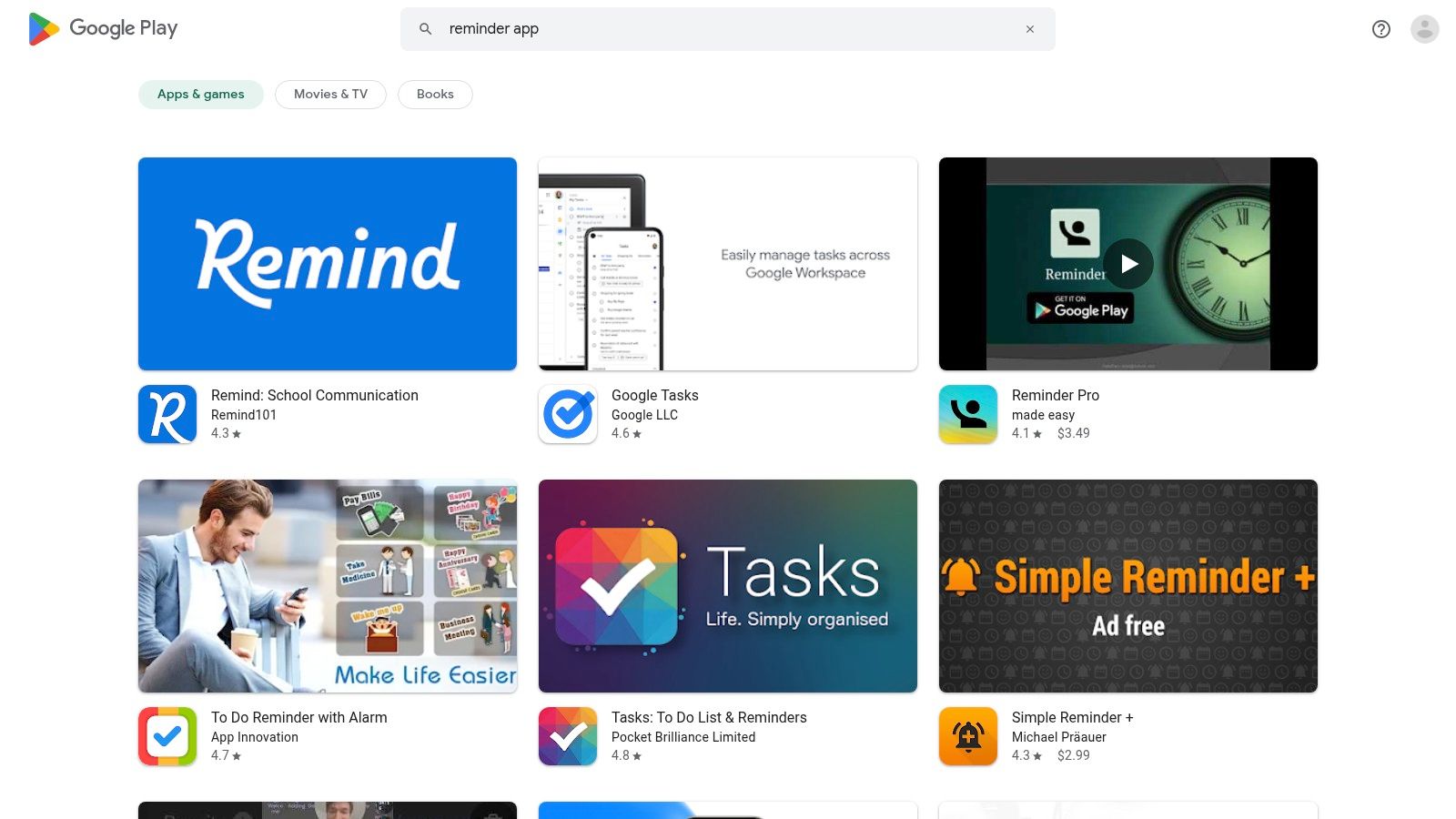
The Google Play Store is the official starting point and primary marketplace for anyone seeking the best reminder app for Android. It's not an app itself, but rather the essential gateway to discovering, evaluating, and securely installing every tool on this list. Think of it as the foundational first step in your search for the perfect productivity companion.
Its massive catalog is curated with editorial collections and user ratings, making it easier to sift through countless options. You can read detailed developer descriptions, check user reviews for real-world feedback, and view recent changelogs to see if an app is actively maintained. This transparency is crucial for making an informed decision.
 ### Why It's on This List
The Play Store’s value lies in its security, convenience, and comprehensive management features. All transactions, whether one-time purchases or subscriptions, are handled through Google's trusted billing system. This simplifies payment, refunds, and subscription control, putting you in charge of your spending.
Device compatibility checks prevent you from installing an app that won't work on your phone, and early-access programs let you try new features before they are officially released. For busy professionals or teams setting up multiple devices, the ability to install and update several apps simultaneously is a significant time-saver.
Key Features & User Experience
- Massive Catalog: Access millions of apps, including a vast selection of reminder and to-do list tools.
- Trusted Payments: Securely manage subscriptions, one-time purchases, and family sharing plans.
- User Reviews & Ratings: Gain insights from a large community of Android users to gauge app quality.
- Security: Google Play Protect scans apps for malicious behavior, making it the safest source for downloads.
Website: https://play.google.com/store/search?q=reminder%20app&c=apps
- Google Tasks
Google Tasks is the native task management and best reminder app for Android for anyone deeply embedded in the Google ecosystem. It serves as the unified hub for reminders created in Gmail, Google Calendar, and through the Assistant, offering a seamless, no-frills experience. Think of it as the default, lightweight organizer that’s already built into the services you use daily.
Its primary strength is its deep integration. A task created from an email in Gmail links directly back to that message, and tasks with due dates automatically appear in your Google Calendar. This consolidation simplifies workflows by keeping your to-do items and reminders connected to their original context, all synced effortlessly across your devices.
Why It's on This List
Google Tasks earns its spot for its sheer convenience and zero-cost barrier to entry. Since it uses your existing Google Account, there's no need for a separate login or subscription. It’s the perfect solution for users who need a straightforward way to capture tasks and reminders without the complexity of more feature-heavy productivity tools.
The migration of reminders from Google Keep and Calendar into Tasks solidifies its role as the central reminder system for Google users. Its presence in the Google Workspace sidebar on the web makes it incredibly easy to manage tasks while reading emails or checking your schedule, creating a cohesive and efficient user experience.
Key Features & User Experience
- Deep Ecosystem Integration: Create tasks directly from Gmail and see them appear automatically in Google Calendar.
- Google Assistant Support: Use voice commands like "Hey Google, remind me to…" to instantly add tasks to your lists.
- Simple & Clean Interface: A minimalist design focuses on your tasks without overwhelming you with features.
- Subtasks & Lists: Organize your to-dos by creating multiple lists and breaking down larger tasks into smaller steps.
Website: https://tasks.google.com
- Google Calendar
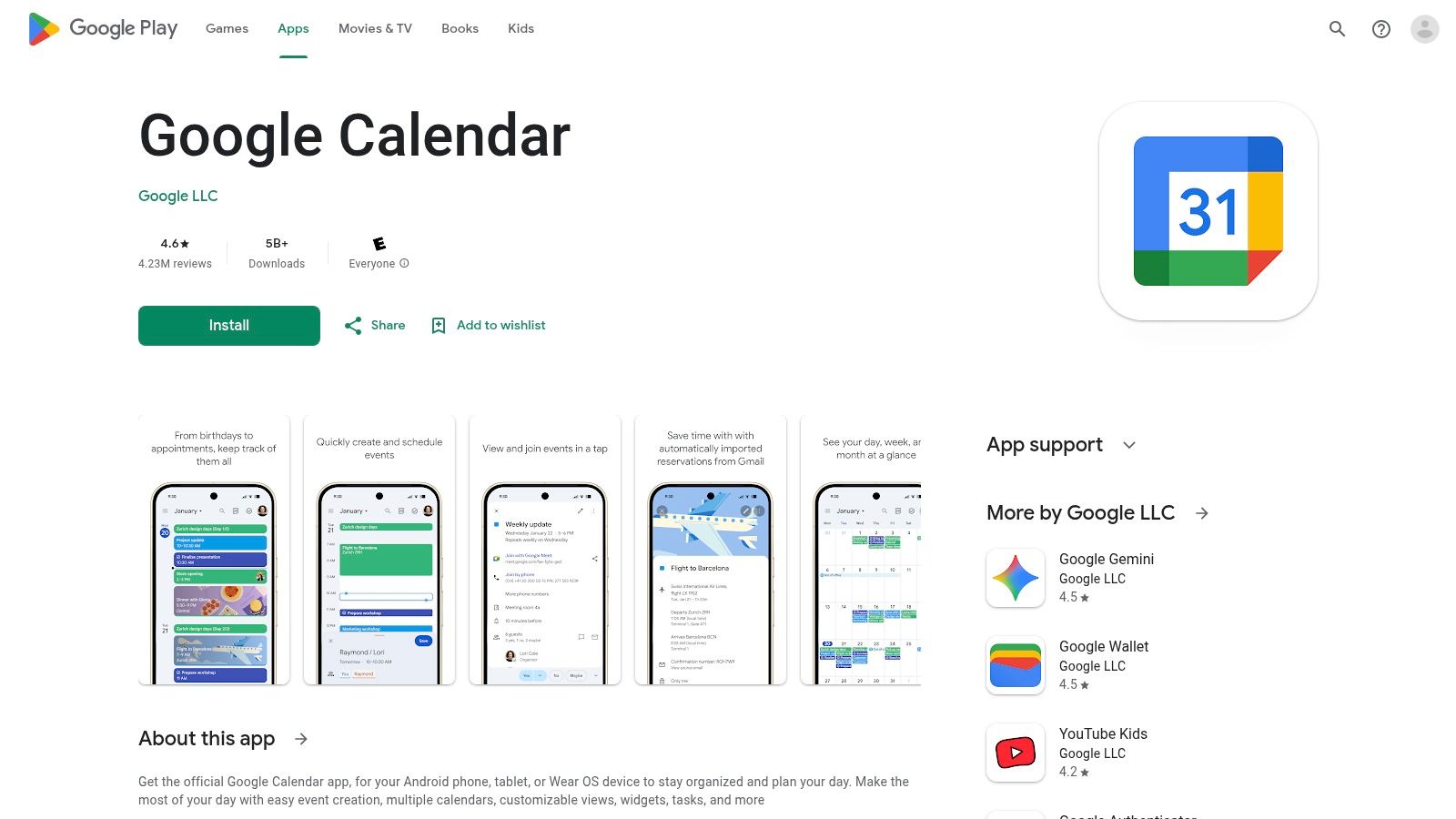
For users whose tasks are tied to specific dates, Google Calendar is an indispensable tool that naturally serves as one of the best reminder app for Android. It excels at visualizing your schedule and to-dos in a single, unified view, making it ideal for planning your day, week, or month. Its core strength lies in contextualizing reminders alongside your scheduled appointments and events.
As Google transitions its standalone "Reminders" feature into "Google Tasks," the Calendar app has become the central hub for managing these items. Tasks you create in other Google apps, like Gmail or Google Keep, now appear directly on your calendar, complete with due dates and notifications. This integration streamlines task management for anyone already embedded in the Google ecosystem.
 ### Why It's on This List
Google Calendar makes this list because it’s a free, powerful, and familiar interface for time-based task management. Its notifications are reliable, and its cross-device synchronization is seamless across Android, web, and other platforms. For busy professionals who live by their schedule, seeing tasks plotted on the calendar prevents over-commitment and helps allocate time effectively.
The ongoing integration with Google Tasks, while causing some initial user friction during the migration, is a strategic move that centralizes to-dos. This makes Calendar more than just a scheduling tool; it becomes a lightweight project and life planner. Its ubiquity on Android devices means most users already have it installed and configured.
Key Features & User Experience
- Integrated Task Management: Create and view Google Tasks directly on your calendar grid alongside events.
- Time-Based Reminders: Set precise date and time notifications for all your tasks and appointments.
- Cross-Platform Sync: Your calendar, events, and tasks are kept in sync across all your devices.
- Familiar UI: The interface is intuitive for anyone who has used a digital calendar before.
Website: https://play.google.com/store/apps/details?id=com.google.android.calendar
- Todoist (Doist)
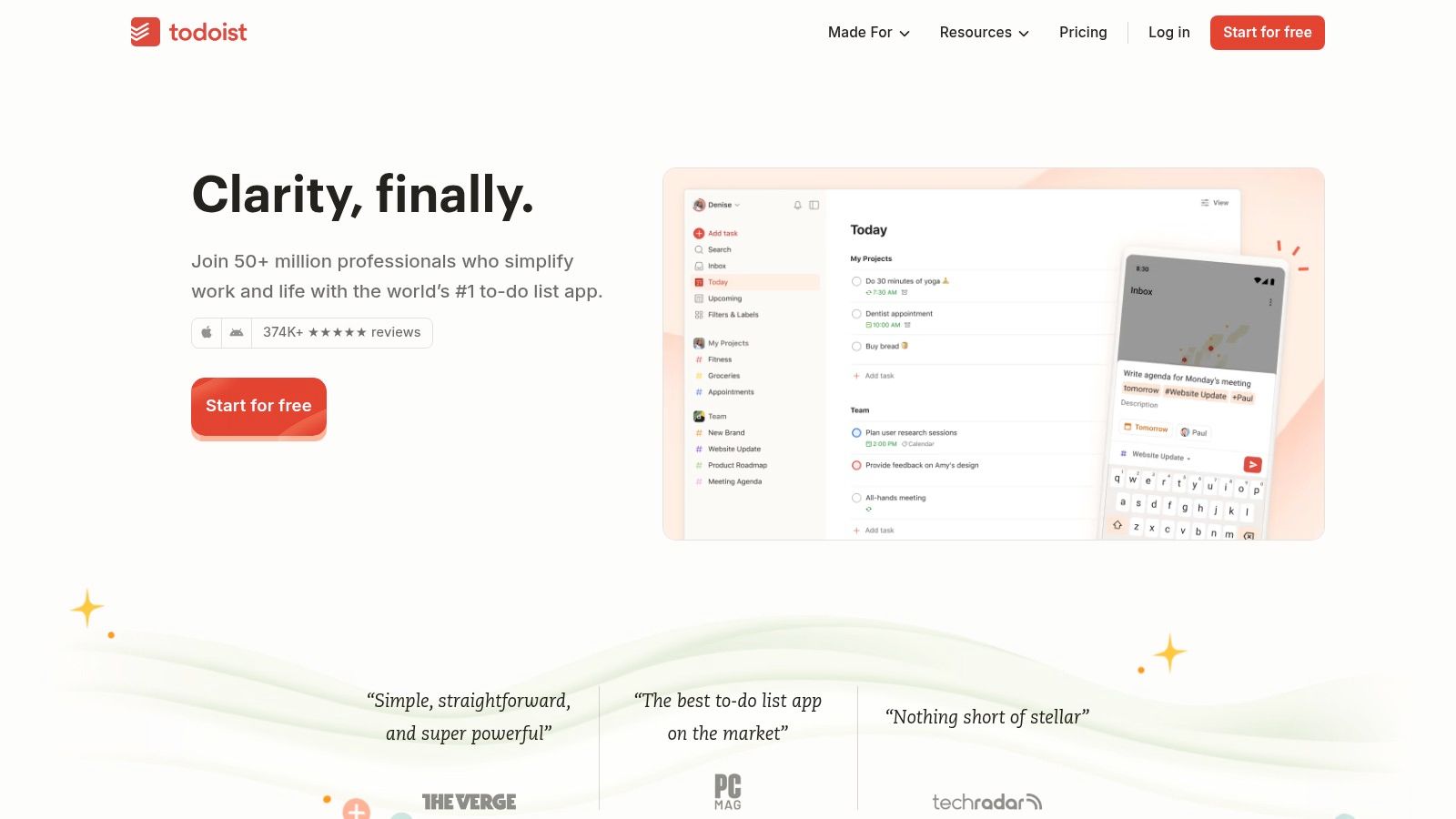
Todoist has evolved from a simple to-do list into a powerful task management ecosystem, making it a top contender for the best reminder app for Android for those who need structure. It excels at organizing reminders within larger projects, using a clean, intuitive interface that scales from simple daily tasks to complex, multi-stage workflows.
Its strength lies in its blend of simplicity and depth. You can quickly add a task with a natural language reminder like "Renew subscription every 3 months starting June 1," and Todoist will parse it correctly. This flexibility, combined with its robust cross-platform synchronization, ensures your reminders are always where you need them, whether on your phone, desktop, or watch.
 ### Why It's on This List
Todoist is on this list because of its mature, reliable performance and unparalleled organizational capabilities. While many apps handle standalone reminders, Todoist integrates them into a structured system of projects, labels, and filters. This makes it ideal for users managing multiple life areas, such as work, personal goals, and family commitments, without getting overwhelmed.
The app's extensive third-party integrations (like with Google Calendar and Dropbox) and powerful Android widgets provide a seamless user experience. As one of the best personal productivity apps, its reliability ensures you won't miss critical deadlines. The free version is highly functional, but the Pro plan unlocks advanced reminder features, making it a scalable solution for growing needs.
Key Features & User Experience
- Project Organization: Group reminders and tasks into projects, sub-projects, and sections.
- Powerful Reminders: Set one-time or complex recurring due dates (e.g., "every other Tuesday").
- Labels & Filters: Create custom views to see only the tasks and reminders relevant to you at any moment.
- Cross-Platform Sync: Flawless synchronization across Android, web, desktop, and Wear OS.
- AI Assistant: Helps organize, break down, and clarify tasks to make them more manageable.
Website: https://todoist.com
- Microsoft To Do
Microsoft To Do is a refreshingly clean and surprisingly powerful contender for the best reminder app for Android, especially for those already invested in the Microsoft ecosystem. As the successor to Wunderlist, it offers a robust, cross-platform task management experience that is completely free for personal use. Its core strength lies in its seamless integration with Outlook and Microsoft 365, turning emails into tasks and syncing deadlines effortlessly.
The app is built around a daily planner called "My Day," which provides intelligent suggestions to help you focus on what's most important. This feature, combined with its simple interface for creating lists, setting recurring reminders, and sharing tasks with others, makes it an excellent choice for both personal and professional organization. It strikes a balance between simplicity and functionality without a price tag.
 ### Why It's on This List
Microsoft To Do earns its spot by offering a premium, ad-free experience at no cost, which is a rarity in the productivity space. Its native integration with Outlook Tasks is a game-changer for professionals who manage their workload via email. You can flag an email in Outlook, and it automatically appears as a task in To Do, ready for a reminder to be set.
This deep ecosystem connection provides a unified workflow that few competitors can match, particularly for users of Microsoft 365. For those looking to streamline their daily agenda without getting bogged down by overly complex features, To Do is a perfect fit. If you're interested in taking organization a step further, you can learn more about task automation to complement its features.
Key Features & User Experience
- "My Day" Planner: A focused daily to-do list with smart suggestions to help you prioritize your tasks each morning.
- Outlook Integration: Seamlessly syncs with Outlook Tasks, allowing you to manage reminders from your email and calendar.
- List Sharing & Collaboration: Easily share lists with family, friends, or colleagues to collaborate on projects and shared chores.
- Cross-Platform Sync: Available on Android, iOS, Windows, Mac, and the web, ensuring your reminders are always with you.
Website: https://to-do.microsoft.com
- Any.do
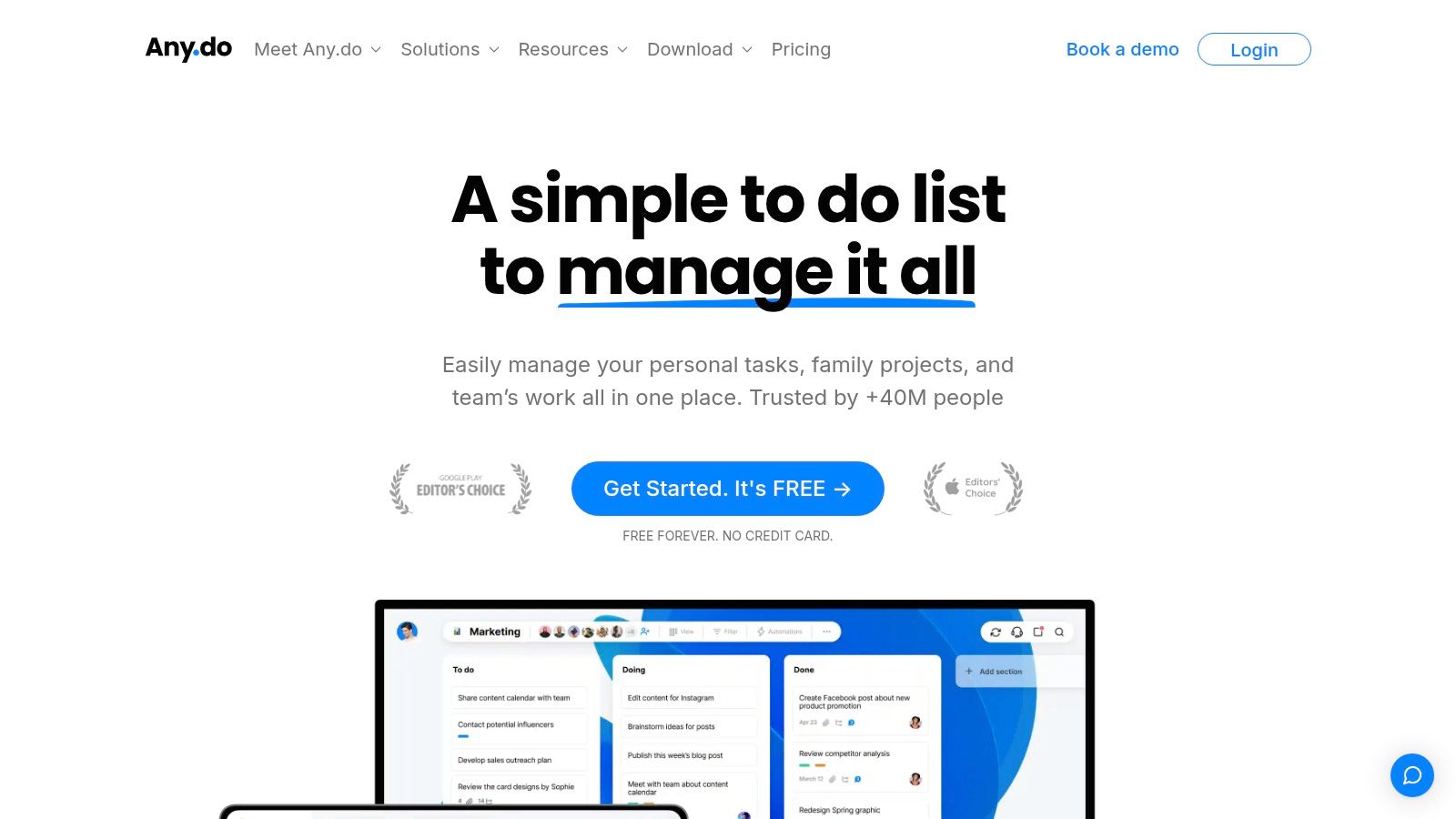
Any.do is a popular and user-friendly platform that combines tasks, lists, reminders, and a calendar into one cohesive experience. It's designed for users who want a powerful yet intuitive tool that works seamlessly across all their devices. Its clean interface and smart daily planner make it an excellent choice for managing both personal errands and professional projects without a steep learning curve.
The platform excels at making task management visual and accessible. One of its standout features is the "Any.do Moment," a daily planning session that encourages you to review and schedule your tasks for the day, ensuring nothing is forgotten. This focus on daily organization makes it a strong contender for the best reminder app for Android for those building consistent habits.
 ### Why It's on This List
Any.do is on this list for its excellent blend of simplicity and power, particularly for families and individuals. The ability to create shared lists and assign tasks makes it ideal for coordinating household chores or group projects. Its unique WhatsApp integration allows you to receive reminders directly in the messaging app, providing an extra layer of visibility for critical tasks.
While the free version is quite capable for basic use, the premium subscription unlocks advanced features like location-based reminders, unlimited daily planning, and more powerful recurring task options. This freemium model allows users to start simple and scale up as their needs become more complex.
Key Features & User Experience
- Integrated Calendar: View your tasks and events side-by-side to manage your schedule effectively.
- WhatsApp Reminders: A unique feature that sends reminders directly to your WhatsApp for high visibility.
- Shared Lists & Tasks: Easily collaborate with family, friends, or colleagues on shared projects.
- Cross-Platform Sync: Access your to-do list from your Android phone, tablet, web browser, and wearables.
Website: https://www.any.do
- TickTick
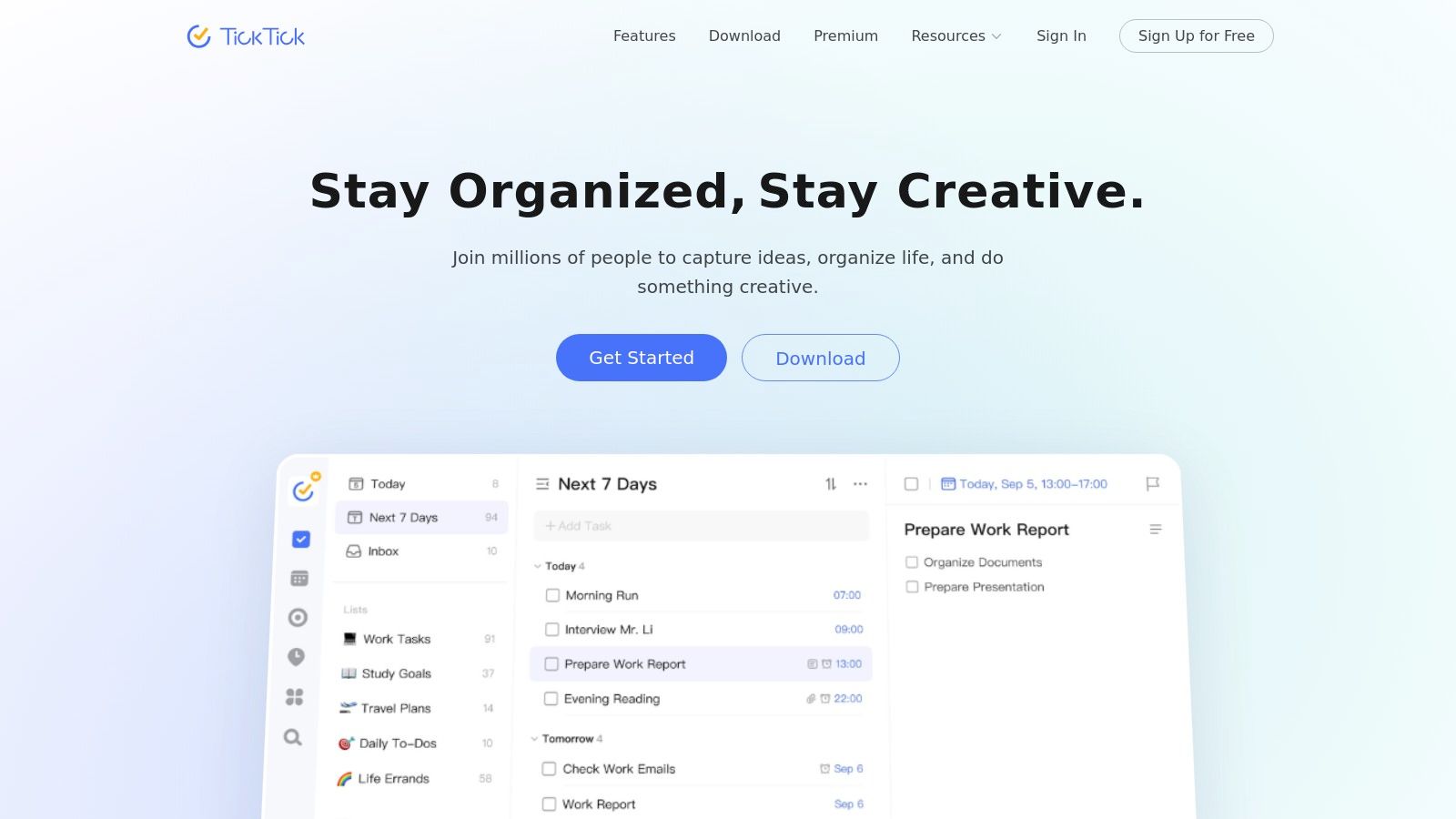
TickTick elevates the concept of a simple reminder tool into a comprehensive productivity powerhouse. For users who want their tasks, calendar, habits, and focus timers all in one place, it is a top contender for the best reminder app for Android. It skillfully combines a robust to-do list with advanced features like a Pomodoro timer and a built-in habit tracker, making it an all-in-one solution for personal and professional organization.
The app's strength lies in its flexibility. You can set multiple reminders for a single task, create complex recurring schedules, and view everything in a clean calendar layout. Its cross-platform synchronization is seamless, ensuring your reminders and tasks are consistent across your Android phone, tablet, web browser, and even Wear OS watch. This level of integration makes it exceptionally practical for users deeply embedded in the Android ecosystem.
 ### Why It's on This List
TickTick is on this list because it offers a rare combination of power and usability without overwhelming the user. While it's packed with features, the interface remains intuitive. Its Android widgets are particularly strong, providing at-a-glance views of your day directly from your home screen. The free version is quite generous, but the premium plan unlocks its full potential at a fair annual price.
The integration of tools like the Pomodoro timer and habit tracker means you don't need separate apps to manage your focus and build routines. This consolidated approach helps reduce digital clutter and keeps your productivity workflow streamlined within a single, cohesive environment.
Key Features & User Experience
- Advanced Reminders: Set multiple reminders per task, including location-based alerts and complex recurring patterns.
- All-in-One Hub: Integrates a calendar, Pomodoro timer, and habit tracker alongside its core task management.
- Excellent Widgets: Offers a variety of highly functional and customizable Android home screen widgets.
- Cross-Platform Sync: Flawless syncing across Android, iOS, Web, Windows, macOS, and Wear OS.
Website: https://ticktick.com
- Remember The Milk
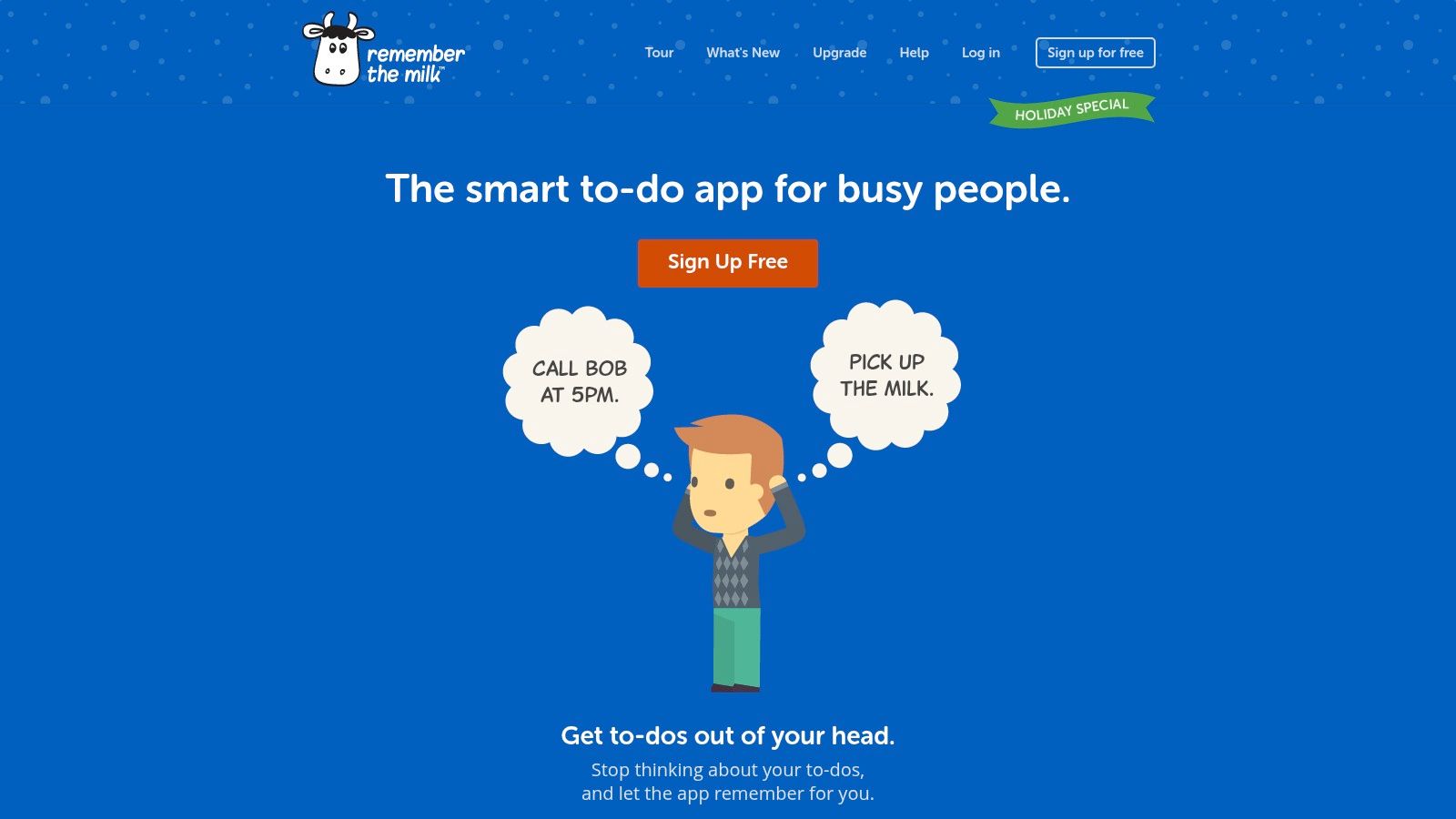
Remember The Milk (RTM) is one of the original players in the digital to-do list space, offering a robust and reliable service that has evolved over the years. It stands out for its powerful organizational features like Smart Lists and advanced search operators, making it a strong contender for the best reminder app for Android for users who need to slice and dice their task lists in complex ways.
Its core strength lies in its multi-channel reminder system. Instead of relying solely on push notifications, RTM can send reminders via email, SMS, and even instant messenger, ensuring you never miss a critical deadline, regardless of which device or platform you are currently using.
 ### Why It's on This List
Remember The Milk earns its spot due to its long-standing reputation for reliability and its unique focus on delivering reminders through multiple channels. For users who spend more time in their email inbox than in a specific app, receiving task notifications via email is a game-changer. The app’s powerful integrations with services like Gmail, Google Calendar, and automation tools like IFTTT extend its functionality far beyond a simple checklist.
While its interface might feel more traditional compared to newer, more minimalist apps, its power and flexibility are undeniable. The Pro subscription unlocks its full potential, but the free version remains a highly capable tool for basic task management and reminders. Its cross-device sync is famously dependable, ensuring your lists are always up-to-date.
Key Features & User Experience
- Multi-Channel Reminders: Receive notifications via email, SMS, and popular instant messengers (Pro feature).
- Smart Lists: Create dynamic, custom-filtered lists based on criteria like due date, priority, tags, and location.
- Powerful Integrations: Connects with Gmail, Google Calendar, Evernote, and voice assistants like Alexa and Google Assistant.
- Subtasks & Tagging: Break down complex tasks into smaller steps and organize everything with a flexible tagging system.
Website: https://www.rememberthemilk.com
- BZ Reminder
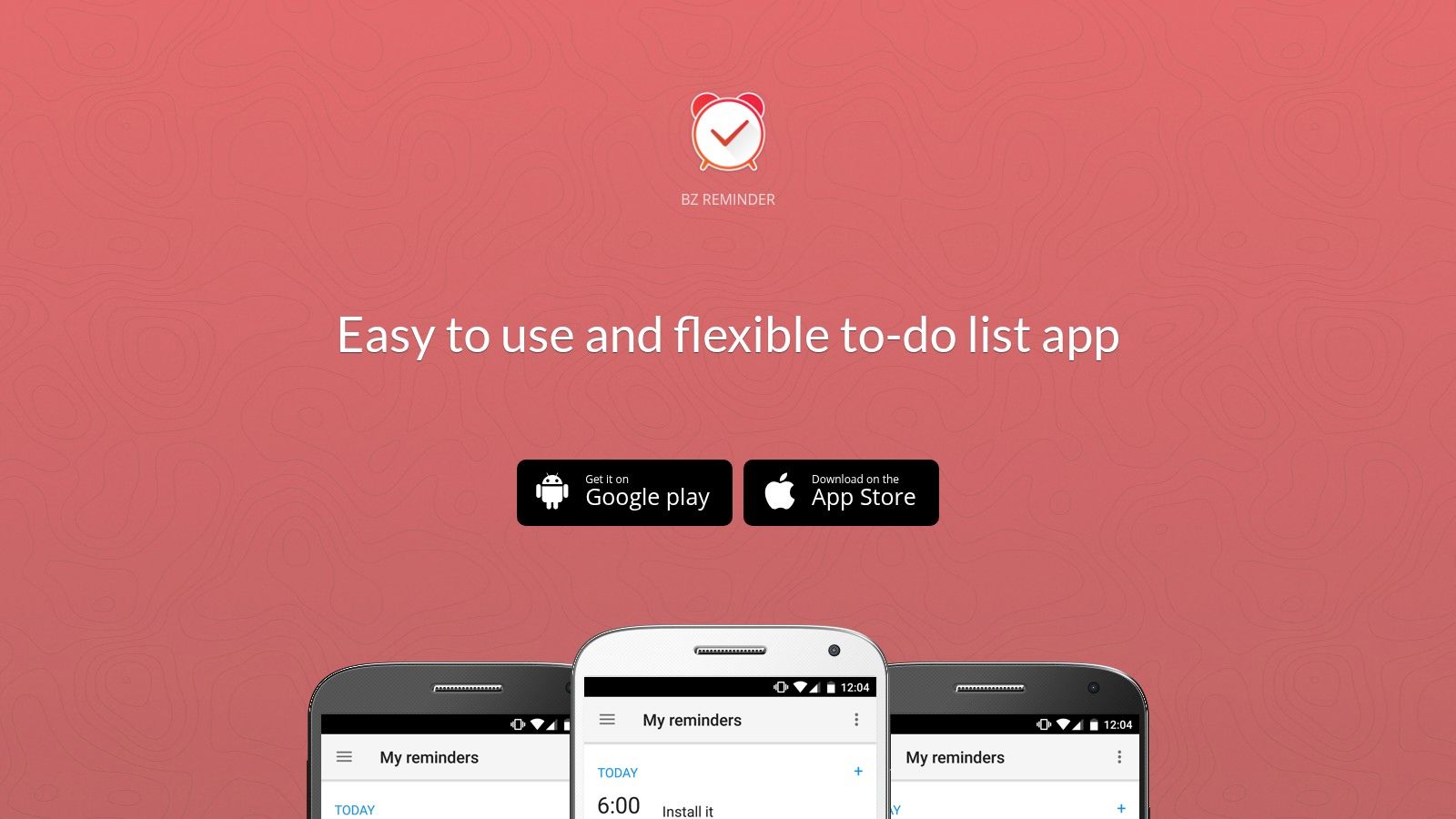
BZ Reminder strips away the complexity of modern productivity suites, offering a refreshingly simple and effective tool for those who just want reliable alerts. As a lightweight, purpose-built best reminder app for Android, it excels at its core function: setting quick, repeatable reminders for tasks, birthdays, and even missed calls without unnecessary bloat. It’s designed for users who need a small-footprint app that does one thing exceptionally well.
The app's straightforward approach makes it ideal for managing personal obligations that don't require project management features. It can automatically import birthdays and anniversaries from your contacts and display them in a clean calendar view, ensuring you never miss an important date.
 ### Why It's on This List
BZ Reminder earns its spot by prioritizing speed and simplicity over an expansive feature set. Its minimal design ensures that setting a reminder takes just a few seconds, which is perfect for capturing tasks on the go. The missed-call reminder is a standout feature, automatically prompting you to follow up so nothing falls through the cracks.
While it lacks the advanced collaboration tools of its larger competitors, its strength lies in its focused utility. For users seeking a dedicated tool to manage recurring personal tasks, its performance is reliable and efficient. If you are looking for more options, you can explore other tools in this guide on the best recurring task app.
Key Features & User Experience
- Quick Add & Repeating Reminders: Set one-time or recurring alerts with customizable intervals for daily, weekly, or monthly tasks.
- Missed Call Reminders: A unique feature that automatically creates a reminder to call someone back after a missed call.
- Birthday/Anniversary Integration: Pulls important dates directly from your contacts list to create automated alerts.
- Lightweight & Fast: The app has a small footprint, ensuring it runs smoothly without draining your device's battery.
Website: https://bzreminder.com
- Galarm
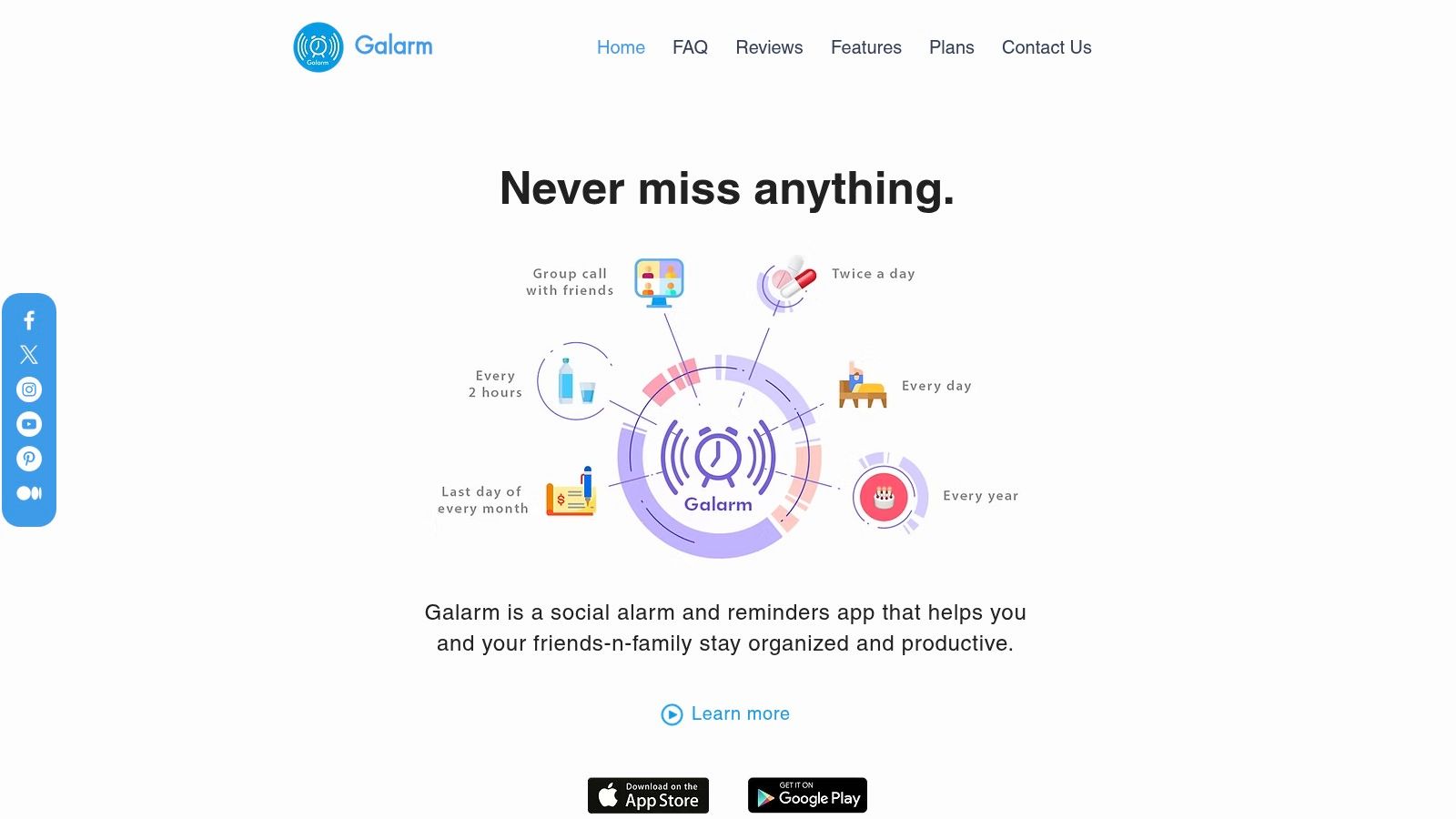
Galarm reinvents the reminder app by focusing on social and collaborative alerts. Instead of just notifying you, Galarm lets you set alarms for friends, family, or colleagues, ensuring everyone is on the same page. It’s the ideal tool when a simple notification isn't enough and you need a synchronized, audible alarm to get someone's attention.
This app is designed for situations where coordination is key, like waking up a friend for a trip, reminding a group about a meeting, or ensuring a family member takes their medication on time. It transforms a personal reminder into a shared, actionable event with built-in accountability.
 ### Why It's on This List
Galarm earns its spot as one of the best reminder app for Android choices for its unique social alarm features. "Buddy Alarms" let you send an alarm to a contact and get notified when they dismiss it, adding a layer of confirmation that's missing from standard apps. "Group Alarms" ring on every participant's phone simultaneously, making it perfect for team stand-ups or family events.
The app's reliability for critical, time-sensitive group alerts makes it indispensable for anyone managing shared responsibilities. While not built for complex task management, its focus on audible, acknowledged alarms solves a very specific and important problem. The inclusion of a chat for each alarm also allows for quick context-specific communication.
Key Features & User Experience
- Group Alarms: Set a single alarm that rings simultaneously for multiple users.
- Buddy Alarms: Send an alarm to one person and track when they acknowledge it.
- Built-in Chat: Each alarm includes a dedicated chat for easy communication.
- Flexible Ringtones: Customize alarm sounds, including the ability to set talking alarms.
Website: https://www.galarmapp.com
- Samsung Reminder
For users deep within the Samsung ecosystem, Samsung Reminder offers a level of system integration that third-party apps simply cannot match. Built directly into Samsung's One UI, this app is designed to work seamlessly with native functions like Phone, Messages, and Calendar. It’s the default choice for Galaxy device owners who prioritize convenience and tight hardware-software synergy over cross-platform availability.
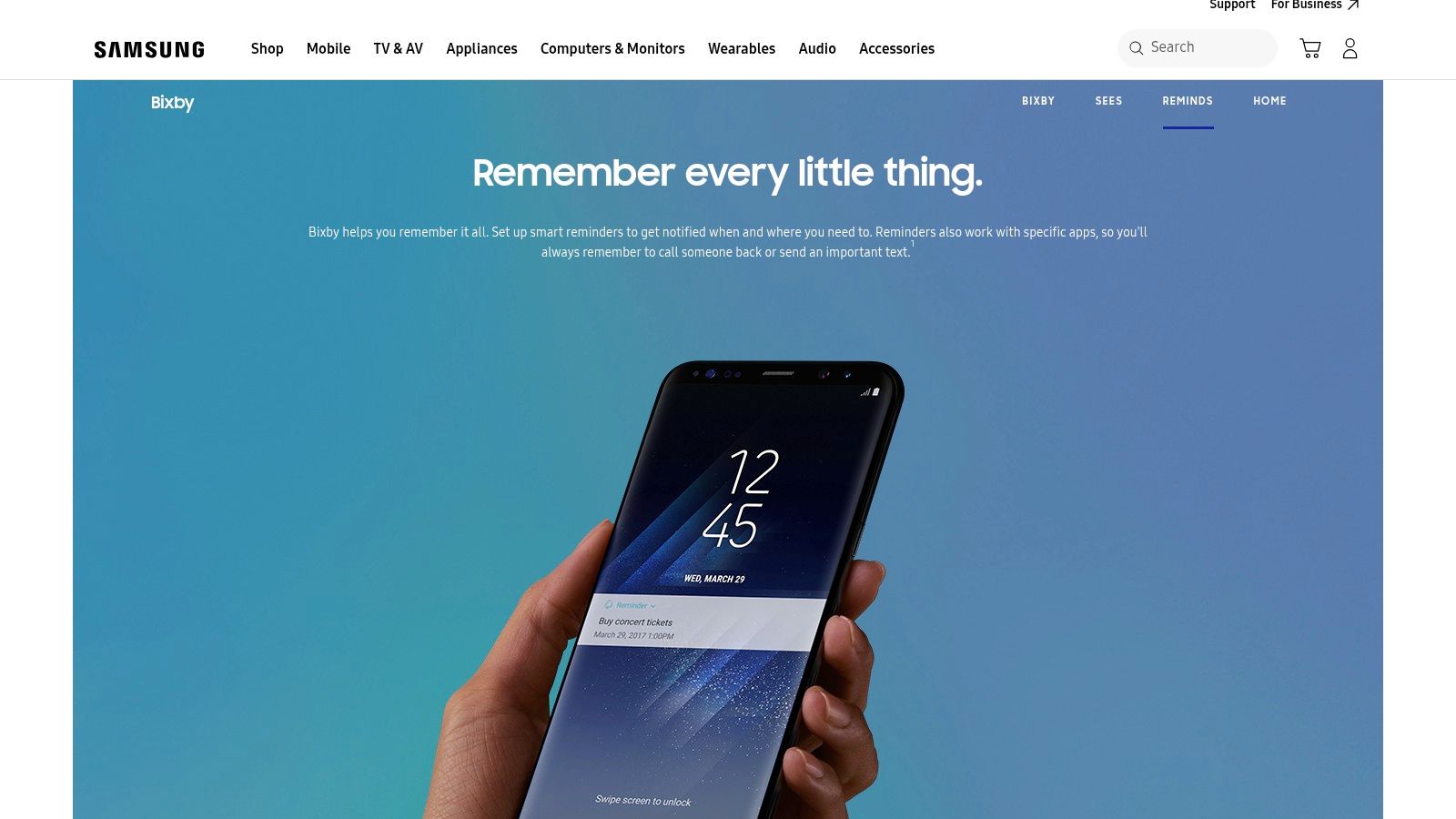
The app excels at capturing reminders in context. You can create a reminder directly from a text message to call someone back or from a website to read an article later. Its biggest advantage is the deep integration with Bixby, Samsung's voice assistant, allowing for effortless, hands-free reminder creation.
 ### Why It's on This List
Samsung Reminder makes this list because it is the best reminder app for Android if you are a dedicated Samsung Galaxy user. Its ability to sync with Microsoft To Do bridges the gap for those needing desktop access, combining native convenience with optional cross-platform functionality. Widgets for the lock screen, Always-On Display, and Edge Panel keep your tasks visible without needing to unlock your phone.
While its distribution via the Galaxy Store and dependency on specific One UI versions can be a limitation, its performance for the target user is undeniable. The reliability that comes from a pre-installed, system-level tool means you don't have to worry about background process limitations affecting your notifications.
Key Features & User Experience
- Deep System Integration: Create reminders directly from native apps like Phone, Messages, and Samsung Internet.
- Bixby Voice Commands: Use your voice to set complex, context-aware reminders effortlessly.
- Microsoft To Do Sync: Optionally sync your tasks with Microsoft To Do for access on Windows and other platforms.
- Convenient Widgets: Access and view reminders from the Edge Panel, Always-On Display, and lock screen.
Website: https://www.samsung.com/us/explore/bixby/reminds/
- Tasks.org
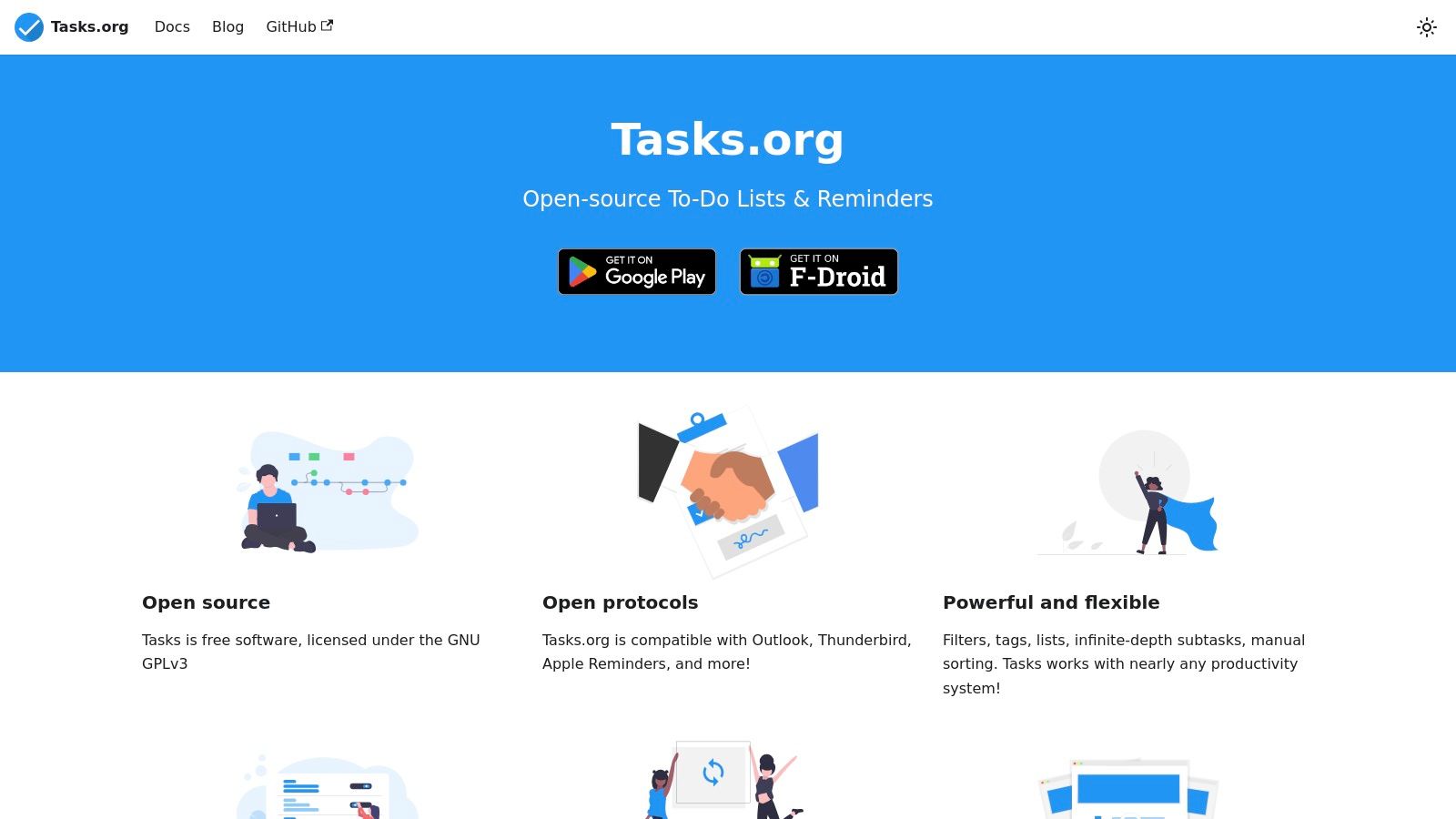
Tasks.org is an open-source and privacy-focused powerhouse for users who demand granular control over their tasks and reminders. As a fork of the popular Astrid Tasks & To-do List, it inherits a robust feature set while prioritizing user data sovereignty. It's an excellent choice for those who want a powerful, offline-first best reminder app for Android that doesn't lock them into a specific ecosystem.
The platform stands out by offering a wide array of synchronization options, including Google Tasks, CalDAV, and the end-to-end encrypted EteSync. This flexibility allows users to self-host their data or use trusted third-party services, providing a level of privacy and control that many mainstream apps lack. Its interface is clean, functional, and highly customizable.
 ### Why It's on This List
Tasks.org earns its spot for its commitment to open-source principles and user privacy without sacrificing advanced features. It successfully brings back functionality that power users miss from other apps, such as location-based reminders and highly flexible repeating task rules. This makes it ideal for building and maintaining complex schedules.
The ability to set multiple reminders for a single task and create deeply nested subtasks provides a detailed planning structure. For those managing complex projects or looking for the perfect tool to organize their daily routine, Tasks.org offers the depth and customization needed. You can explore how it compares to other daily routine apps to see if it fits your workflow.
Key Features & User Experience
- Flexible Sync Options: Connect with Google Tasks, CalDAV/DAVx⁵, EteSync, or self-hosted servers.
- Advanced Reminders: Set multiple reminders per task and create location-based alerts.
- Privacy-Focused: As an open-source app, it operates with full transparency and offers end-to-end encryption via EteSync.
- Powerful Organization: Use tags, filters, and unlimited nested subtasks to manage complex projects.
Website: https://tasks.org
12 Android Reminder Apps — Feature Comparison
AppCore Features ✨UX / Reliability ★Pricing & Value 💰Best For 👥Standout / USP 🏆Google Play Store✨ Massive app catalog, payments, device checks, beta tracks★★★★★ Safe & consistent💰Free platform; app prices vary👥 Android app seekers🏆 Primary Android marketplaceGoogle Tasks✨ Gmail/Calendar/Assistant integration, simple task lists★★★★☆ Lightweight; deeply integrated💰Free with Google Account👥 Casual users in Google ecosystem🏆 Unified Reminders across GoogleGoogle Calendar✨ Date-driven tasks + events, desktop side panel★★★★☆ Familiar UI; reliable alerts💰Free👥 Users needing calendar-focused reminders🏆 Event + task view in one placeTodoist (Doist)✨ Projects, labels, filters, integrations, AI Assist★★★★☆ Mature & reliable (some Android bugs)💰Freemium — Pro for advanced features👥 Power users & teams🏆 Robust filters & wide integrationsMicrosoft To Do✨ "My Day", recurring tasks, Outlook sync★★★★☆ Stable; cross-platform💰Free with Microsoft account👥 Microsoft 365 users & planners🏆 Tight Outlook / 365 integrationAny.do✨ Daily planner, family/team spaces, WhatsApp pings★★★★☆ Easy to start; friendly UI💰Freemium; team tiers paid👥 Families & casual teams🏆 WhatsApp reminders & shared spacesTickTick✨ Advanced reminders, calendar, Pomodoro, habits★★★★☆ Feature-rich; strong widgets💰Freemium; fair annual premium👥 Users wanting all-in-one productivity🏆 Pomodoro + habit tracking + multi-remindersRemember The Milk✨ Smart Lists, tags, email/SMS multi-channel alerts★★★☆☆ Reliable sync; dated UI💰Freemium; Pro for power features👥 Users needing email/SMS reminders🏆 Multi-channel reminders & powerful searchBZ Reminder✨ Quick add, repeating alerts, missed-call & birthday imports★★★☆☆ Lightweight & responsive💰Free / low-cost👥 Users who want "just reminders"🏆 Small footprint, focused reminder appGalarm✨ Group/buddy alarms, ack tracking, web management★★★☆☆ Social alarm UX (ecosystem dependent)💰Free / in-app options👥 Families/teams needing audible group alarms🏆 Simultaneous group alarms & acknowledgmentsSamsung Reminder✨ System-level reminders, Bixby, Edge/AOD widgets, MS sync★★★★☆ Reliable on Galaxy hardware💰Free on Samsung devices👥 Samsung Galaxy users🏆 Deep One UI & Bixby integrationTasks.org✨ Open-source, multi reminders, location alerts, CalDAV/EteSync★★★★☆ Privacy-focused & feature-rich💰Free / donate; small opt-in fees👥 Privacy-minded & self-hosters🏆 Open-source + self-hosting & location alertsAutomating Your Reminders for a Stress-Free Life
Navigating the crowded landscape of Android productivity tools can be overwhelming. We've journeyed through a comprehensive list, from the seamless integration of Google Tasks and Calendar to the powerhouse feature sets of Todoist and TickTick. We've seen how specialized apps like BZ Reminder excel at persistence, while collaborative tools like Microsoft To Do simplify shared responsibilities. The key takeaway is that the best reminder app for Android is not a one-size-fits-all solution; it's the one that flawlessly integrates into your unique life and workflow.
Your choice is deeply personal. It hinges on what you need to remember, how you prefer to be notified, and the complexity of your daily routines. The perfect system for a freelancer managing client deadlines will differ vastly from that of a student organizing study sessions or a household coordinating chores.
How to Choose Your Perfect Reminder System
To move from reading this guide to implementing a functional system, you must first define your core needs. Ask yourself these critical questions:
- What is my primary goal? Am I trying to manage complex work projects with dependencies (consider Todoist, TickTick), or simply remember to take out the trash and pay bills on time (Google Tasks, Any.do)?
- How important is ecosystem integration? If you live in the Google or Microsoft universe, sticking with their native apps (Google Tasks, Microsoft To Do) will provide the most frictionless experience. Samsung users might find Samsung Reminder to be a perfect fit.
- What is my tolerance for complexity? Do I want a simple, set-it-and-forget-it tool like BZ Reminder, or do I crave the customization and detailed tracking offered by an app like Tasks.org or Remember The Milk?
- Do I need to share reminders? For family, team, or partner coordination, apps with strong collaborative features like Microsoft To Do, Todoist, or the specialized Galarm are essential.
By answering these, you can narrow down the twelve options we've covered to the two or three most likely candidates. The next step is to test them. Commit to using one app for a full week to see how it genuinely feels in your day-to-day life.
Beyond Reminders: The Power of True Automation
Choosing the right app is the crucial first step. However, the ultimate goal is not just to get more notifications; it's to reduce the mental load required to manage your life. This is where we elevate our thinking from simple reminders to intelligent automation. A reminder tells you to do a task. Automation does the task for you.
Consider a recurring task like sending a weekly progress report email or reminding a client about an overdue invoice. A standard reminder app will ping you, adding another item to your to-do list. An automation-focused tool, like Recurrr, handles the entire workflow. It composes and sends the email on the schedule you define, shifting your role from doer to system manager.
This dual-tool approach is the pinnacle of modern productivity. You use a powerful Android reminder app for your dynamic, ad-hoc tasks, the unpredictable things that pop up daily. Simultaneously, you delegate all your predictable, repetitive tasks to an automation engine. This ensures nothing falls through the cracks, freeing up your cognitive energy for strategic thinking and creative problem-solving. To fully grasp these concepts, it's helpful to understand the general principles of task automation and how they can be applied beyond just sending messages. By combining the best reminder app for Android with a smart automation workflow, you build a truly resilient system that supports your goals and gives you back your most valuable asset: your time.
Ready to move beyond simple pings and start automating your repetitive tasks? Recurrr complements your chosen reminder app by handling scheduled communications, like sending recurring emails or Slack messages, completely on autopilot. Stop just remembering to do the work and let Recurrr do it for you.